Because you probably don't want your stereo on at full blast the moment you start your car.
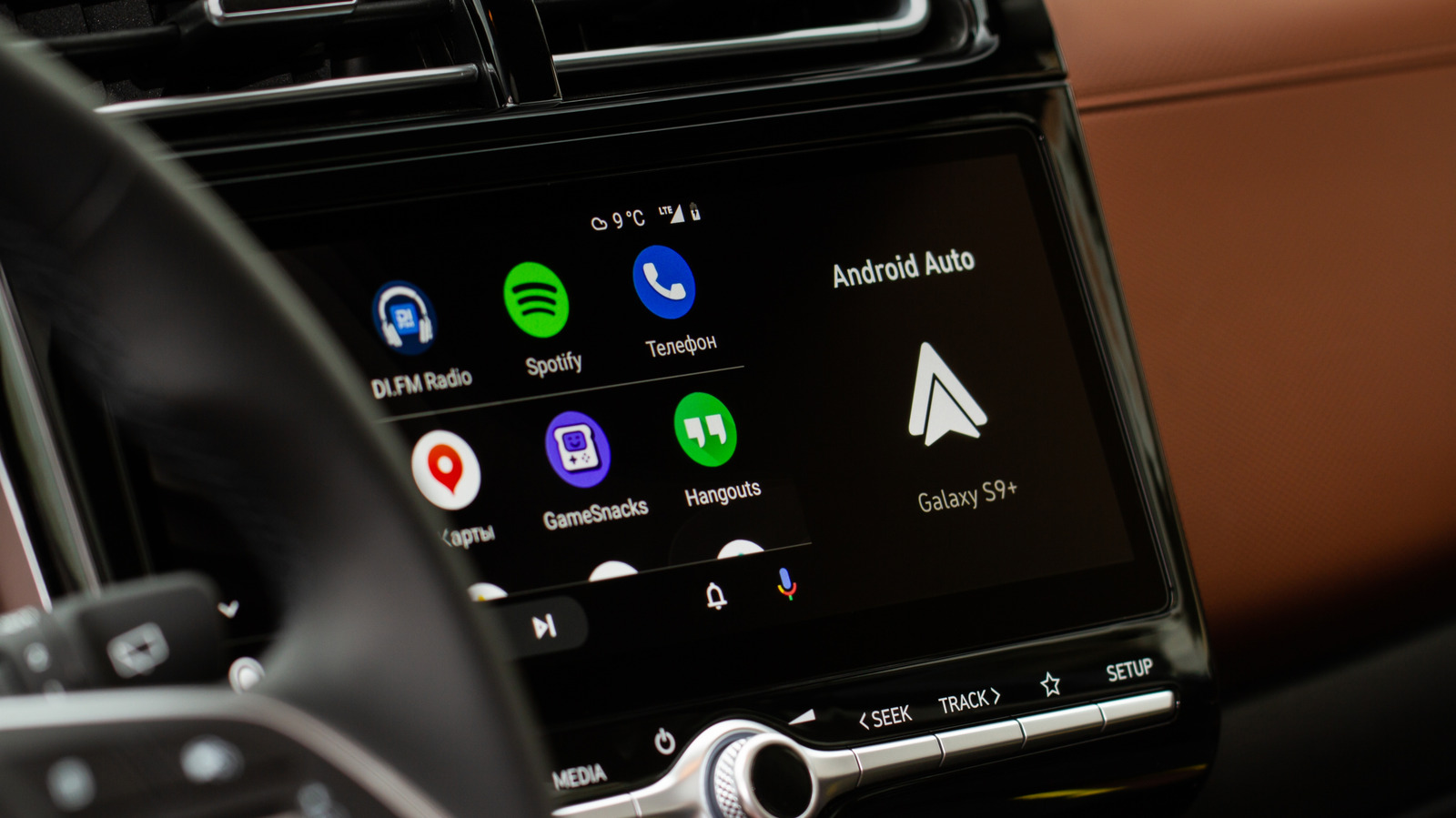
If you've ever started your car only to be blasted by music you didn't ask for, you already know the headache of Android Auto's autoplay quirk. The moment your phone connects, by USB or wirelessly (even if you use an adapter), your last playlist, podcast or audiobook picks up where it left off at whatever volume you had set the last time you were in the car. It's an unwelcome surprise during a morning commute and a real distraction if you prefer a few quiet seconds before pulling out of the driveway. Depending on what music or audiobooks you were listening to, it may also not be content you want the kids to hear when you're driving them to school.
In the past, fixing this problem was quite difficult and required a ton of workarounds, extra apps and jumping through hoops you really shouldn't have to. Now, it often just requires flipping a toggle.
You'll need to start with Android Auto's own settings. You'll need to go to Settings > Connected devices > Android Auto and look under the Startup section. That's where you'll find the toggle for the Start music automatically feature. If you have trouble finding it, try searching for Android Auto in your settings. Switching this feature off tells Android Auto not to resume playback the moment it connects to your car. For loads of drivers, this single step solves the problem, and it's the first fix mentioned on Spotify's support forums.
Source link