
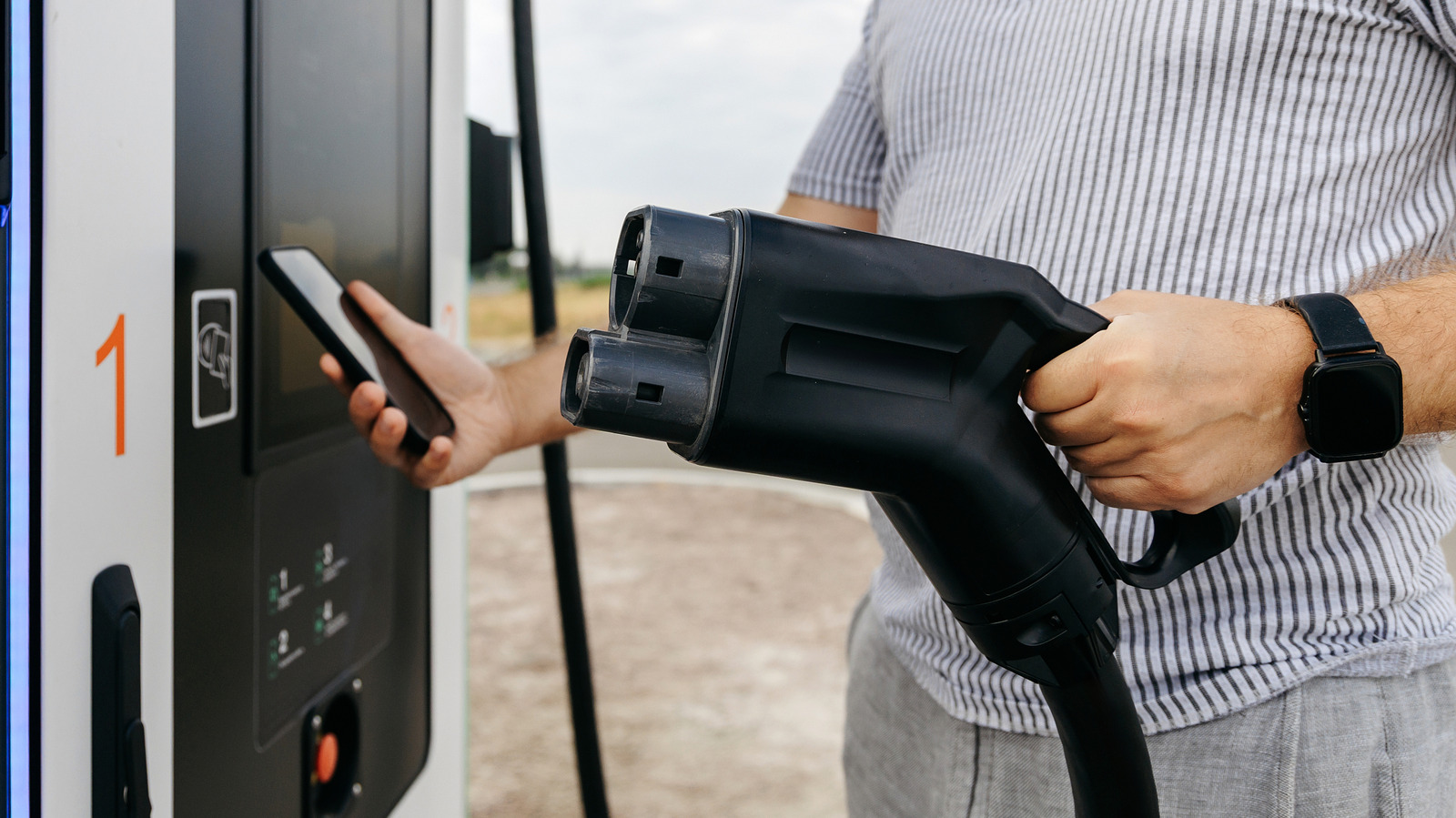
Whether EV routing works depends on your car, your phone and the navigation app you use.
Owning an electric car means you need to adapt your driving to your surroundings. You're not worrying about where to fill up your gas tank anymore, but about where to find the nearest charging station. Long trips mean you're likely to need to top off your EV's battery; otherwise you're going to reach an abrupt end.
You could find charging stations yourself and add them as stops on your trip, but that's not ideal. EV routing can take some of the hassle out of planning. It'll plan stops around your route with an idea of when you're arriving and how much charge you'll have left. Google Maps and Apple Maps both feature EV routing on CarPlay and Android Auto, but there are some differences, and it isn't universal. You'll need to know what your car supports and how to use your navigation app.
Before you grab your keys, check that your car supports the EV routing features you need. Just having CarPlay or Android Auto doesn't guarantee support, unfortunately. Some cars will also work directly with EV features through CarPlay, while others might need an extra app to link the car to Apple Maps.
Ford's Mustang Mach-E and F-150 Lightning support Apple Maps EV routing, as do Toyota's 2023 and newer EVs in the US. Google expanded Android Auto's charging recommendations to more than 350 US EV models in March 2026.
Android Auto isn't the same as having Google Maps built into your car.
Source link





