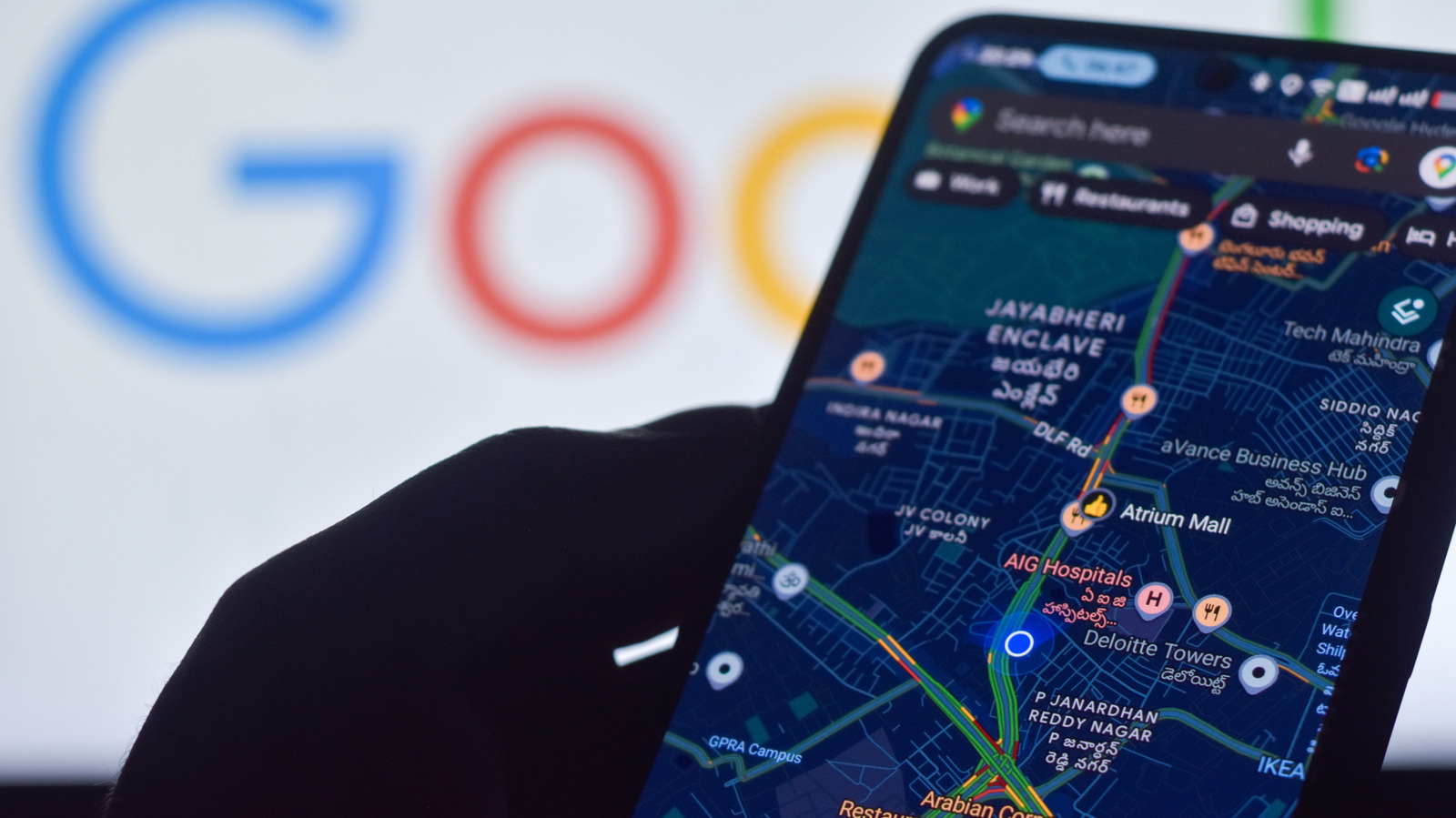
There are a few settings to check if you're having issues with your map's location accuracy.
The best Android phones use built-in GPS to determine where you are, which is necessary to guide you with turn-by-turn directions. To accurately know how to get to where you want to go, after all, the phone first needs to know exactly where you are. You might also use this feature to send a pin of your location to someone, or maybe mark the location of your parked car so you can find it in a busy shopping mall. It's also useful for safety reasons in the event that you get lost or hurt. Bottom line: you want location information to be as accurate as possible. While precise location hinges largely on the phone's built-in GPS antennas, there are settings you can adjust to improve it.
The phone can use wireless signals, GPS, and device sensors to determine where you are, and even in what direction you're facing. A setting called Location Accuracy Service, formerly Google Location Services, is your first step to improving accuracy, especially if you're indoors or in a densely populated area where GPS signals aren't available or as clear. If the location is completely wrong, it means there's no working signal at all and the phone might be picking up where you last were and not where you are now. This can be frustrating, but it's easy to fix.
A simple settings tweak can improve your location accuracy . Go to Settings > Location > Location Services > Location Accuracy with most Android 12 and above devices and Settings > Location > Advanced > Location Accuracy with Android 11 and below.
Source link