
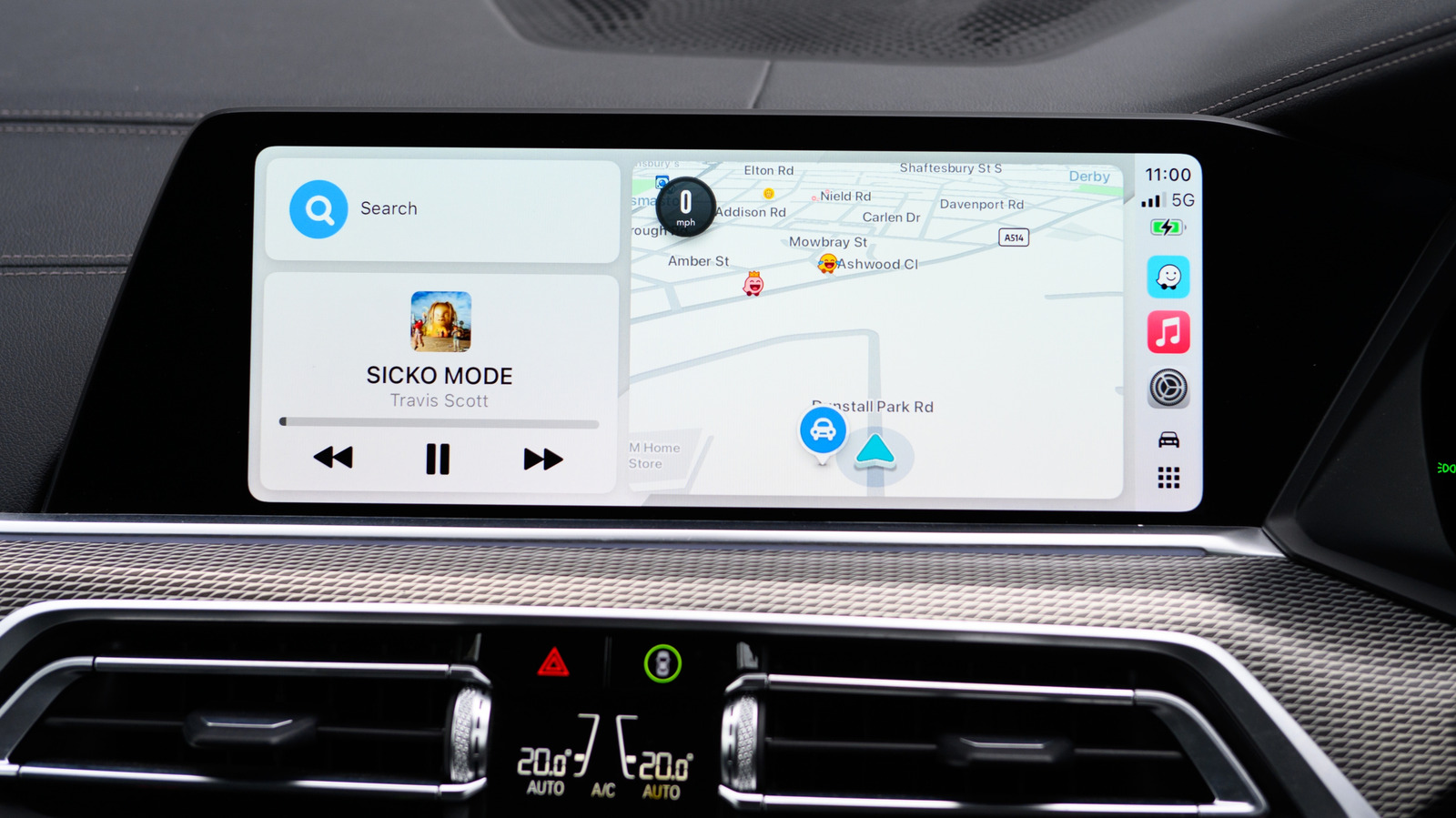
CarPlay is just the messenger, while your navigation app does all the hard work.
With all the rage and controversy over Flock cameras, speed cameras (or speed traps) have taken a back seat. Most of us have to deal with speed cameras (though they're banned in some states and limited in others), and Apple CarPlay is one way to handle them. While CarPlay itself doesn't send out speed camera warnings, alerts can be turned on for whichever navigation app you use. It stands to reason that Apple CarPlay users default to Apple Maps, but there are other, equally useful alternatives like Waze and Google Maps. There's always a caveat, however. Regardless of the nav app you use, mobile speed traps, by definition, move around a lot. Unless someone reports the new position on a given app, you won't get a warning.
Mobile speed detectors (in some form or another) have been around since the first speeding arrest in the US in 1899. A NYC taxicab driver named Jacob German was caught going 12 mph in an Electrobat (nearly the speed of light back then) in an 8 mph zone. The mobile units in those days were police officers on bicycles. Fortunately, modern technology provides drivers with information as it changes, but there's no such thing as a navigation app that knows where every camera is at all times.
In Apple Maps, there is no camera switch to toggle on or off. Camera alerts are automatic in supported regions. Waze, a compatible CarPlay navigation app , turns camera alerts on by default.
Source link





