
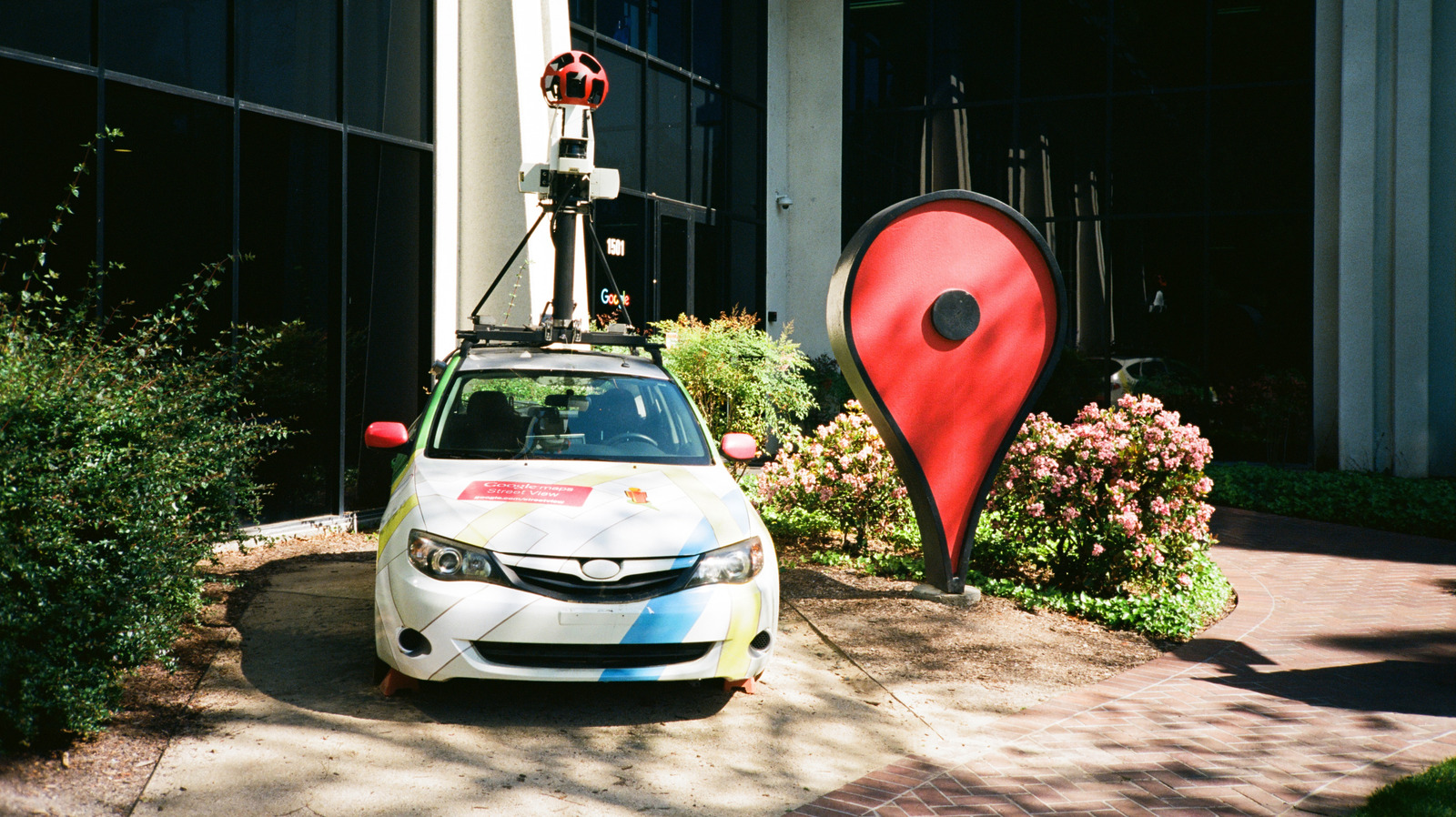
Google Maps has most of the world mapped out, but you can mark anywhere that isn't yet.
Since Google Maps first came online in 2005, the little red pin has been its defining symbol, and it's one you can take control of yourself. Even if where you are isn't a specific business or address, you can easily drop a pin within the app to save a location. Whether you're trying to meet up with friends in the park, mark a scenic viewpoint for future visit or remember where you left your bike, dropping a Google Maps pin can be incredibly useful.
Over its lifetime, Google Maps has debuted a lot of advanced features, from 3D mapping to telling you how busy a business is. Sometimes, though, the simplest feature is the most useful: telling you how to get from point A to point B. If your point A or B isn't officially on the map, putting it there yourself is easy.
Find the location you wish to pin, then press and hold on the spot.
If desired, add a label by scrolling across the options next to Directions and hitting Add label. This lets you set a custom name for the place instead of using its GPS coordinates, and adds it to the Labeled section of the Saved tab.
To save the pin for yourself, tap Save in the same list. Choose a list and add a note about the spot if needed.
To share the location with others, scroll through the list and tap Share , then choose your sharing method.
Source link





