
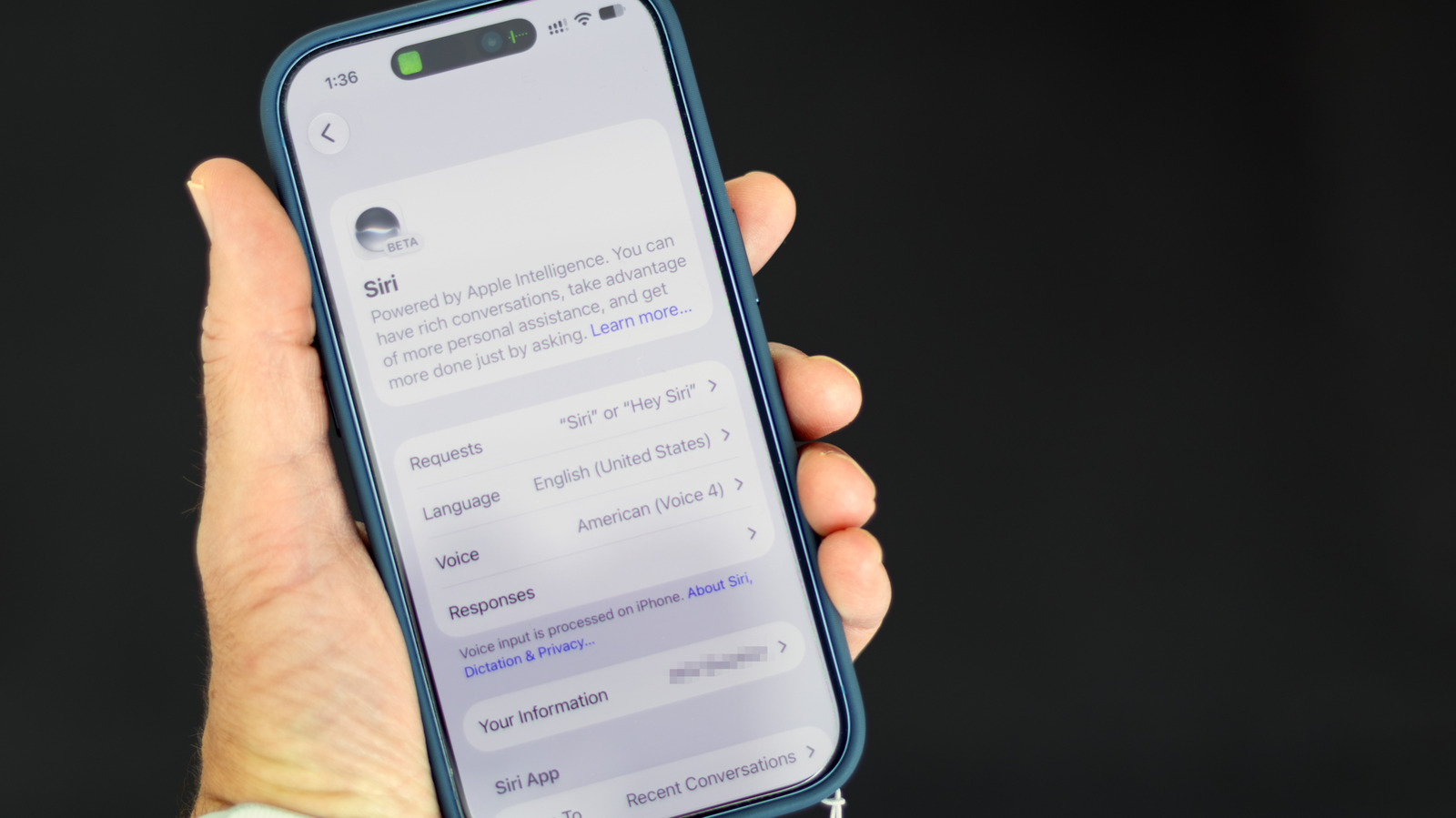
As Apple brings more AI to the iPhone, the technology is getting harder to avoid. While there's no longer a single switch to shut down Apple Intelligence system-wide, you can still turn off many AI features in iOS 27. You just have to do a little more digging.
These instructions are for Apple Intelligence-capable iPhones (iPhone 15 Pro or newer or iPhone 16 or newer) running iOS 27. If you're still on iOS 26, the simpler universal shut-off switch is still there: open Settings > Apple Intelligence & Siri, and turn off Apple Intelligence.
iOS 27 brought Siri's long-awaited AI revamp, transforming it from a simple voice assistant to a more conversational and context-aware one. But not everyone wants a chatbot-like Siri. To turn it off, open Settings > Siri, scroll to the bottom, tap Turn Off Siri and confirm on the next screen.
After that, you can switch back to the old Siri if you want. In that same settings screen, tap Turn On Siri, then choose Use Siri Classic. That way, you can still use it for simple tasks like setting timers and playing music.
Apple Intelligence isn't just about Siri. Among its other skills, it can summarize messages and other notifications. But you can turn those off, too.
For AI-generated summaries of messages, open Settings > Apps > Messages , and turn off Summarize Messages . This disables the AI-generated recaps of messages in the conversation list. For email's equivalent, go to Settings > Apps > Mail , and turn off Summarize Message Previews .
Source link





