
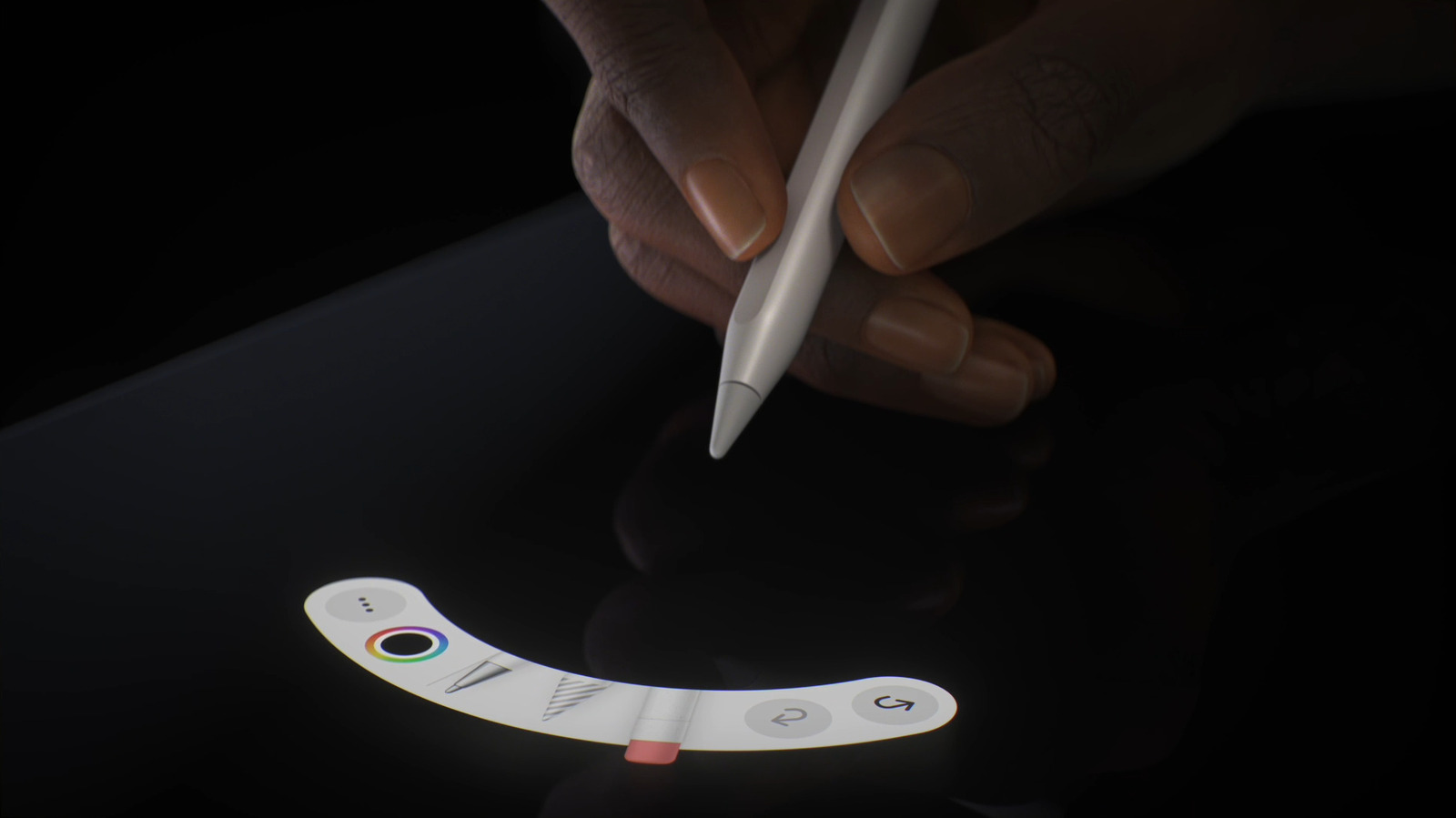
Getting your Apple Pencil linked with your iPad is easy, as long as they're compatible.
Contrary to the impression Apple gives, you don't need an Apple Pencil to use an iPad. As input accessories go, you're probably better off picking up a keyboard and mouse for your iPad first. But with a giant touchscreen, illustration and handwritten notes are obvious selling points, and you need some sort of stylus to make that work. The company is naturally going to upsell you on its own accessories, regardless of whether cheaper alternatives might get the job done.
Pairing an Apple Pencil to an iPad is dead simple, for the most part. But there is a process, plus surprising compatibility issues can crop up. You'd think a stylus would be one of the simplest accessories possible, but Apple's evolving iPad ambitions have created a few roadblocks.
We'll also deal with a few general troubleshooting issues, though chances are that you'll be up and drawing within a few minutes.
The exact pairing process depends on the Pencil model you own . In the case of the USB-C Apple Pencil, slide open the end of the stylus to reveal the USB-C port, then connect it to your iPad using an appropriate cable. A pairing prompt should appear on-screen, at which point all you need to do is hit Tap to Connect . As a bonus, your Pencil will charge at the same time. This also works with the iPhone Duo, which is only compatible with the USB-C Pencil .
Source link





