
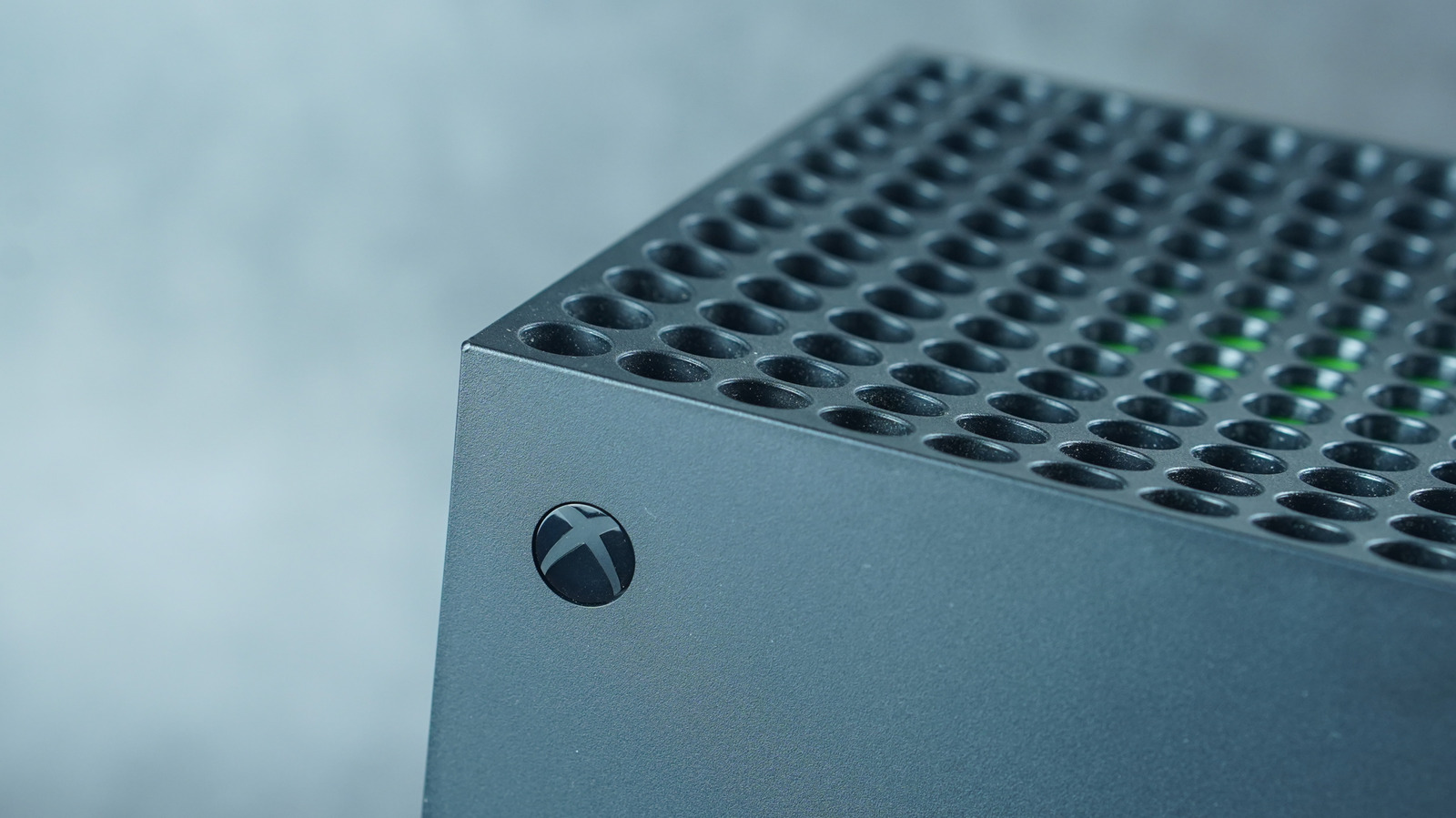
Keep your Xbox Series X feeling like new by keeping your cache clear, and if that doesn't help, a reset is in order.
If you secured your Xbox Series X years before the RAM crisis made consumer tech prices skyrocket (in case you were wondering why RAM prices are so high right now), chances are it's not as lag-free as it once was. Over time, temporary files can build up in the system, leading to slowdowns and glitches. When the classic restart option doesn't suffice, consider clearing the console's cache.
Just like clearing the cache on a phone or web browser, doing so on your Xbox once in a while can help its performance while navigating between menus. Clear the cache by turning off and unplugging your Xbox Series X for two minutes, then pressing the power button multiple times before reconnecting its power cord to power-cycle the console. Power it back on, and you should be good to go.
Clearing your cache is a trick worth trying when you run into excessive loading errors or connectivity issues in your games. For instance, Epic Games notes directly on its support site that clearing the cache on an Xbox Series X can help with load failure errors in its game Rocket League.
Clearing your cache can help resolve issues if a simple restart doesn't, since this action removes files stored on the console that may have been corrupted. Other ways to help reach the expected lifespan of your Xbox Series X are to routinely clean its vents for efficient heat management and keep the console in an open area so the fan can do its job.
Source link





