
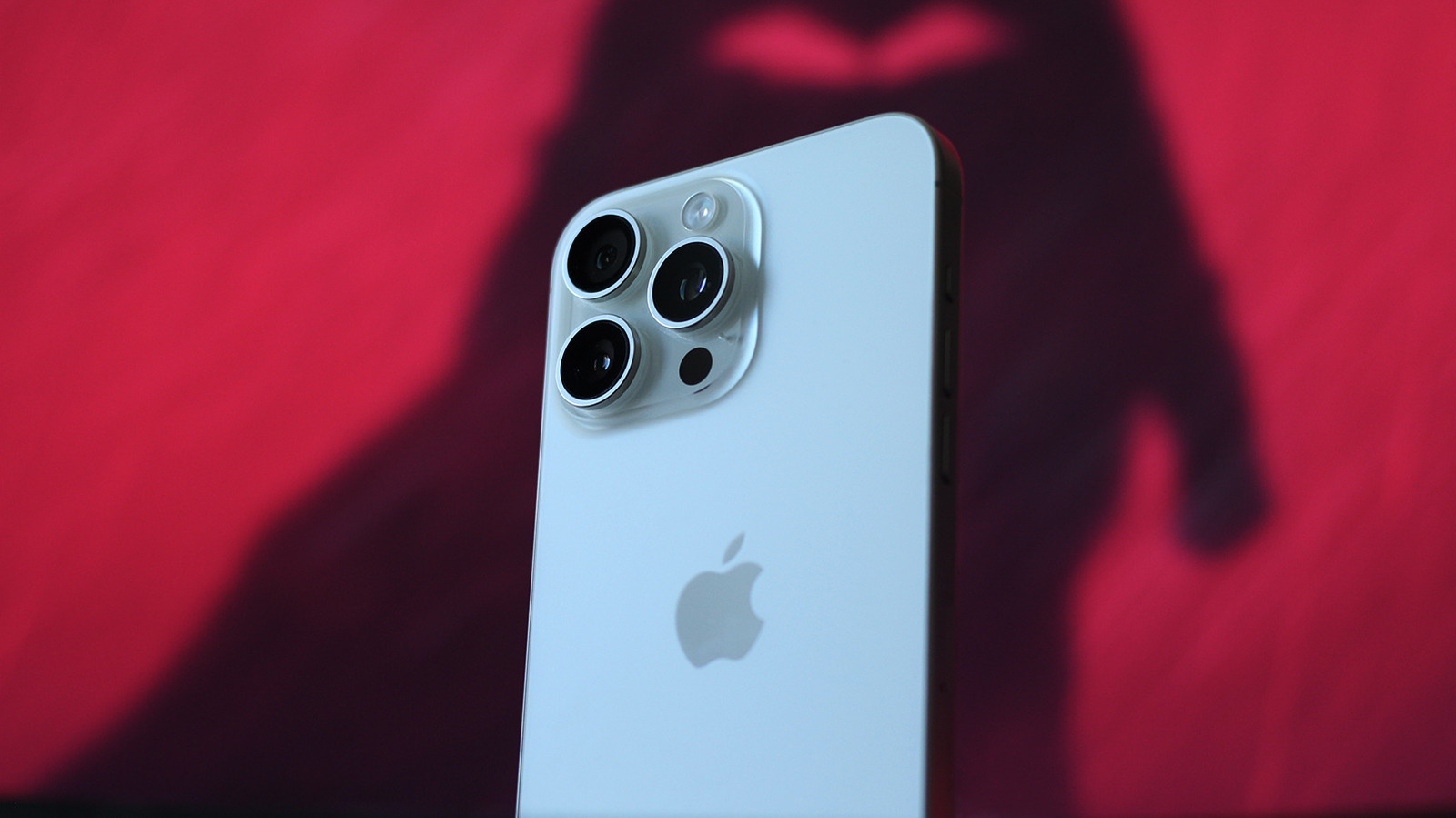
Apple's products may not always offer the best bang for your buck — the company still sells an iPhone with a 60Hz display for $700, for example — but they often make up for it with meticulously designed hardware and well-thought-out ecosystem features. iPhones also tend to last a long time, with Apple's commitment to long-term software support a major factor. Take the iPhone 11, for instance. Released in 2019, it can still run the latest version of iOS more than seven years later. If you're rocking a similarly aged iPhone and want to check the OS version you're running, open Settings and navigate to General > About > iOS Version.
Your iPhone should notify you when a new iOS version becomes available, and installation takes only a few minutes once the update finishes downloading. To check for updates manually, navigate to Settings > General > Software Update. This page also shows the current software version and will display a Download and Install button if an update is available. If a major iOS release, like iOS 27, is available, you'll see it in a separate Also Available section at the bottom.
Update sizes vary depending on the type of release. Security updates and hotfixes may only be a couple hundred megabytes, while major iOS upgrades can be several gigabytes, so you should connect to a fast Wi-Fi network if you're downloading the latter. If your Wi-Fi is spotty or unreliable, you can also update to the latest iOS version via a computer.
Source link





