
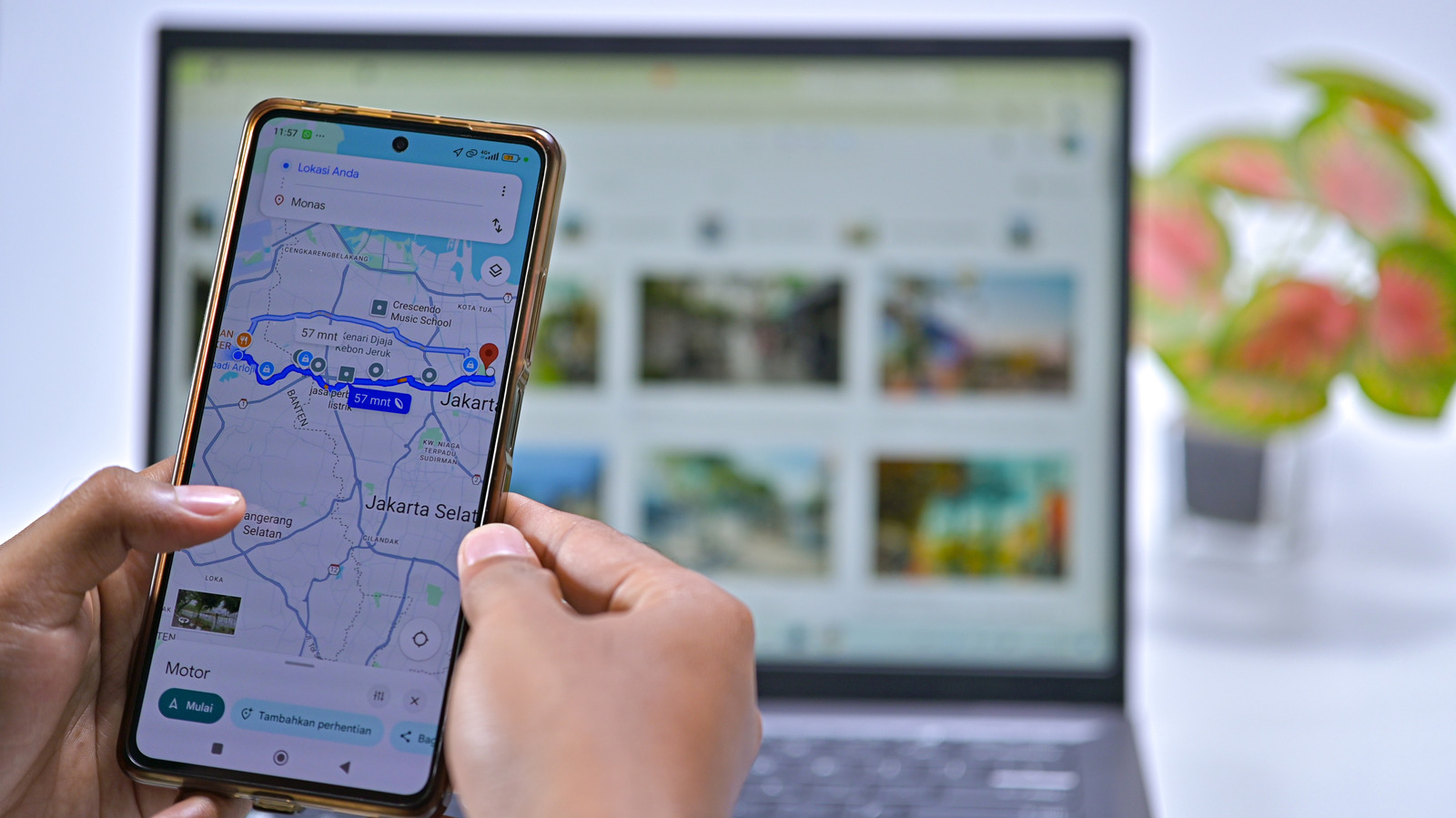
No matter where you navigate with Google Maps, you always return home eventually. Because it's the destination you travel to most, it makes sense to have quick access to your home address to cut down on wasted time. Thankfully, Google Maps has special shortcuts for your home, as well as other frequently visited locations.
If you've recently moved or have never set your home address, take a moment to configure it now. You can do so on the web or mobile app. Before you do this, though, consider the security implications of having your home address stored in your phone. If your device was stolen, or even if someone was able to snoop around for a minute, they could easily check your exact address by opening Google Maps (or other apps where you save this information, like Uber).
To enjoy the conveniences this feature provides without potentially exposing your full address, consider saving your "home" as a nearby public place like a restaurant or grocery store. That way, navigation is close enough that you'll know how to get home from there.
Open Google Maps in a browser, then click Sign in at the top-right if you're not already logged in. When you click inside the search box, you should see Home and Work entries at the top, where you can select Edit to change them.
If not, click your profile icon at the top-right and choose Manage your Google Account . On the resulting page, click Personal info on the left sidebar, then scroll down to find and choose Home address .
Source link





