
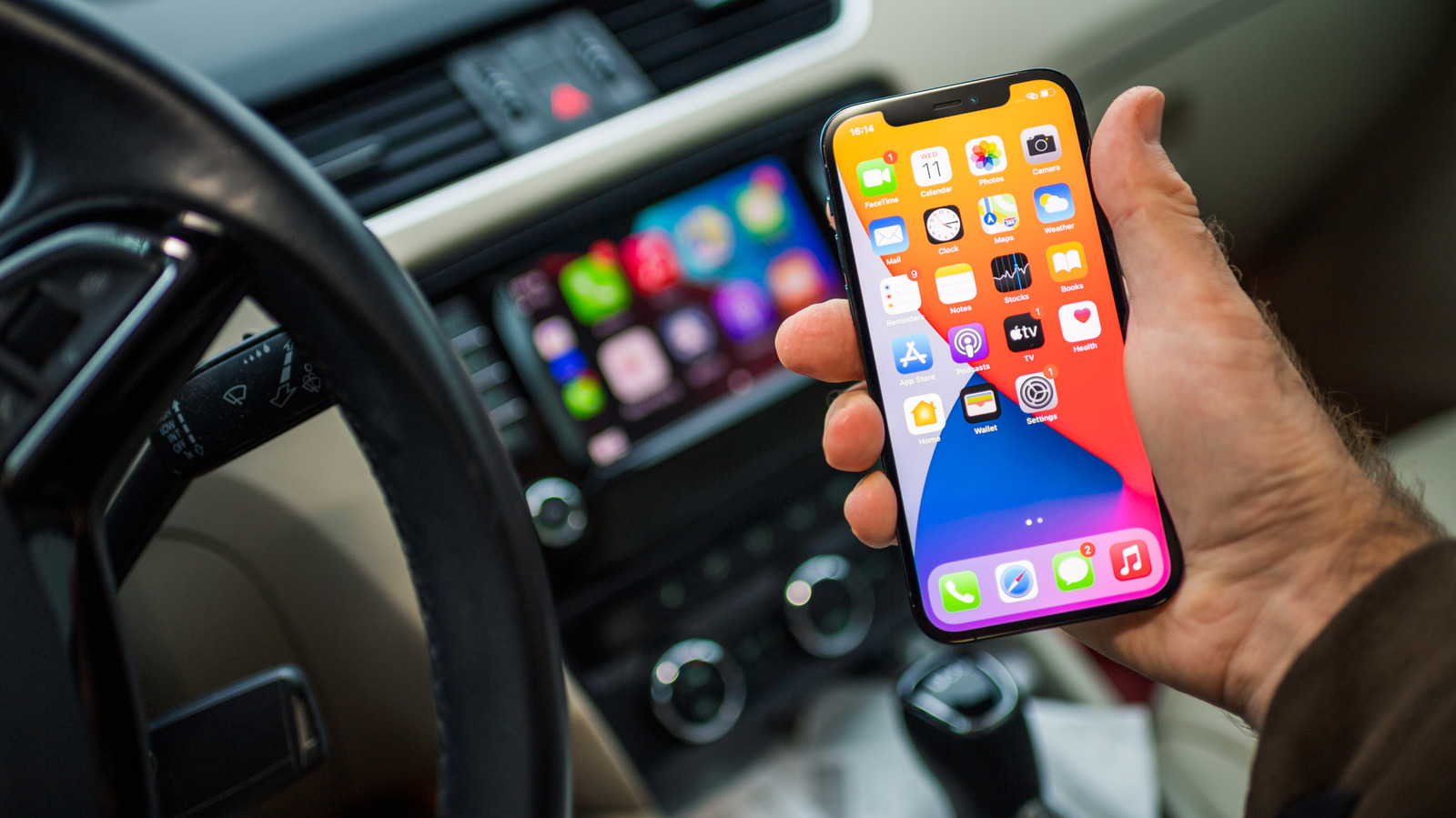
Personalizing your CarPlay dashboard beyond its apps only takes a few easy steps.
Since Apple added widgets to CarPlay in iOS 26, compatible cars have gotten even closer to being a proper extension of your iPhone. Instead of being limited to navigation, messaging and audio, CarPlay widgets let you view information from many other apps on your phone. Whether you want to check live game scores, manage your smart home or follow the forecast at your destination, a widget makes it simple to do so on the road.
Before diving in, you should know there's a difference between a CarPlay app and a widget. An app like Maps or Spotify is fully optimized for CarPlay and takes up most, if not all, of your display for easier interaction. On the other hand, widgets appear in customizable stacks and provide specific details from the app they represent.
Luckily, customizing your CarPlay experience, including widgets, is straightforward. And even better, iOS 27 expanded the available widget pool beyond what was possible before.
While you're parked or not driving, open the Settings app on your iPhone, then go to General > CarPlay and tap your car. Next, select Widgets. Make sure Show Widgets is enabled, then select Add Widget to browse your options.
You'll see recommended choices at the top, followed by a list of compatible apps on your phone. A given app can offer multiple widgets, so make sure to explore them all. The number of widgets that show at a time changes based on the size of your car's infotainment center.
Source link





