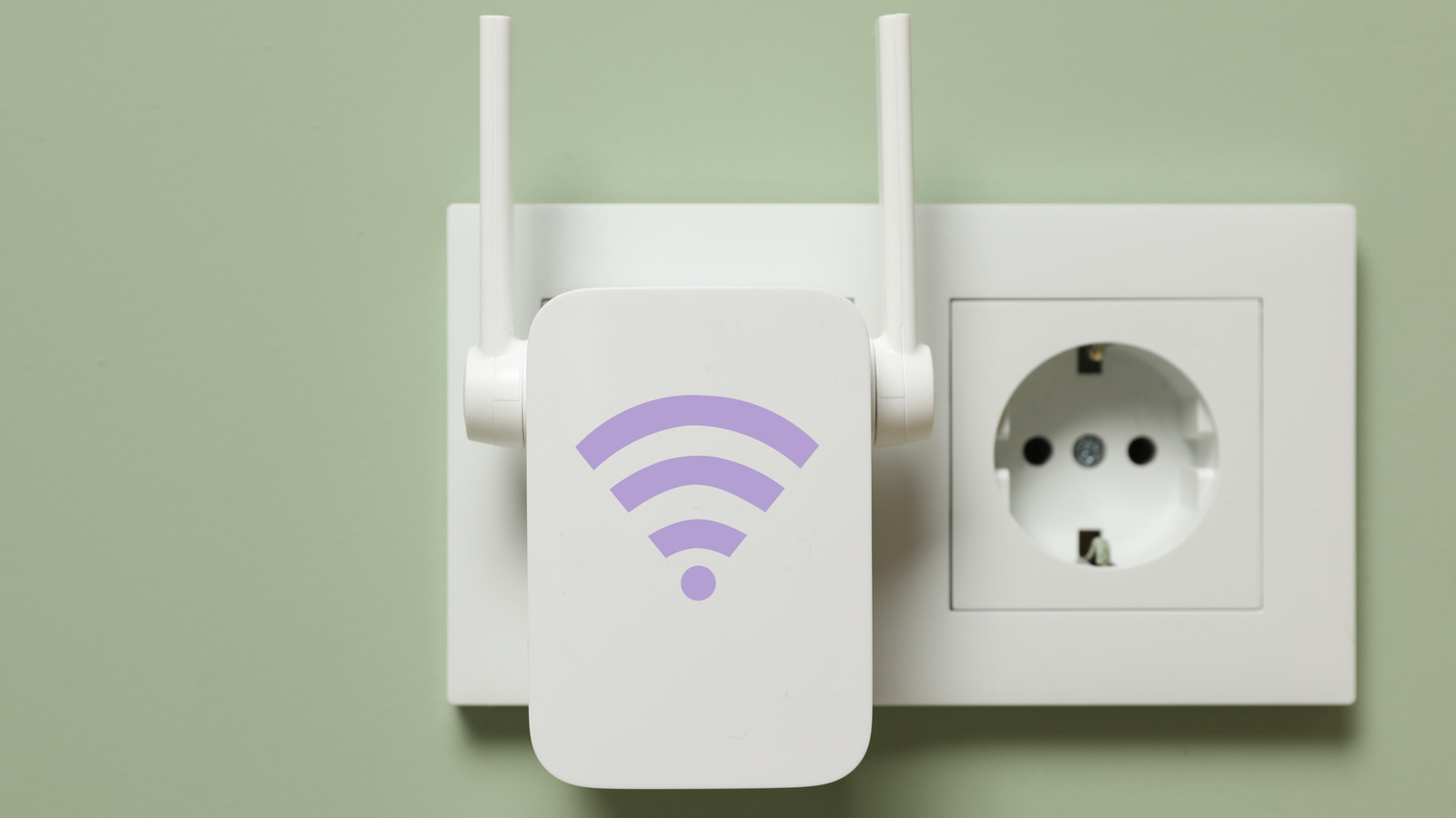
Wi-Fi extenders can be finicky, and placement matters more than you might think.
No matter how many antennas your Wi-Fi router has, its signal can only go so far before it starts to decline and eventually fades entirely. While that's normal, it can leave your home with Wi-Fi dead zones: areas where the wireless signal is weak or nonexistent. This is where Wi-Fi extenders can swoop in and help — to an extent.
Top Wi-Fi extenders, as their name implies, capture and extend the reach of your router's signal coverage. This makes them a simple and cost-effective solution for covering dead zones and weak spots, particularly in smaller homes. But similar to your router, a Wi-Fi extender has its limits. The biggest is that it simply re-broadcasts the signal it receives, regardless of whether it's weak or strong. In other words, you have to place it at just the right position to cover the dead zone while still receiving a strong signal from your router.
The prevailing placement recommendation is halfway between the device or dead zone and router. However, proper Wi-Fi extender placement also varies depending on how your space is built and what's inside it.
Under ideal conditions, the halfway point usually works out to placing the extender around 25 to 40 feet from the router if it has external antennas. For models with internal antennas, suitable placement is 20 to 35 feet from the router.
The right positioning is vital because unlike a router, which only has to broadcast signals, an extender has to receive and then re-broadcast the signal it gets.
Source link