
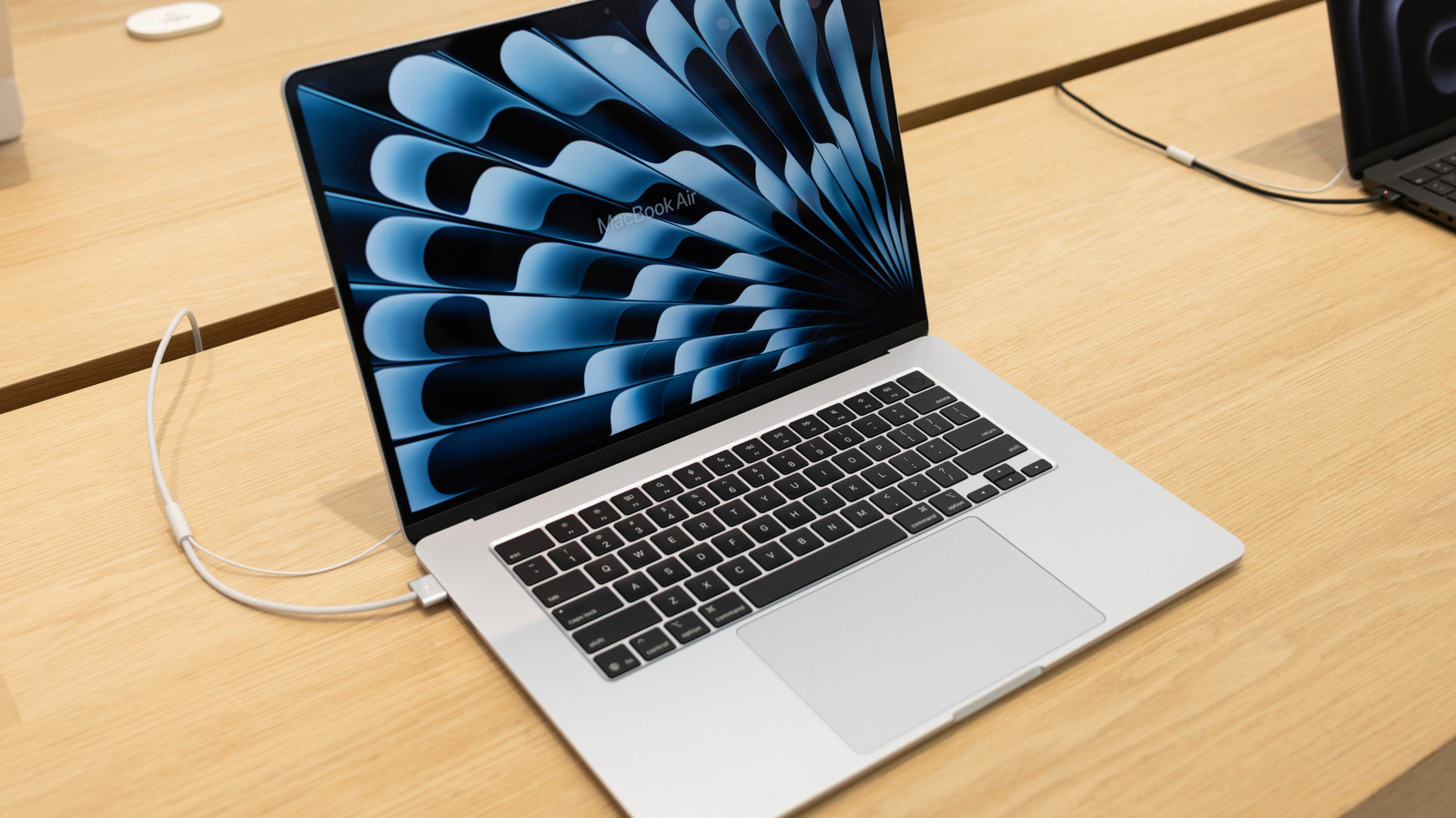
When you are deep in the zone, typing away on your MacBook, the last thing you want is for its battery to die in the middle of a work session. But is it safe to keep your device plugged in nonstop? There is a widely-held conception that doing so may fry your battery, or at least reduce its effectiveness. But in fact, thanks to the lithium batteries and smart charging software installed in new MacBooks, it's generally fine to keep your laptop plugged in at all times.
Still, there are some caveats, including accounting for unusual home electricity related issues like storms or blackouts, or overheating due to other factors. And there are some tricks to keeping your battery healthy that may include the occasional unplug, as well as a number of settings that promote battery health. Read on to learn tips for consistently charging your MacBook without impacting its battery life long-term.
The short answer is that it typically doesn't make a difference. Mac computers use default software to monitor battery life and adjust to user habits and device power fluctuations. These tools work by monitoring its temperature history and charging patterns and modify charging accordingly. MacBooks (and basically all other laptops) run on lithium batteries, which have a high number of charge cycles. They also contain software that uses charging data to calculate when to reduce your battery's maximum charge, reducing wear and giving it more longevity.
5 (released in 2019) or later. If for some reason you've turned it off, you can activate it by going to your Apple menu, clicking "System Settings," and finding "Battery" in that sidebar.
Source link





