
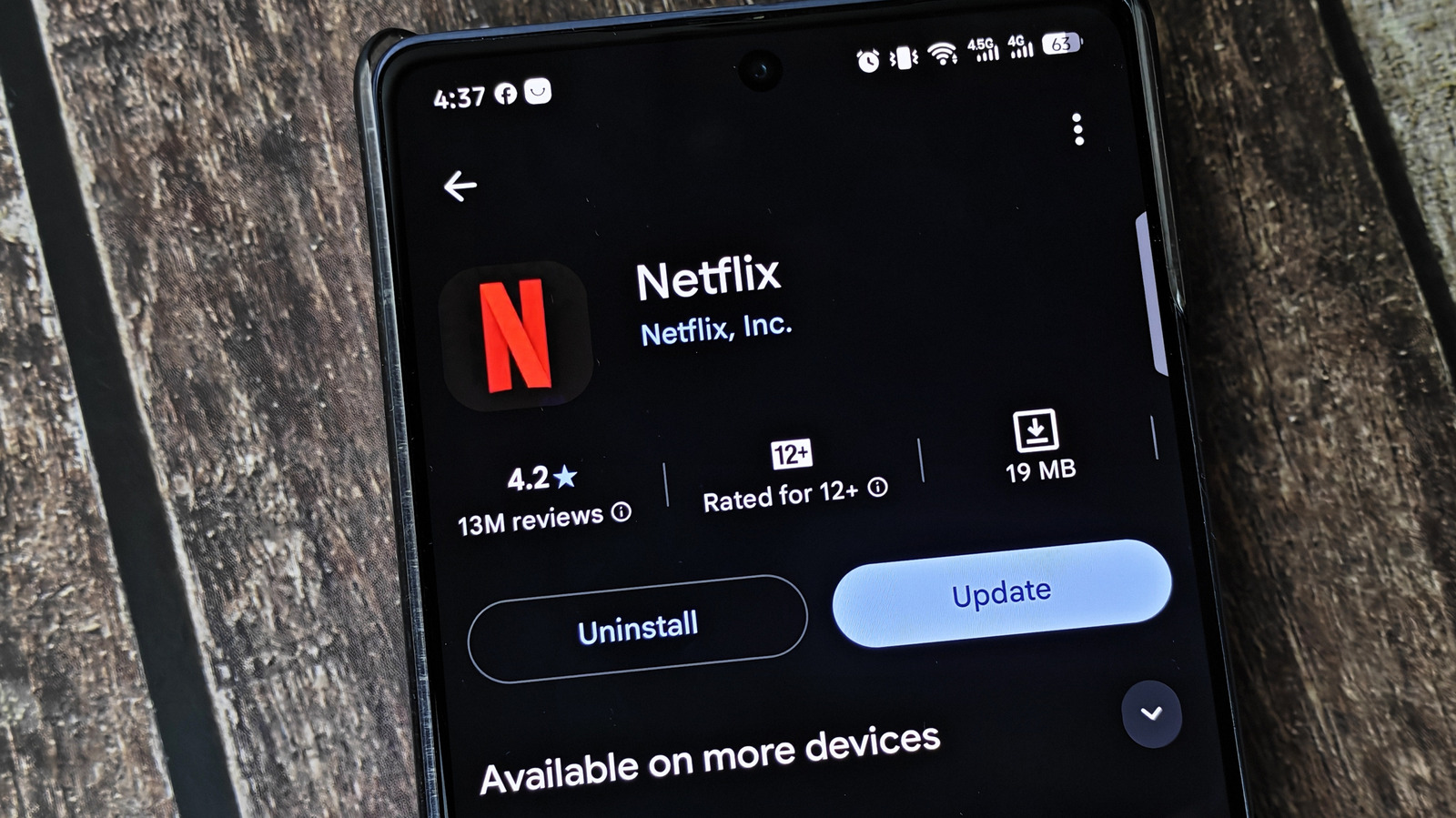
You're likely nagged to update something every day, whether it's an OS, browser, console game or anything else with an internet connection. Apps on your phone might seem like a minor update in the grand scheme, but you shouldn't let them sit forever. Updating apps has lots of benefits, and delaying them for too long can cause problems.
Thankfully, this isn't as much of an issue since automatic updates are a quick toggle in the App Store (Settings > Apps > App Store > App Updates) or Google Play Store (in the app, tap your profile picture, then go to Settings > Network Preferences > Auto-update apps).
But you shouldn't fully rely on them, either. Updates can get stuck or fail, like when you have to manually update Android Auto. And they don't necessarily reach your device as soon as they're available. It's best to pair auto-updates with manual checks every so often to make sure they're running as they should. And when those updates are installed, you should know what's happening behind the scenes.
This is the most obvious change when you update an app: buttons moved, features added or libraries expanded. We've all had the experience of opening one of our favorite apps and being surprised by its new look. Some apps, like social media, change constantly. Others, like those for shopping or utilities, might only change once or twice a year.
If you skip updates, you'll miss new tools like leaving notes on Spotify songs , smarter playback options in a podcast app, new courses in Duolingo and fresh tracks in the Nintendo Music app.
Source link





