
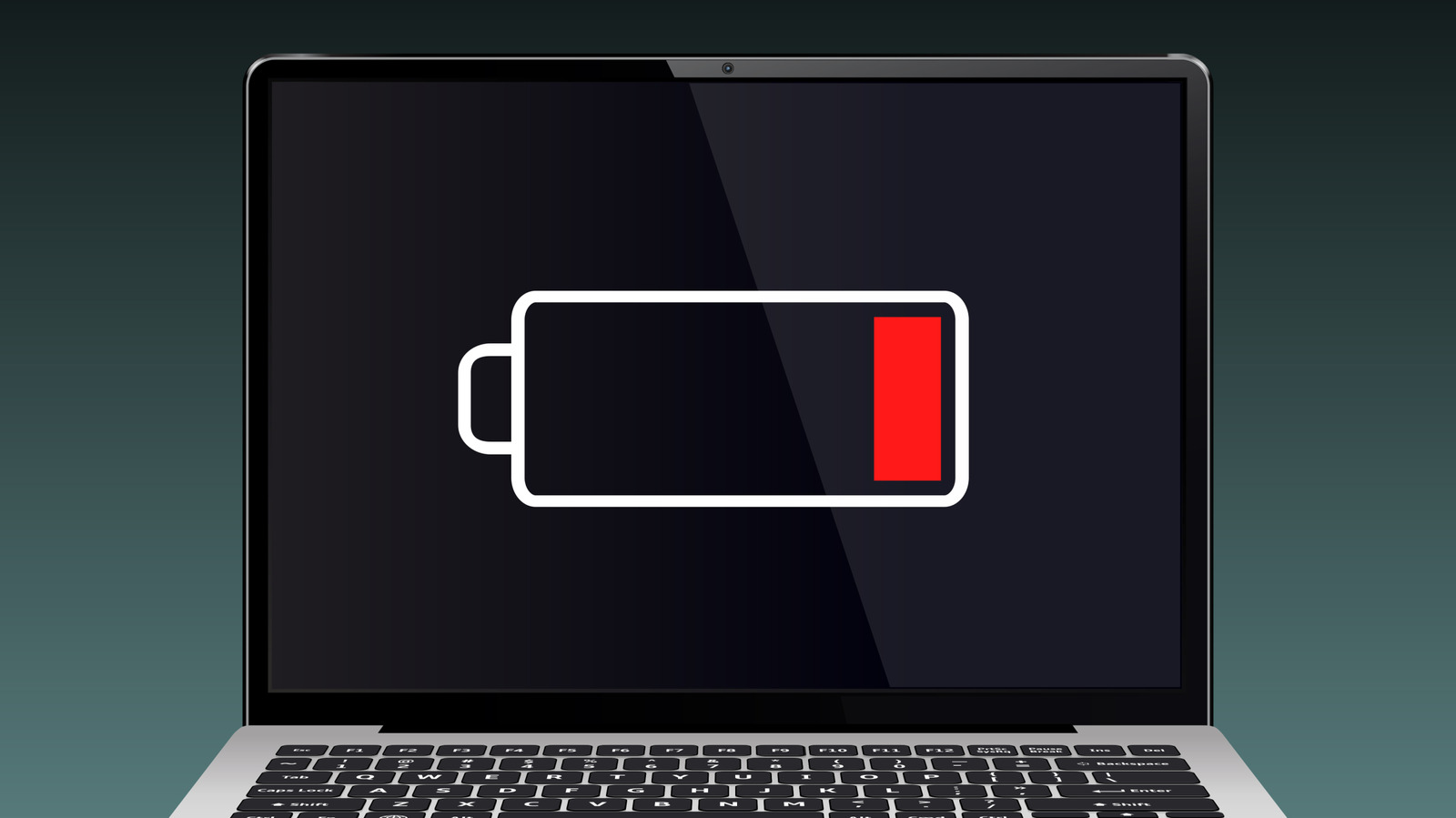
If your laptop has ever run out of battery unexpectedly, you know what an inconvenience it can be — especially if you're out in the world without a charger. One minute you're cranking away on some crucial spreadsheet for work, and the next, you're staring at your own face reflected in a black screen. Aside from the jump scare of the latter, there could actually be a bigger risk to letting your laptop battery completely drain.
Granted, there's a lot of information on the internet about the best ways to take care of your battery. Some of it hinges on the type of battery and how you use it. No matter how you cut it, though, a total drain isn't ideal, even if it won't set off a disaster if it happens from time to time. Nevertheless, here's what happens when you fully drain your laptop battery.
On the whole, lithium-ion batteries, like those you'd find in a laptop, are pretty low maintenance and have several perks, such as being able to charge fairly quickly. In a perfect world, you wouldn't get all the way down to 0%. HP explains that if you want to extend your laptop battery's life as long as possible, it's best to keep the charge somewhere between 20% and 80%. Others might recommend charging to 40% to 80%. Either way, this also takes a bite out of the myth that you should drain your battery before recharging it in the name of longevity.
Repeatedly letting your battery drop to low levels can cause wear to the battery.
Source link





