

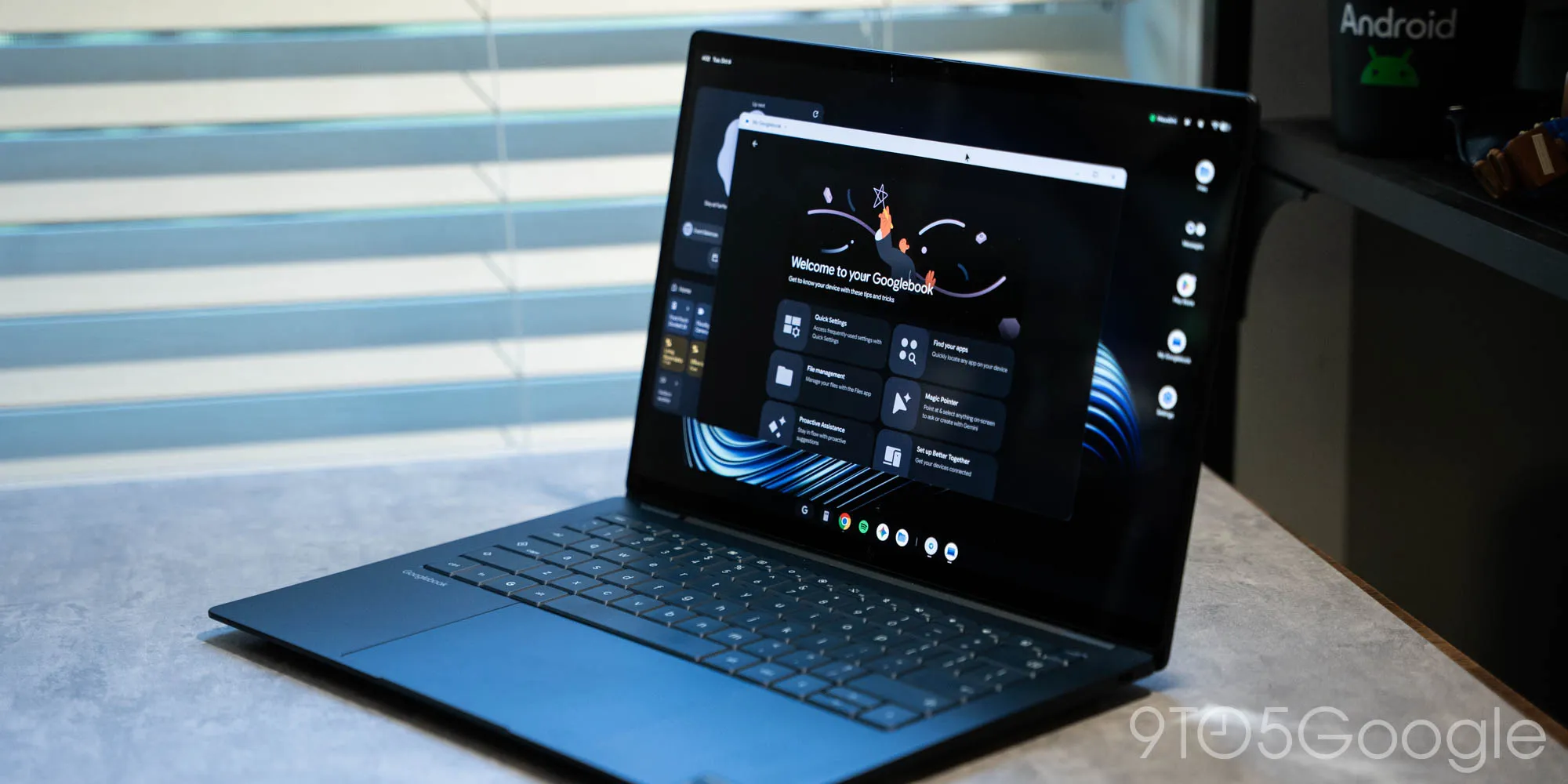
Having been using a Googlebook for the better part of a week, there are any number of headaches I could talk about, but easily the biggest problem I’m running into thus far is the app situation. Frankly, it’s a mess.
Googlebook, like Chromebook, was never going to be in a “good” place for apps. The Android-based platform sets up a more capable foundation for the future but, without a major push from Google and partners, it was always going to result in a rough start.
The “main” issue is around desktop-class apps and programs. Staples like the Adobe suite are simply not here, and there’s no easy way to replace them. Not to mention the depth of niche apps that have been built out in the Windows and macOS over the decades. At launch, Googlebook was never going to compete with that, though I’d argue that stripping away the Linux support ChromeOS did have isn’t exactly helping matters.
The problem I’m finding much more frustrating is around the apps Googlebook can access, and the messy situation around that.
The Google Play Store is your main way to obtain apps on Googlebook. Android apps are the preferred method and, in time, I’m sure that’ll work better than it does today. But, at the moment, Google’s stopgap to varying levels of quality for Android apps on desktop was to give five quality labels to any given app.
These are all applied by Google — developers have no direct control.
In my book, that’s wildly confusing for the end user, especially as the Play Store doesn’t link out to where you can use the web app for the Android apps it tries to steer you away from.
Source link





