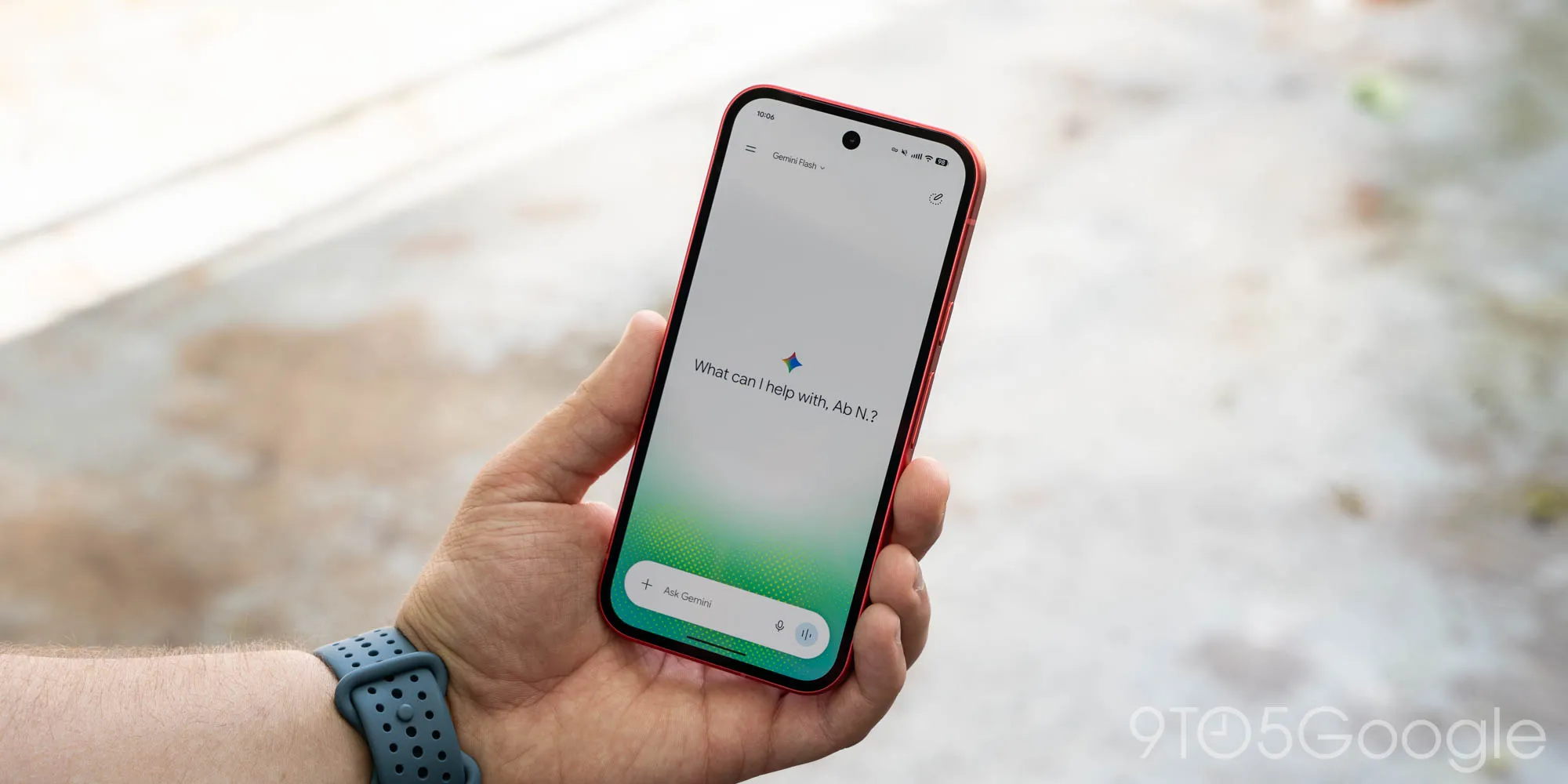
Following the Spark-to-Task update, the Gemini app has now rolled out redesigns of the side panel and settings on Android.
This revamp starts with Google moving search to the top-right corner. The first item in the list remains New chat, with Library appearing next instead of being located near the bottom.
To avoid cluttering the navigation drawer while still allowing you to view recent chats, Gemini displays only five items before making use of “More,” which expands the list upon tapping. With an AI Ultra subscription, the full list is as follows: New chat, Library, Images, Scheduled, Daily brief, Customize, Students, Videos, and Gems.
Meanwhile, the Gemini app is revamping settings. Instead of having preferences split between the account menu and “Gemini Settings,” Google has consolidated everything into one page. The account menu is now just for switching accounts, leaving Feedback, or getting Help.
The “Settings” page starts with Manage account and Usage limits. Under Preferences, you’ll find Notifications, Personal Intelligence, Avatar, Task settings, Theme (new), Skills, Voice, Media, Device controls, Cart and orders, and Gemini Notebook. There are two other sections:
The updated side panel and settings rolled out to iOS, macOS, and the web app last week with the launch of Gemini 4 Argon. We’re now seeing wide availability on Android following a server-side update.
Source link