
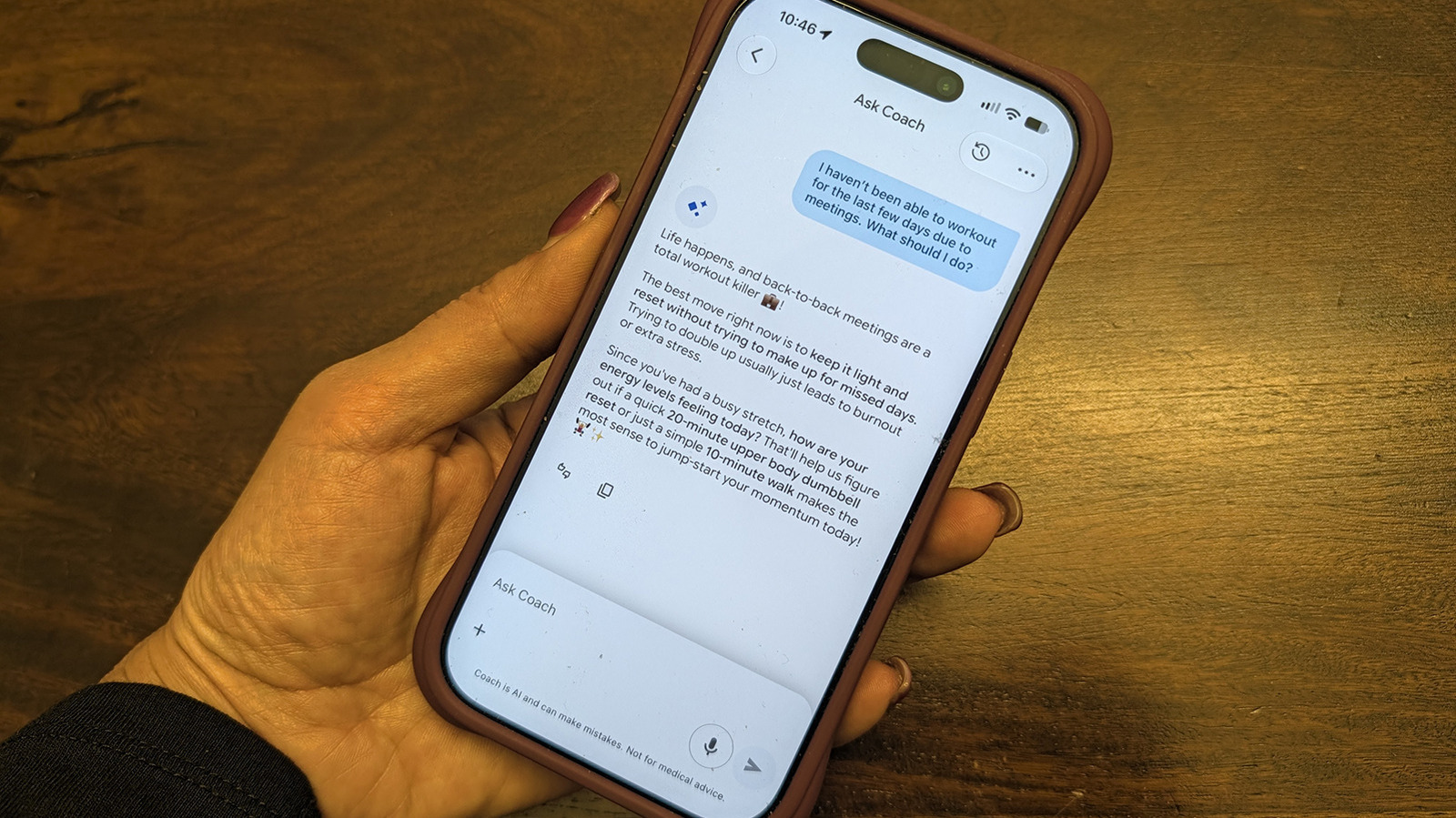
If you don't like Google Health's AI Coach or need a break from its constant advice, the easiest way to get rid of it is to cancel your Google Health Premium subscription, since AI Coach does not come with the free Google Health tier. But what if you just want to hide it for a bit and continue to enjoy the other benefits of Google Health Premium? These include personalized sleep summaries, advanced sleep tracking algorithms, Sleep Score, Health Guardian that tracks noticeable changes in health and wellness, cycle predictions, nutrition tracking and more.
Don't worry, because there is a way to keep Google Health Premium but temporarily (or permanently) set aside the Gemini-powered AI Coach in the app settings thanks to an update released in August 2026. It's a simple matter of going to your privacy controls and toggling the feature off. And you can turn it back on again any time you want.
In the Google Health app while subscribed to Google Health Premium, tap your profile photo in the top right corner. Select Your data in Google Health then scroll down to Feature privacy controls and select Manage feature privacy controls . Select Google Health Coach and the Turn off button. That's it! You can also go to your profile photo > Google Health settings > Coaching , and turn off Health Coach from there. Another option is to change Coach messages on Today from Standard to No Coach insights , which will only show basic updates and no messages.
Source link





