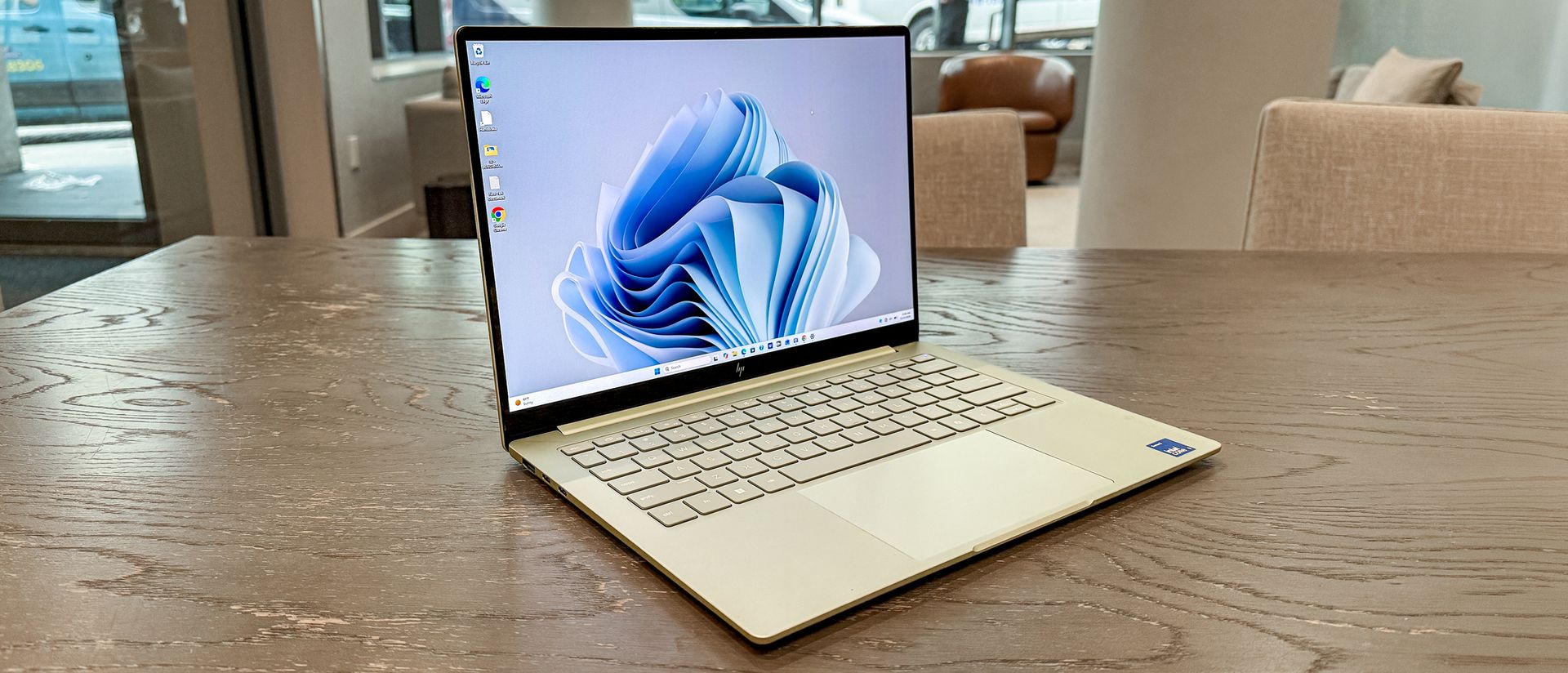
Your computer might be hiding a performance problem you don't even know about. And instead of spending hours digging through settings, downloading optimization apps or searching Reddit for answers, you could ask AI to investigate.
Claude Code, Anthropic's AI-powered coding assistant, has a surprising second use: helping diagnose what might be slowing down your PC or Mac. So before you start shopping for a new laptop, it's worth letting AI take a look.
If you're new to Claude Code, it might sound like something designed exclusively for developers, but Anthropic's AI-powered assistant can also help investigate what's happening inside your computer. It can examine system information, identify potential performance bottlenecks and explain what might be worth fixing, even if you don't know much about PC hardware.
I can honestly say that this is an extremely easy fix and you don't have to know how to write a single line of code. Here's how to use Claude Code to investigate what's slowing down your PC.
First, you'll need access to Claude Code, which is available for Windows and macOS.
Unlike the regular Claude chatbot, Claude Code can work with files and run approved commands on your computer. This makes it useful for examining information about your system rather than simply offering generic troubleshooting advice.
You'll need a paid Claude plan or separately billed API access. Claude Pro starts at $20 per month when billed monthly.
Once installed, launch Claude Code and sign in. For this exercise, keep it in a mode that requires your approval before running commands, and don't give it unrestricted access to your computer.
Source link