
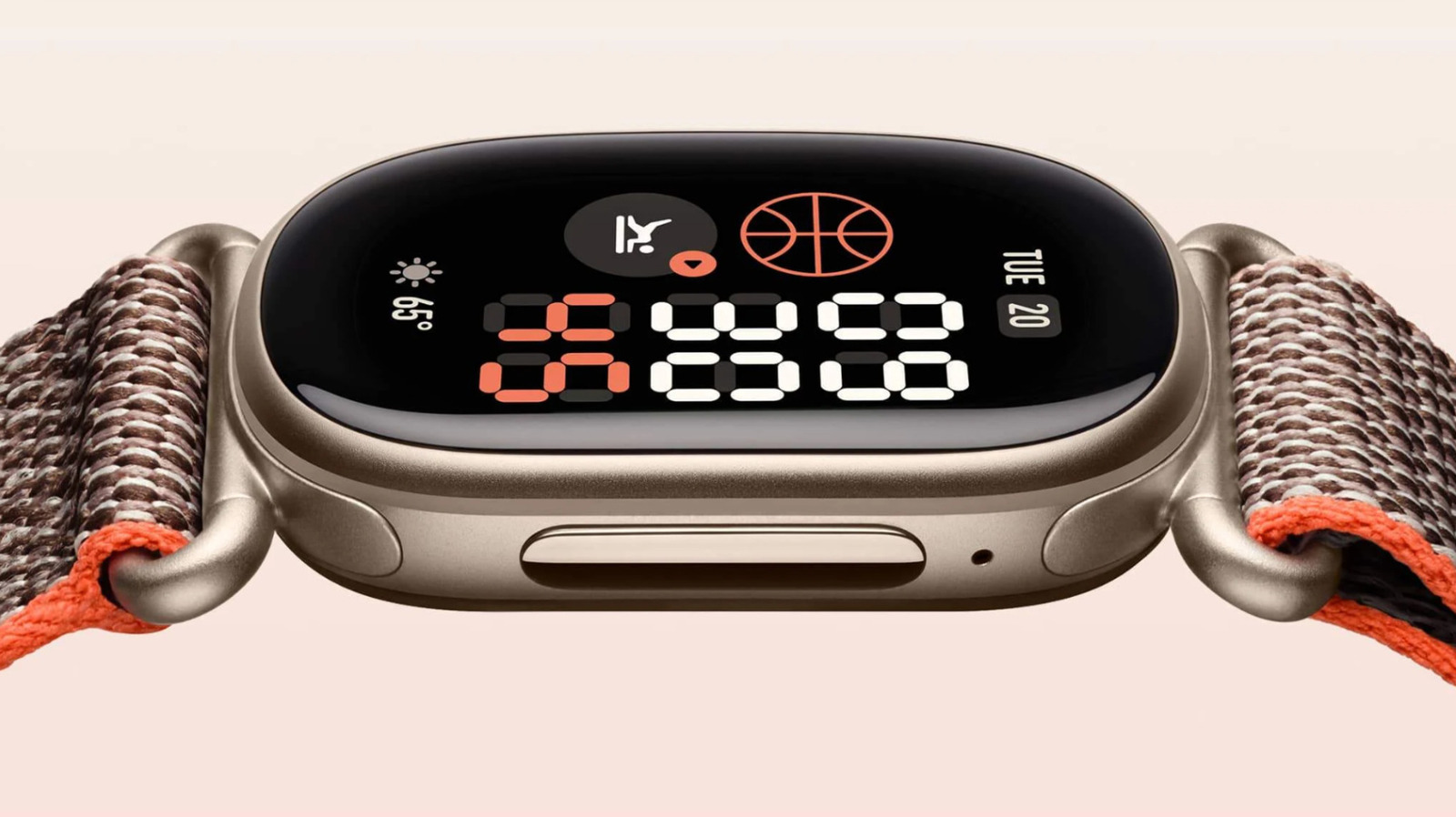
For a while, the Fitbit brand seemingly had its back against the wall. After Google's takeover in 2019, it released a range of branded devices, like the Sense 2 and Charge 6, but the company really started to prioritize the Pixel Watch, to the point that people began questioning whether the brand would survive.
Recently, though, Google has reaffirmed its commitment to the Fitbit name with two new devices, led by the Fitbit Edge. It's arguably one of the best fitness trackers for people who don't want to spring for a full-fledged smartwatch. It might not be on par with something like the Garmin Forerunner 570 or Apple Watch Ultra 4, but it's not trying to be.
As with any tracker, there are a variety of settings on the Edge you can change to optimize your experience, from customizing its clock through to making it a bit more deadlift-friendly. None of these tweaks are strictly necessary, but you'll probably be glad to have them ready should the need arise.
One of the first things you should change is your Edge's watch face, or as Google refers to it, clock face. It's not just about style — some faces support more tiles (complications or widgets) than others, letting you check stats like calorie burn and heart rate at a glance, not just the time or weather. The best ones in that regard are the Modular faces, which allow up to four or five tiles.
To browse and install faces, open Google Health, then navigate to Connections > [your device] > Watch faces > Clocks .
Source link





