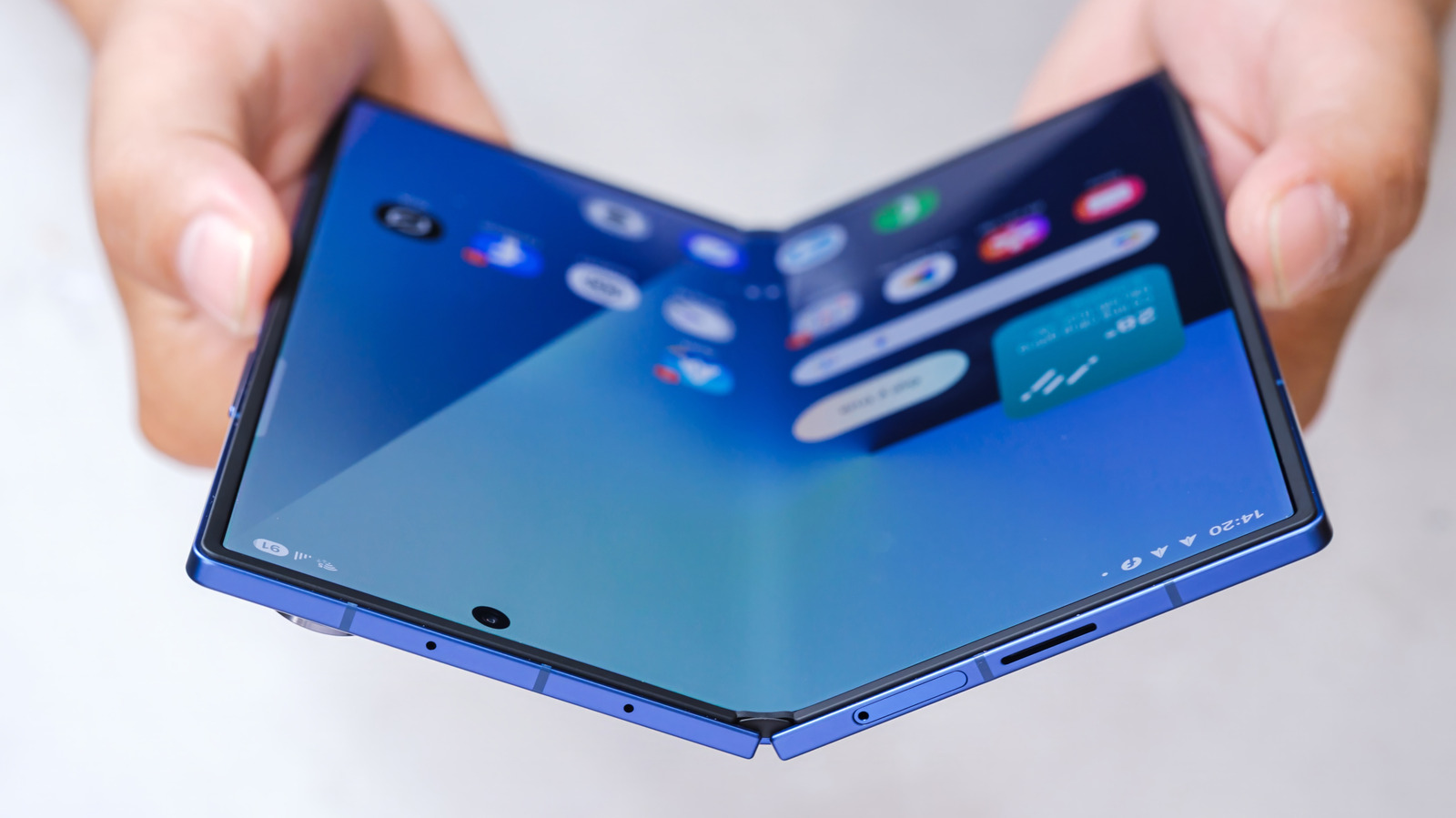
Samsung's One UI is a staple feature of the company's phones and tablets, and for most users, it handles everything well enough. That doesn't mean it's perfect, though, and there are plenty of reasons why you might want to replace it with another set of apps entirely. The bad news is that you can't remove One UI from a Samsung phone, but there are ways to cut out the parts you find frustrating or unhelpful with just a little effort.
First, it's important to understand what One UI actually is and the features it offers. One UI is custom software for Samsung phones, but in many cases, what people actually want to change is their launcher, which determines the look of the home screen. While that's part of the picture, One UI also encompasses a set of features and pre-installed apps that affect every aspect of your phone. Some parts of One UI will always be running on a Samsung phone, but replacing your launcher and removing other apps can help get the results you want without switching phones entirely.
Switching out your launcher will have the biggest impact on how your phone looks and behaves. Fortunately, it's extremely easy to change, since launchers can be downloaded from the Play Store like any other app. Once you've downloaded a new launcher, just open the Settings app, tap the Apps menu, then Choose default apps . Make sure you set your new launcher under Home app and it should automatically replace One UI Home when you open your phone.
Source link