
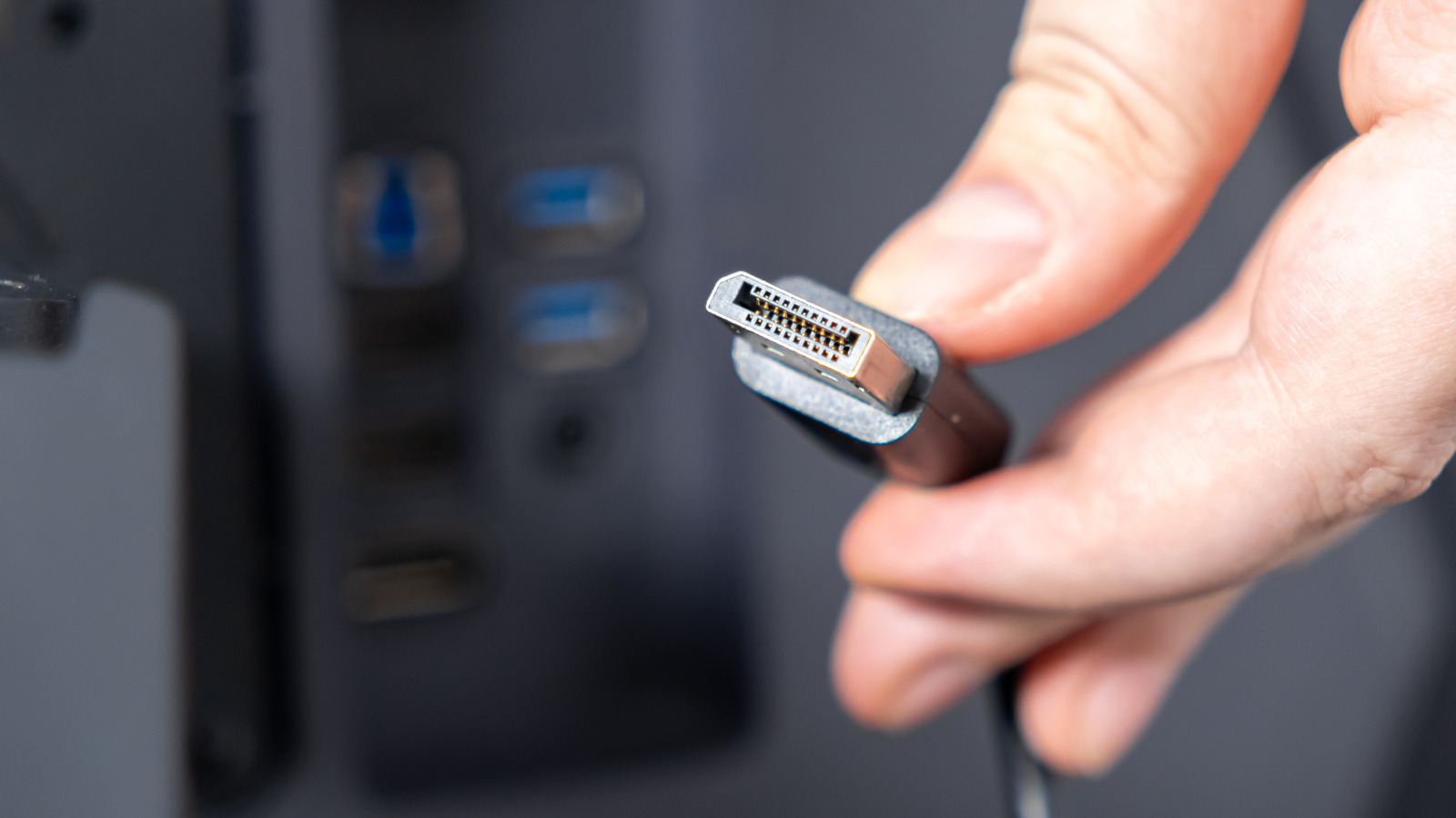
The longer a DisplayPort cable gets, the lower the visual quality will become
Although pure USB-C and Thunderbolt video connections are gaining traction, DisplayPort continues to rule the day for a lot of Mac and Windows PCs, and it's likely just as much about production cost as legacy compatibility. To equal the bandwidth of the best DisplayPort tech, companies need to use USB 4 v2 or Thunderbolt 5. Whether that's inherently more expensive to manufacture or not, people also tend to expect power delivery through USB-C and Thunderbolt, whereas DisplayPort can be exclusively about video.
A major concern with any video format is how far a clean signal can be delivered. With HDMI, for example, connections can get sketchy past 25 feet, if not far earlier. When a cable isn't up to the job, the result can be problems like artifacts, flickering or connections dropping out entirely. Alternately, a display might automatically scale back resolutions and refresh rates.
With DisplayPort, the limitations can be pretty sharp if you want to maintain maximum quality. There are ways around them, but they're probably not worth the money for most computing setups.
The standard copper-based DisplayPort cable should be solid up to 6 feet. By solid, we mean capable of displaying any resolution, color or refresh rate combo you could realistically ask for, such as 4K HDR at 144Hz. You shouldn't experience artifacts or other issues with this setup, barring physical damage or severe interference that would probably affect the rest of your hardware too.
Source link





