Rather than putting up with whatever infotainment systems car manufacturers have put together, we're now able to interact with our phones from our car dashboards—with our contacts, our music, our podcasts, and our mapping apps all available. And the list of supported vehicles just keeps growing.
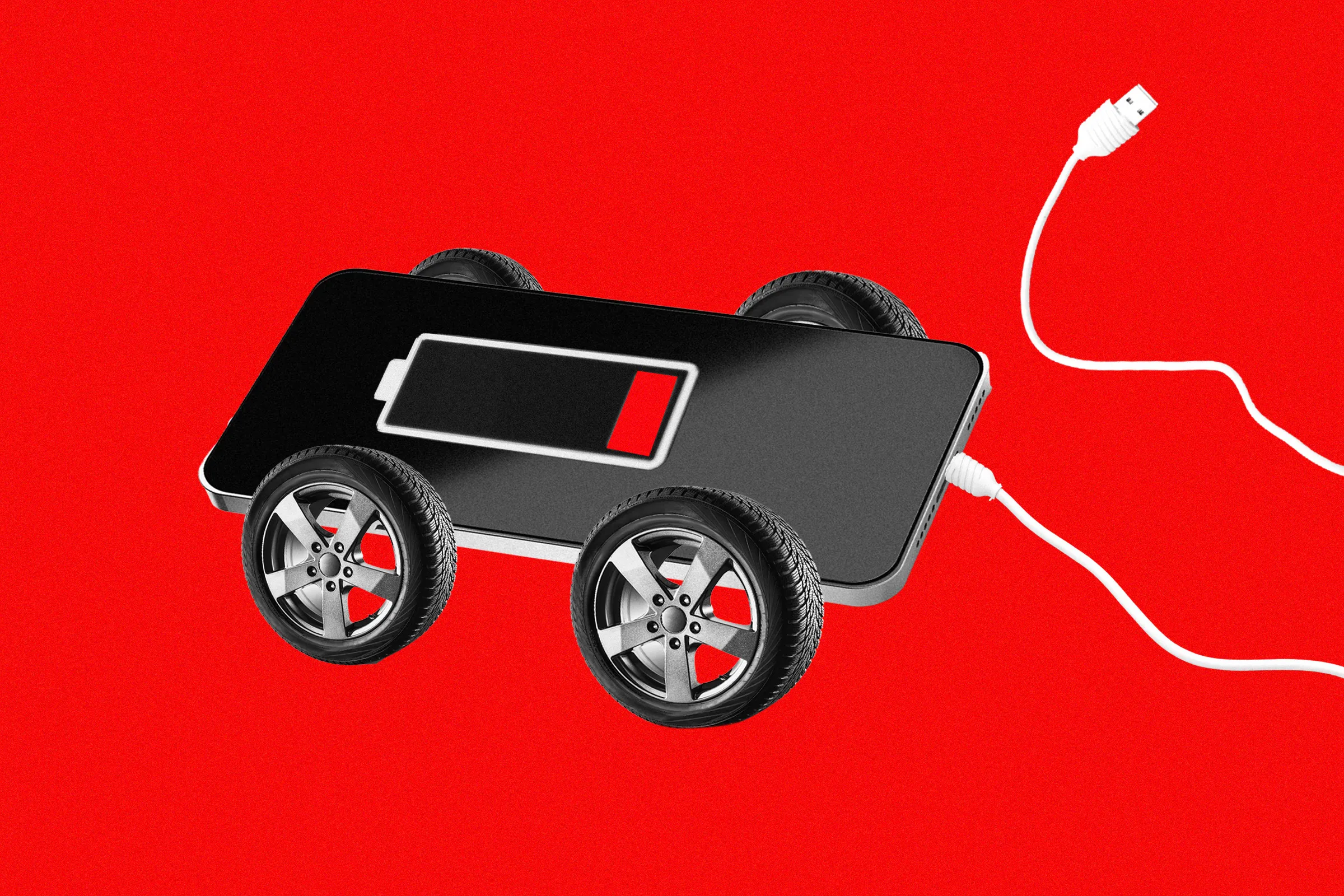
Both the Google and Apple solutions for this are really simple to use too. Most of the time they'll connect up automatically once you've done the initial setup. What you might not realize, though, are the demands that Android Auto and CarPlay put on your phone. Your handset is essentially doing all the regular phone stuff and then powering a large tablet-like display at the same time. That typically includes constantly updating a map in real time.
With that in mind, your Android phone or iPhone can quickly start to lose battery life and heat up when it's connected to your vehicle, which you've perhaps already noticed. To keep your handset cool and your battery in good shape, here's what you need to do.
Wireless Android Auto and CarPlay are convenient, just like wireless charging is convenient, but it puts more stress on your phone. If you've got the option of a wired connection, that's preferable—but that introduces a new potential heat problem, which is that your phone will always be charging up.
To counter that, you can set charge limits ( Battery and charging from Android Settings, Battery > Charging from iOS Settings), or simply make sure your phone is kept in a cool, dark spot of the car.
Source link