
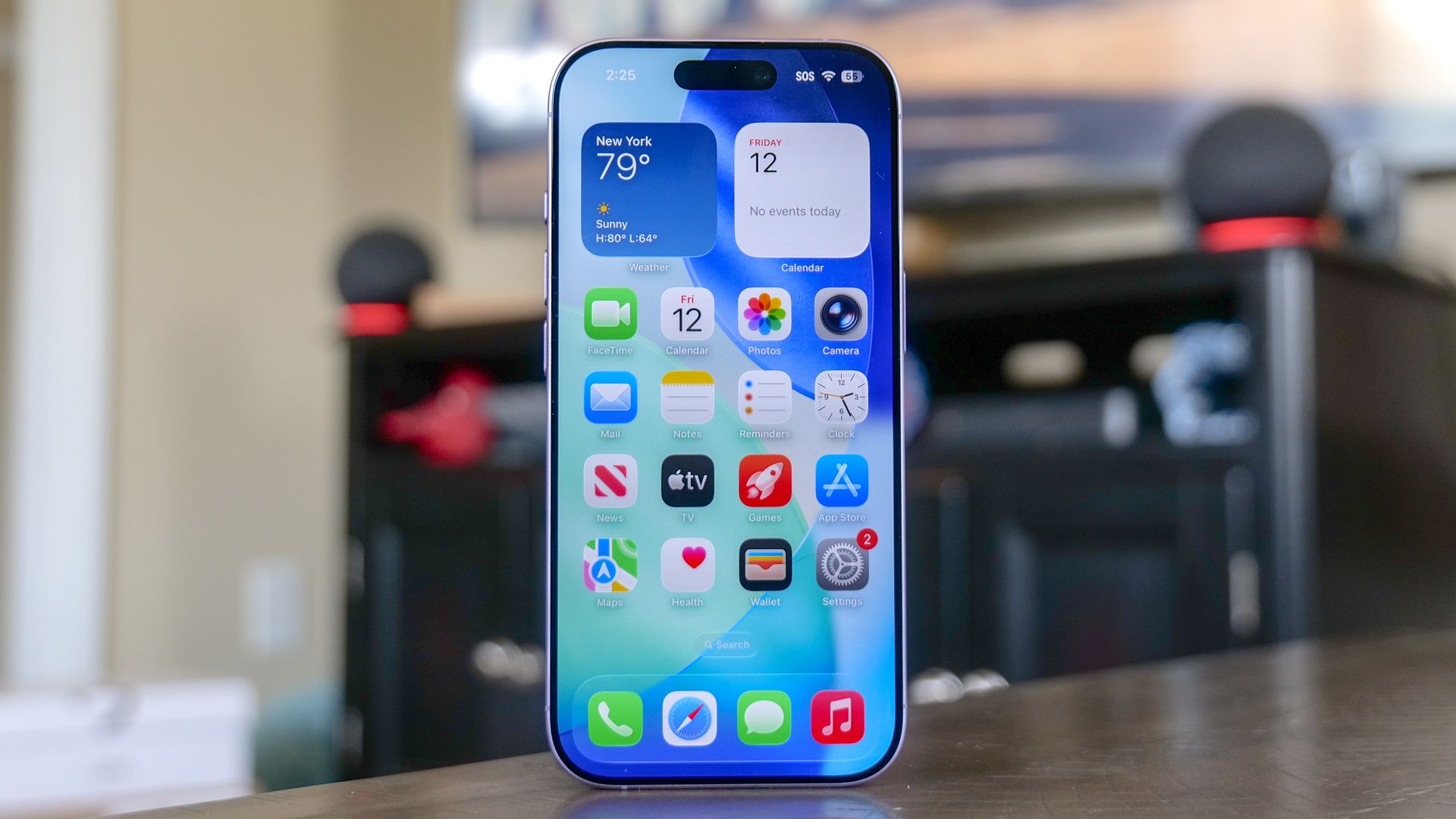
Every major iOS update brings a wave of headline features, but Apple has a habit of tucking some of its most practical tools away in obscure corners of the Settings app, or omitting them from your iPhone's main menus entirely.
Instead of novelty gimmicks you will try once and forget, these tucked-away toggles eliminate the daily friction points you thought you just had to live with. Here are five built-in iPhone features Apple buried beneath the surface, and how to turn each one on right now.
Sophisticated AI-cloned voices and spoofed messages make it increasingly difficult to spot social engineering scams targeting your personal data or finances. This on-device protection analyzes unusual communication patterns locally, without Apple reading your messages or emails, and alerts supported apps if high-risk fraud is suspected before you authorize a transfer or surrender credentials.
You can turn this on by opening Settings, tapping Privacy & Security and Impersonation Risk Detection, then toggling the switch on.
Taking phone calls in noisy environments often turns into a shouting match against street traffic, background chatter, or high winds. Voice Isolation uses machine learning to prioritize your vocal frequencies while aggressively filtering out surrounding racket. It lives outside the main Settings app and surfaces contextually while a call is underway.
To activate Voice Isolation, start or answer any cellular or FaceTime call. Swipe down from the top-right corner to open Control Center, tap Phone Controls (or Mic Mode), and select Voice Isolation.
Your iPhone includes a built-in signature tool tucked inside the native Markup suite that saves your signature permanently, allowing you to drop, resize, and place it on any document in seconds.
Source link





