
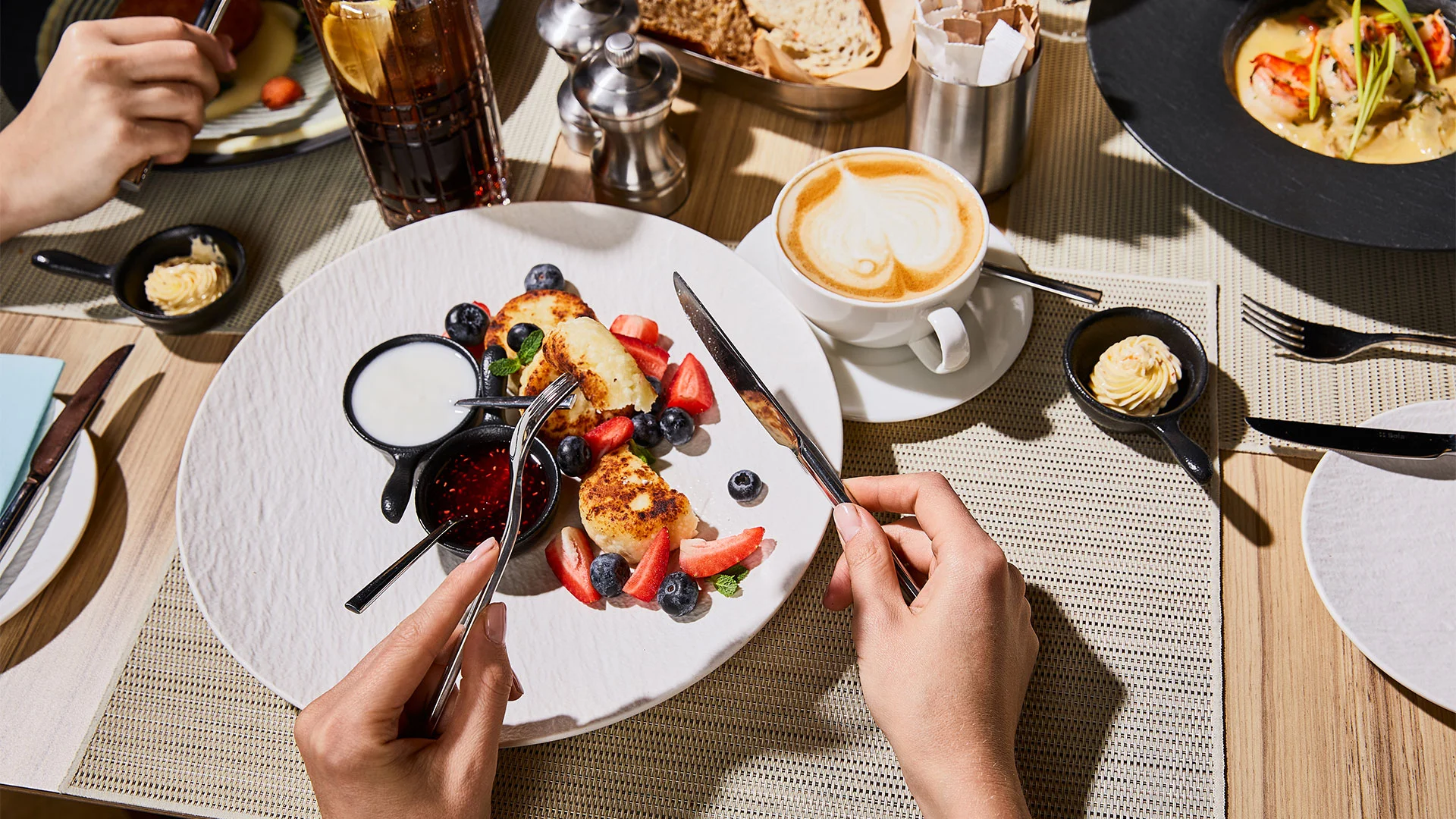
Splitting the bill after a group dinner can sometimes feel like an Olympic sport. One friend ordered the expensive steak, their girlfriend stuck to a salad, and your friend Greg has been drinking expensive bourbon all night but thinks you should all just split the bill evenly.
Venmo is finally taking some of the mental gymnastics out of the equation.
The payment app is rolling out a new receipt-scanning feature this week that lets users take a photo of a receipt, automatically itemize everything on it, and assign individual charges to the people who ordered them.
The new tool is built directly into the Venmo app, so users won’t need to download anything extra or switch between apps to split a bill.
To use it, open Venmo, tap the V on the home screen to start a payment, and select “Scan receipt.” From there, take a photo of the receipt or upload an existing image.
Venmo automatically identifies and itemizes the purchases. Users can then assign individual items to the appropriate people and make adjustments as needed. Once everything is assigned, Venmo calculates each person’s portion of the tax and tip and generates payment requests. The feature works regardless of which mobile device someone in the group uses.
“Splitting the bill is one of the most common things people do on Venmo, but it can also be one of the most tedious,” said Alexis Sowa, Venmo’s general manager. “With receipt scanning, a pile of math goes away with a single photo.
Source link