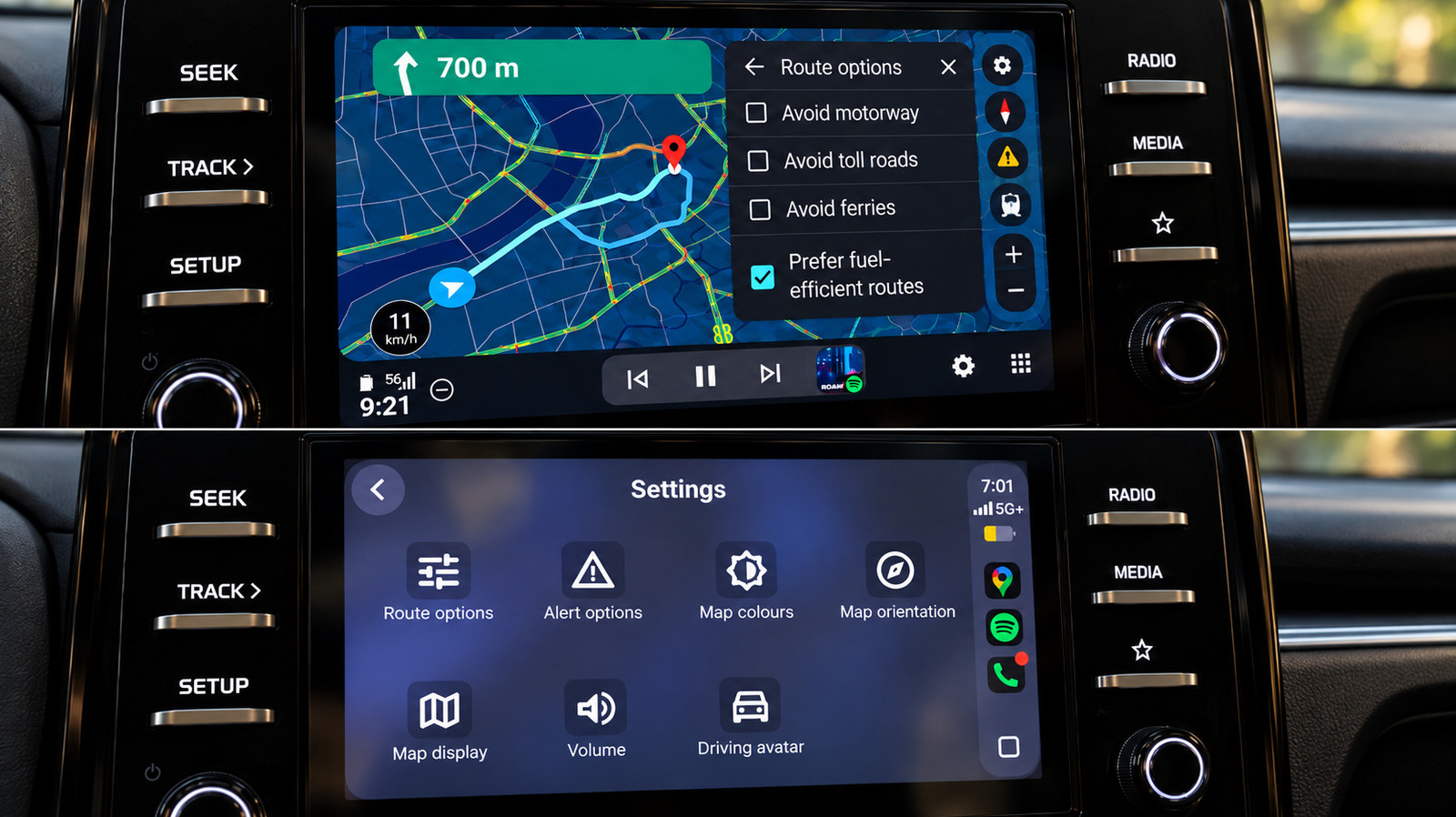
I tested Google Maps on both systems in the same car, and Android Auto made several everyday navigation tasks noticeably easier.
Google Maps is available on both Android Auto and Apple CarPlay, but it's not the same experience — even when using the same app in the same car. I performed identical searches, route changes and simple navigation tasks back to back on both systems using the same infotainment screen.
Generally speaking, the fundamentals are close. Both provided me with a speedometer, lane guidance, incident reporting and alternative-route suggestions, as well as the standard controls for avoiding tolls, highways and ferries. The differences were much more apparent after I began using Maps for more than just getting from A to B.
The benefits of Android Auto range from minor interface details to features that still work better there than on Apple's offering. CarPlay does recover a few points, but Google Maps generally feels more at home on Google's own platform. Shocking, I know.
The clearest difference is how Gemini is accessed, and it still gives Android Auto an edge in two areas.
First, Gemini is easier to invoke on Android Auto . I could start talking to it without touching the screen. Late in my testing, a Gemini button also appeared in Google Maps on CarPlay, and it handled conversational searches and follow-ups once I tapped it. However, I couldn't summon it hands-free there. At the time of testing, Google's own help page still said Gemini wasn't available for CarPlay.
Source link