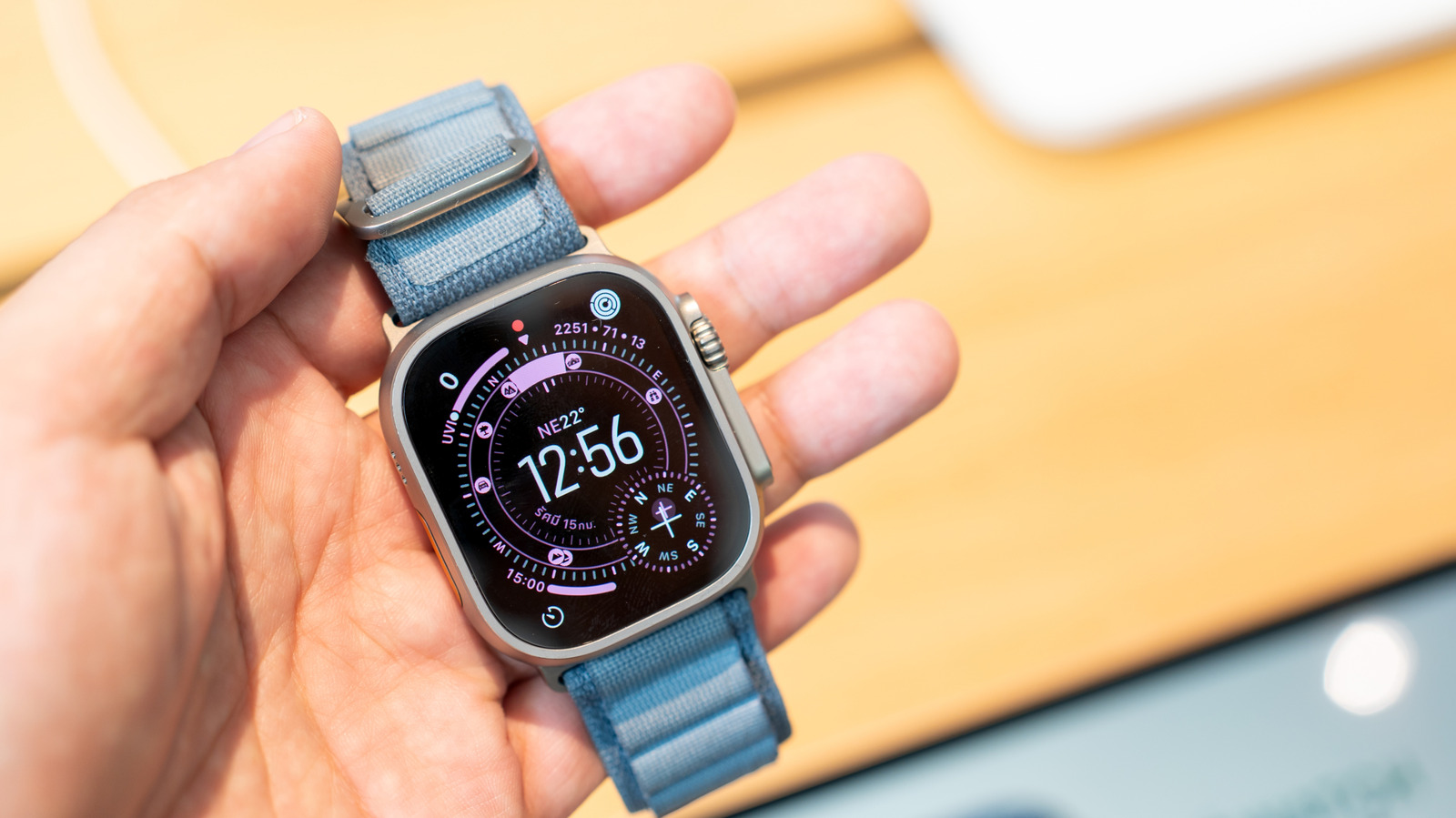
Your Apple Watch can handle directions, texts, lights and naps with just a little setup.
It's 11PM and raining. You're stuck outside a bar you'd never heard of until about six hours ago, trying to shout your home address into your wrist for the third time while someone else's Uber pulls up in front of you. Your Apple Watch could have had you on your way home with a single tap, if only you'd spent five minutes setting up a shortcut instead of doomscrolling.
The good news is you can still set one up before your next night out, and while you're at it, a few more are worth adding. Your Watch can also text your better half an ETA as you leave work, switch off the lights you always leave on downstairs when you get into bed, put you down for a 20-minute nap without disturbing you and keep its screen dark while you're driving.
Shortcuts are made in the Shortcuts app on your iPhone, and they'll only appear on your wrist once you flip the Show on Apple Watch switch in each shortcut's settings. After you've set them up, you can run them from the Shortcuts app, a watch face complication or a Smart Stack widget (or the Action button if you've got an Ultra). If you've got an iPhone 15 Pro or newer, you can also describe what you want in plain English and let Apple Intelligence build a shortcut for you.
If you're out somewhere unfamiliar, after a night out or a long day at a conference, the last thing you want to be doing is dictating your full address into a tiny screen.
Source link