
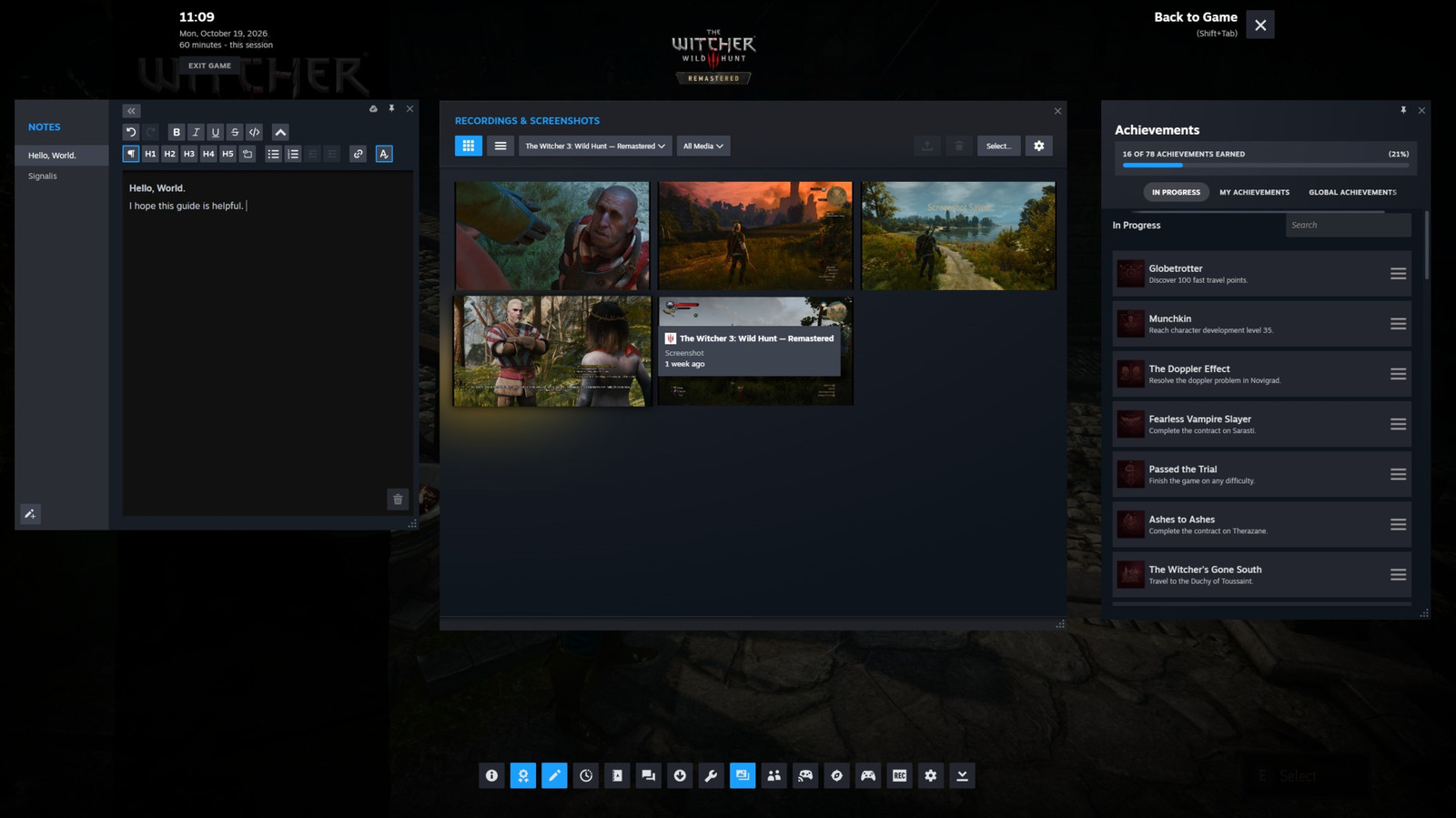
You might think you know Steam's overlay, but there's a lot more hiding behind that Shift + Tab shortcut.
Back in 2023, Valve updated Steam to release, among other new features, a redesigned overlay you can access while playing your favorite games. While nearly every publisher and storefront now offers some form of overlay in their games and launchers, for my money Steam has them all beat with its breadth of options. If you're a Steam user and don't use the built-in overlay frequently or at all, you might be surprised by all the things it can do.
If you're new to Steam, you can open the overlay in-game by pressing Shift and Tab on your keyboard at the same time. If you want to change the shortcut, you can do so from Steam's options menu, which you can access by clicking Steam at the top left of the interface, followed by Settings and then In-Game. You'll also find other handy settings here, such as the option to disable the overlay altogether. This is also a good place to mention that Steam will remember how you've configured your overlay for each individual game, so there's no need to activate, arrange and resize parts of the interface every time you go play your favorite titles.
When you bring up the overlay, you'll find shortcuts for all the features I mention below along the bottom of the interface. Simply press one of them to bring up the feature you want to use.
Source link





