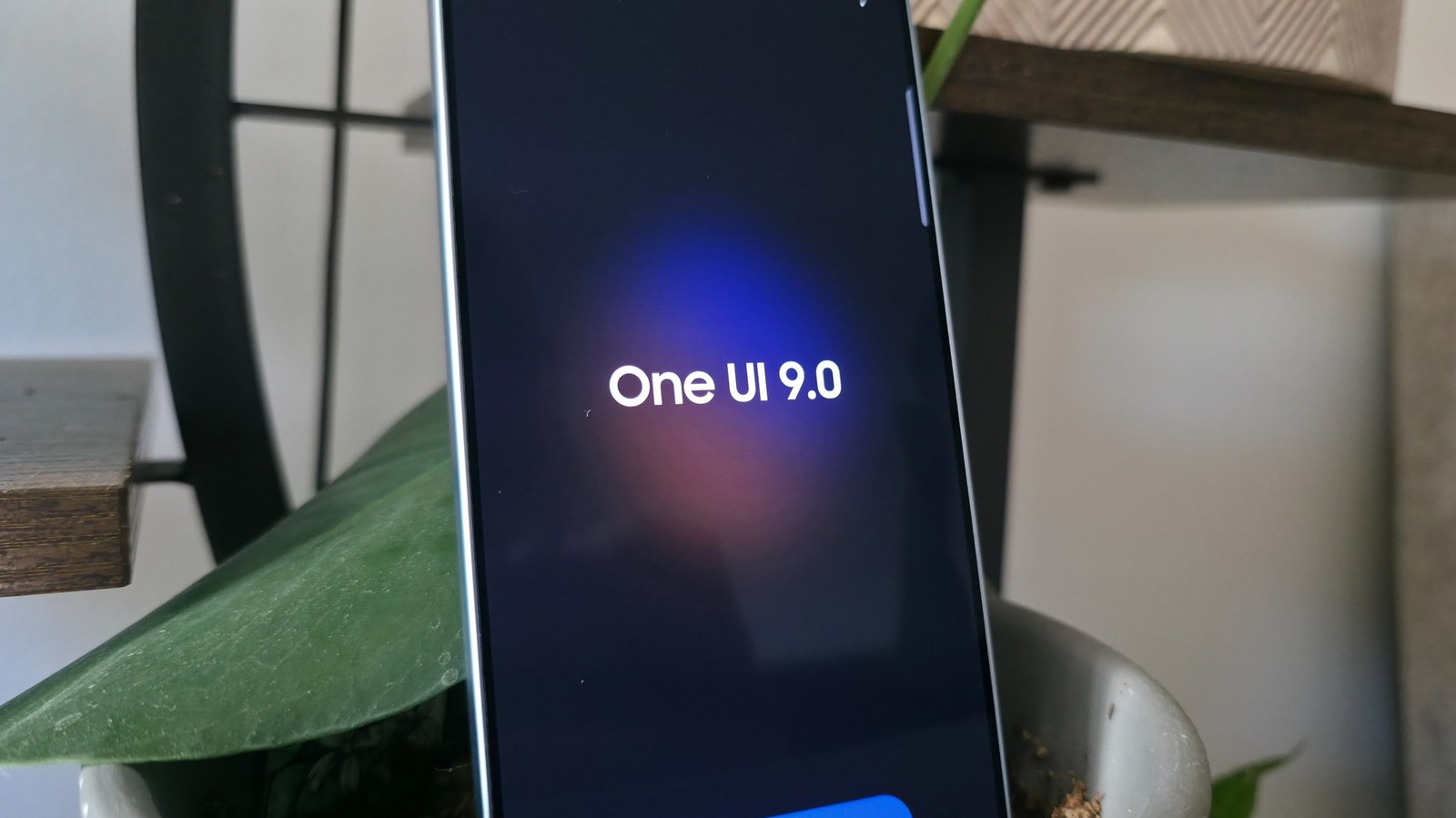
With its latest crop of foldables in August came Samsung's One UI 9 update, the first version of the company's interface for Galaxy devices to be built atop Android 17. Along with a fresh new version of the operating system, One UI 9 brings some welcome updates and features. It's rolling out widely as of this writing to recent flagships prepped for the update.
By now, we've grown accustomed to a slew of sloppy AI features accompanying new smartphones, so it's a great relief to report that many of the new inclusions this time around seem like things real people might actually appreciate. Even some AI features are a bit more grounded than the gimmicky photo generation features from the past couple of years.
After installing One UI 9 on both a Galaxy S26 Ultra and S25 Ultra, we tested its most exciting new features to figure out which are the most useful. While some features seemed great on paper, like the Now Nudge feature that's supposed to serve up contextual information when you need it, they turned out to be lackluster in practice. Now Nudge still hasn't shown me anything useful, even with a scary amount of my data being fed into it. On the other hand, some of the more pedestrian additions to the software turned out to be quite handy. Here are the five Samsung Galaxy features you should be using after updating to One UI 9.
Samsung has spent a lot of effort on AI photo and video editing features you've probably never touched, but now it seems to be homing in on the things people will find useful.
Source link