
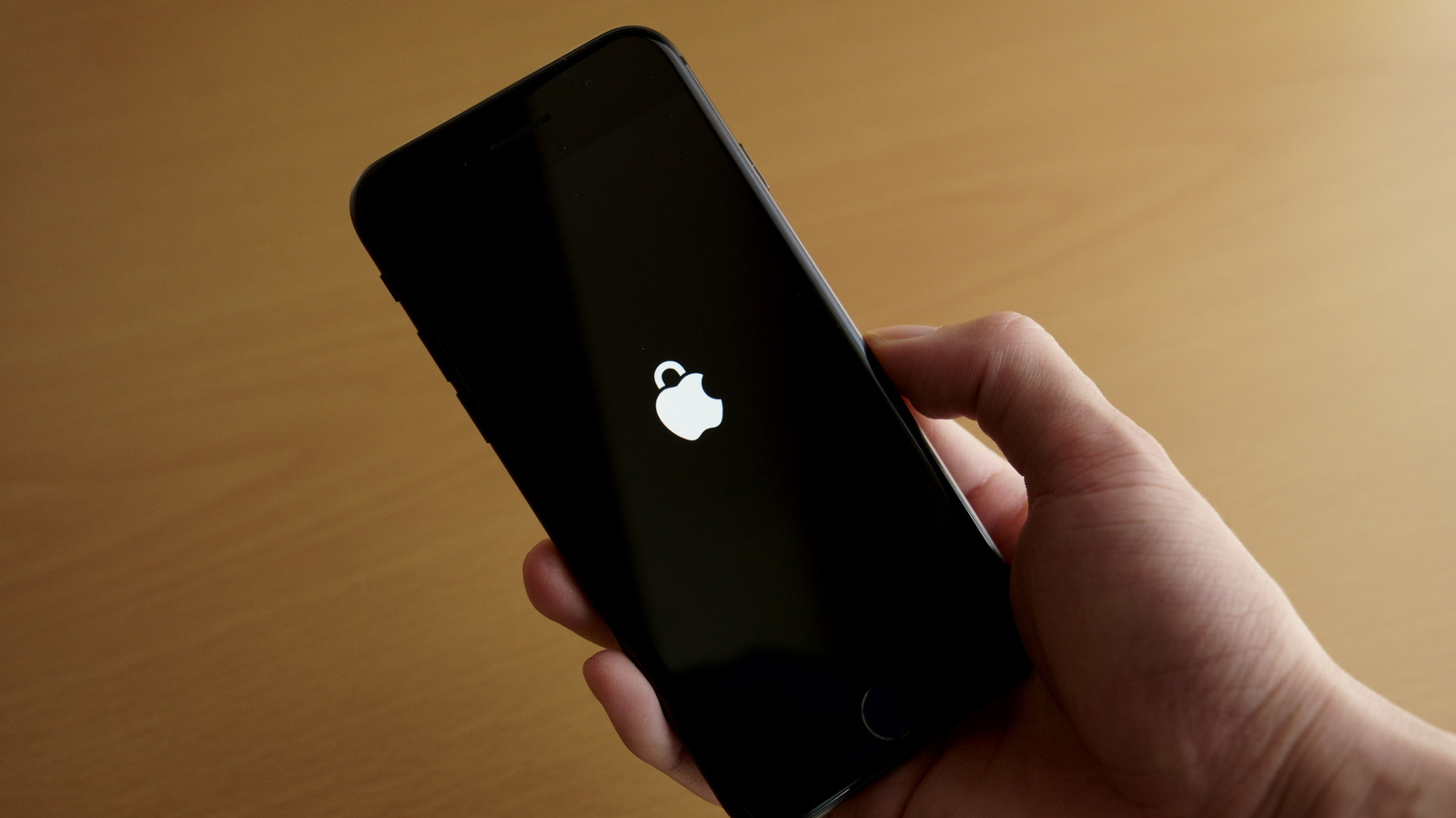
From Lockdown Mode to privacy controls, these simple iPhone adjustments can keep your personal information safe.
It can be a little scary to think about all the personal data on your phone and what could happen if that fell into the wrong hands. Thankfully, for the iPhone, Apple offers many layers of protection in iOS to prevent sensitive information from falling into the wrong hands.
While some of these features are enabled by default, others require configuring and are easy to overlook. Properly adjusting your settings can thus make a lot of difference if your iPhone is stolen or even if someone tries to snoop on it. Features like Lockdown Mode, Find My and Safari's privacy controls can all help keep the data on your iPhone more secure, and they're all easy to understand and use.
Your iPhone's Lock Screen is what anyone sees immediately when they turn on the screen. Even without your passcode, it exposes more than you might think because by default, anyone can open Control Center or use Siri. That might not seem like much, but someone could use this to play pranks or even put your lost iPhone into airplane mode, making it harder to find. The good news is that you can limit what appears on your iPhone's Lock Screen.
Start by making sure your iPhone only shows notifications when it's unlocked. Open the Settings app and go to Notifications , then Show Previews . Select the When Unlocked option so they remain hidden until you authenticate with Face ID or Touch ID.
Source link





