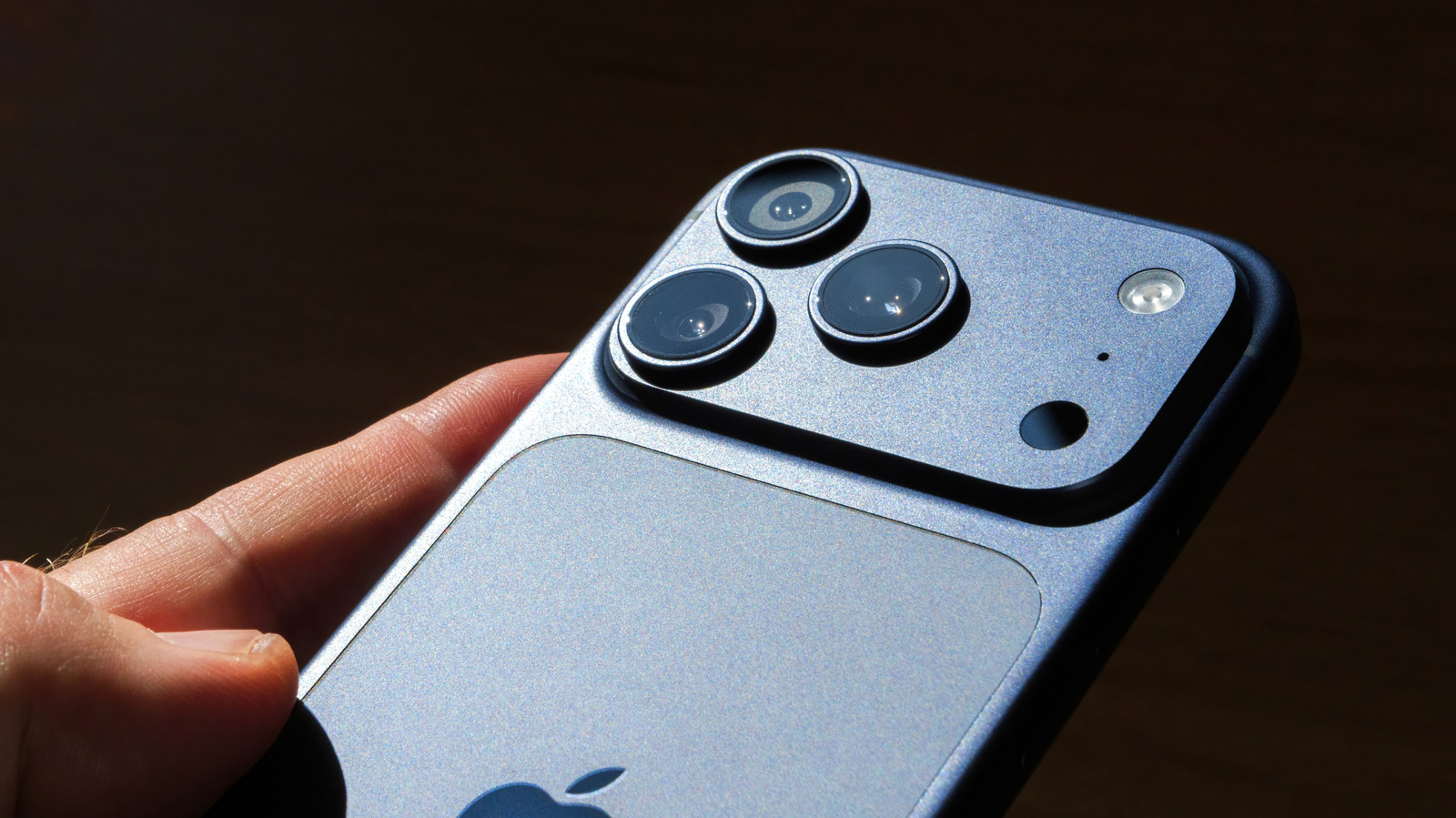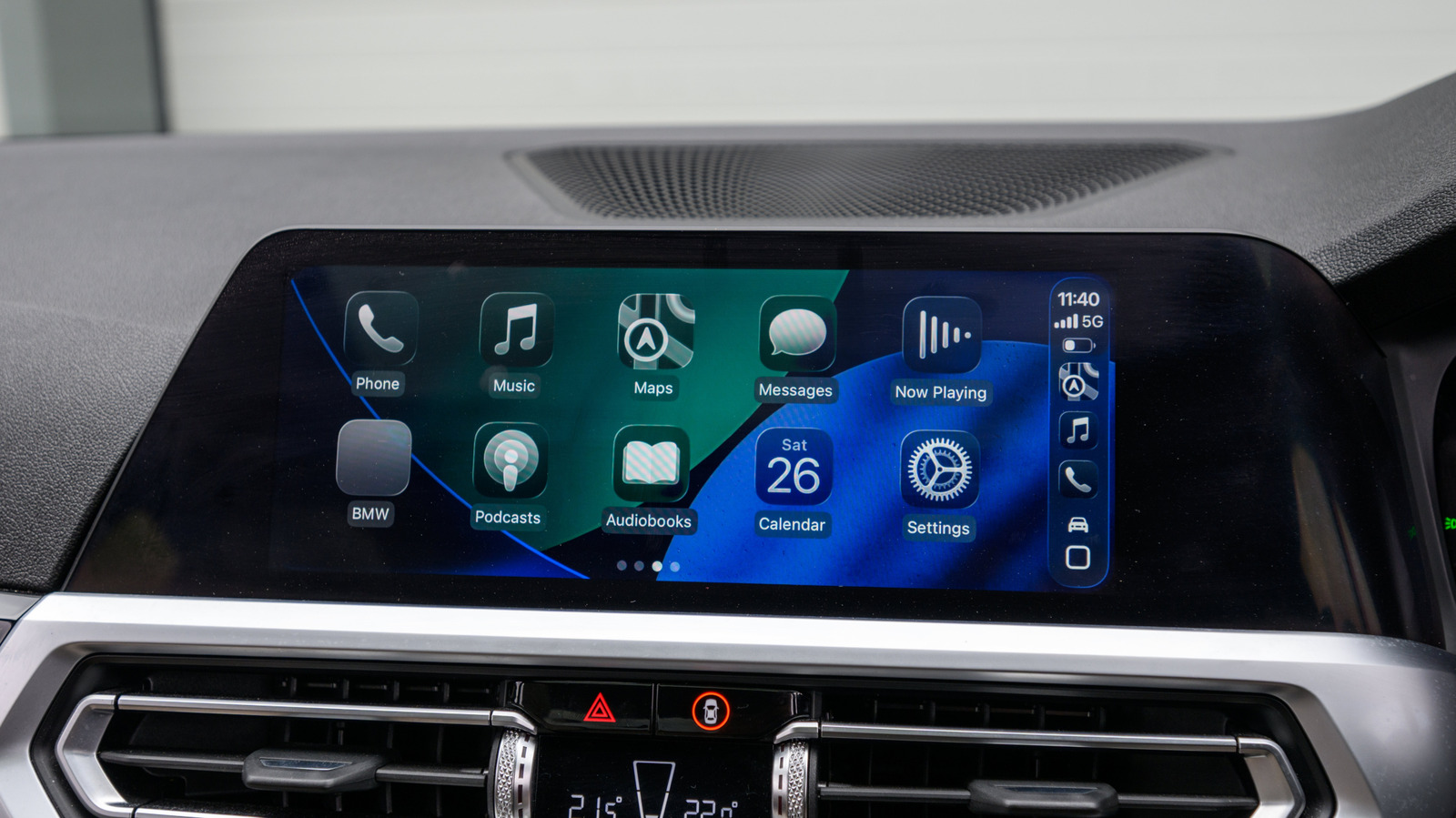
From ordering coffee to paying at the pump, some of CarPlay’s best tricks are ones most drivers never try.
Apple CarPlay makes it a lot easier to use your iPhone apps on your car's dashboard, and it doesn't take much effort to set up. Alongside Apple's own apps like Maps and Music, you can also run third-party apps like Spotify or Waze, plus there are plenty of built-in features to enhance your driving experience.
And it does a lot more than just giving directions — features like remembering where you parked, planning routes that include EV charging stations and even using Siri AI within CarPlay. So if you have a CarPlay-compatible vehicle, here are some cool uses you should try.
When you aren't driving alone, chances are you've gotten into a dispute over which song to play next. This is solved with the SharePlay feature, which has been available in CarPlay since iOS 17. Once the driver starts playing something on Apple Music via CarPlay, passengers can join the session using their phones and control the music themselves. Android users can jump in via a browser, too.
Setting it up is simple. With Apple Music open and playing in the car, passengers nearby will receive a notification asking if they want to join the session. If that doesn't show up, ask the driver to tap the SharePlay button on CarPlay's Now Playing screen to reveal a QR code. Now, others in the car can scan that code to add songs they want to play next.
Source link