
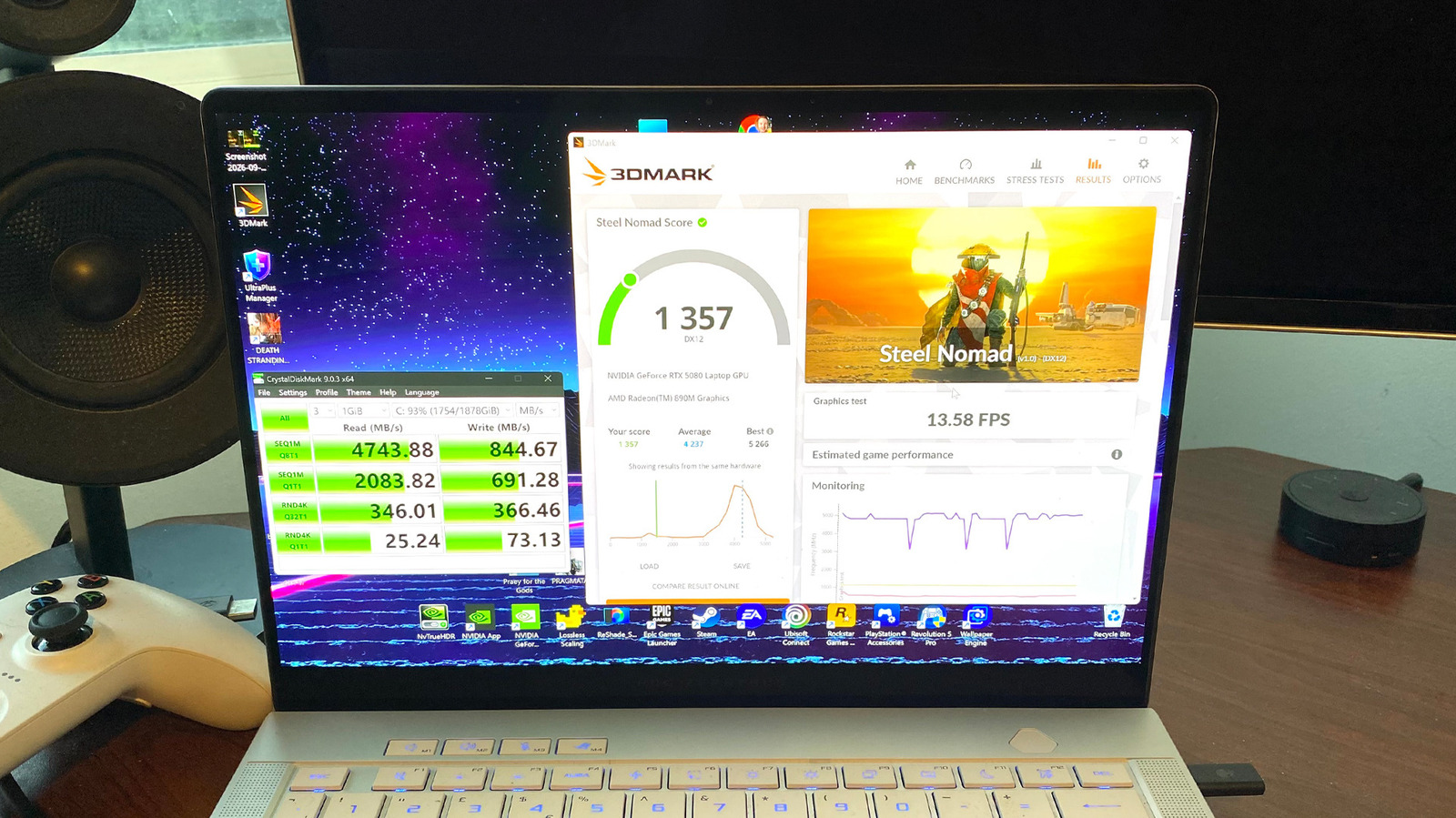
Put your PC through its paces to know what you're getting from your hardware.
You don't need to be a hardcore PC gaming enthusiast to run benchmarks on your rig; modern tools can be installed easily and will put your system through its paces with minimal fuss. Whether you want to test out GPU, CPU or SSD performance, using benchmarking software is easy and worth exploring.
Running benchmarks can also help you catch system problems. If you're not seeing the scores you'd hope for, that could point to problems with your PC or laptop. Thankfully, tools like 3DMark, Cinebench, Superposition and Crystal3DMark all have free versions that will quickly show you how your system's components are performing.
3DMark is an especially useful tool for gauging GPU performance, as its various in-built tools let you compare your card's score to similar setups used by other gamers. Let us guide you through the best and most intuitive benchmarking tools to help you ensure your PC is delivering what it should.
If you're looking to benchmark your GPU, 3DMark has long been the most popular software for testing graphics card performance. You can download a free ("demo") version of 3DMark on Steam, which gives you access to tests like Solar Bay and Time Spy. The no-cost version lets you compare your benchmarking results to comparable hardware from other users online. There's a premium $30 version that allows you to run extended stress tests, which most people shouldn't need.
Source link





