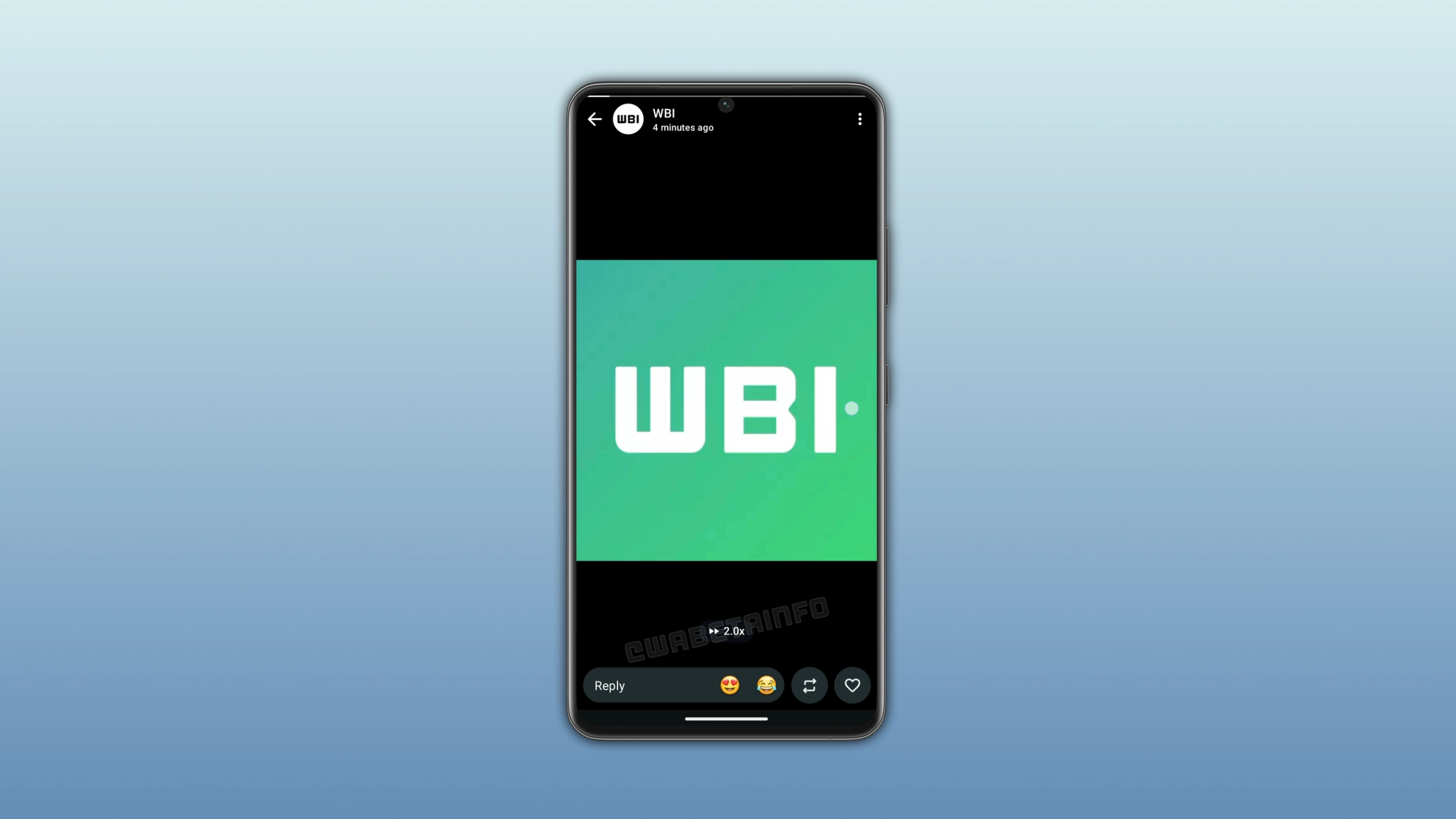
WhatsApp is introducing a feature that lets users watch status updates at double speed. Users can activate it by pressing and holding the right side of the status interface. The gesture is also available in chats, groups, and channels.
Enter your email address to subscribe to this blog and receive notifications of new posts by email.
In the post about the WhatsApp beta for iOS 26.36.10.70 update, we announced a feature to adjust the playback speed for status updates. The feature lets users watch a status at double speed by pressing and holding the right side of the screen. Users can restore the normal speed the moment they lift their finger. Since status updates with an audio track can now last up to 30 seconds, this update is even more useful in this case.
WhatsApp introduced this feature on the iOS app last month. Finally, WhatsApp is bringing the same experience to Android users as well. We discovered this with the WhatsApp beta for Android 2.26.40.4 update, which is available on the Google Play Store. With this update, WhatsApp is rolling out a feature that brings playback controls to status updates. The feature allows users to control the playback speed within the status interface with a simple gesture.
Users can watch a status at double speed by pressing and holding the right side of the screen. WhatsApp immediately switches to 2x playback and keeps it until the user lifts their finger. With this action, the status plays through at double speed and covers the content in half the time.
Source link