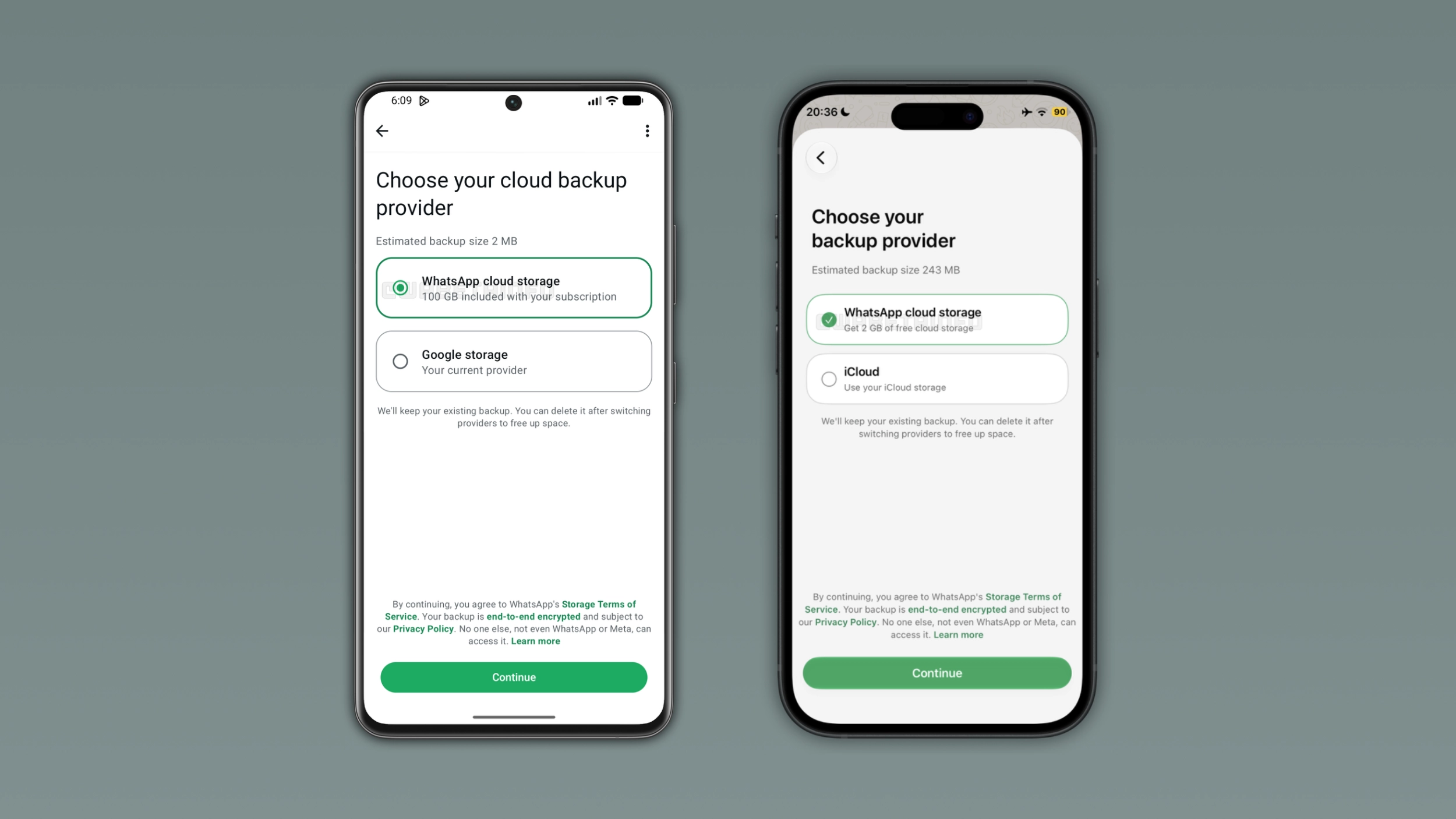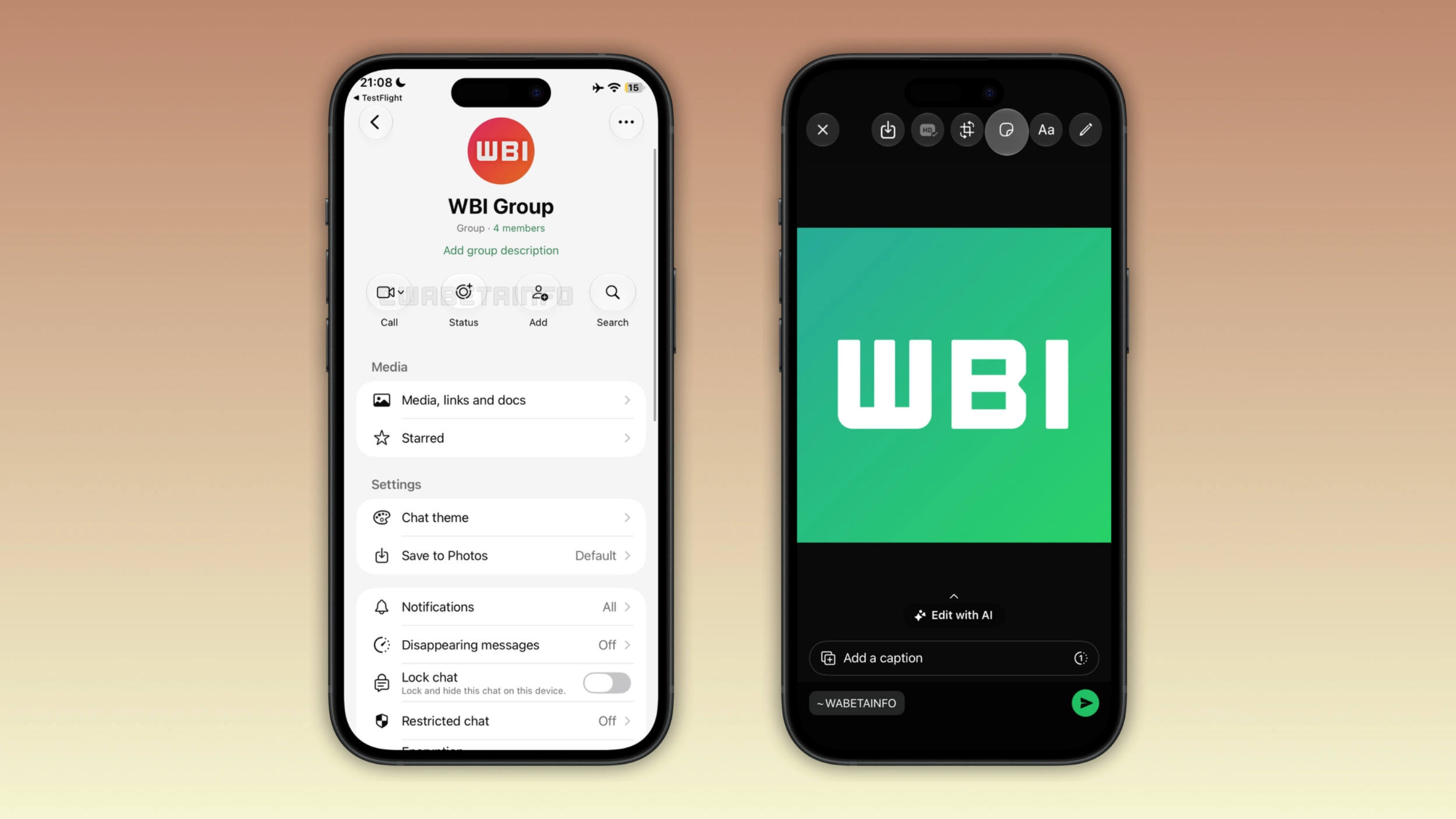
WhatsApp is extending the Liquid Glass design to two more screens on iOS. This update adds the glass-like appearance to the chat info screen and the toolbar in the drawing editor. With these refinements, WhatsApp is getting closer to completing the Liquid Glass transition.
Enter your email address to subscribe to this blog and receive notifications of new posts by email.
In the post about the WhatsApp beta for iOS 26.39.10.70 update, we announced the Liquid Glass design for the video player. WhatsApp added a translucent, glass like appearance to the progress bar within the media player screen. This is exactly the same update already available in other sections of the app. The update shows the progress bar as a floating element at the top of the screen with rounded corners and a background that adapts to light and dark mode.
WhatsApp continues to refine the Liquid Glass interface on the iOS app. In particular, WhatsApp is now introducing two updates for the chat info screen and the drawing editor. We discovered this with the WhatsApp beta for iOS 26.45.10.70 update, which is available on TestFlight. With this update, WhatsApp is rolling out the Liquid Glass design for the chat info screen and the drawing editor to some beta testers.
WhatsApp shows some action buttons below the contact or group name within the chat info screen. These buttons allows users to start a call, create a status update, add someone to a group, or search for messages. Now, WhatsApp is introducing the Liquid Glass design for these buttons.
Source link