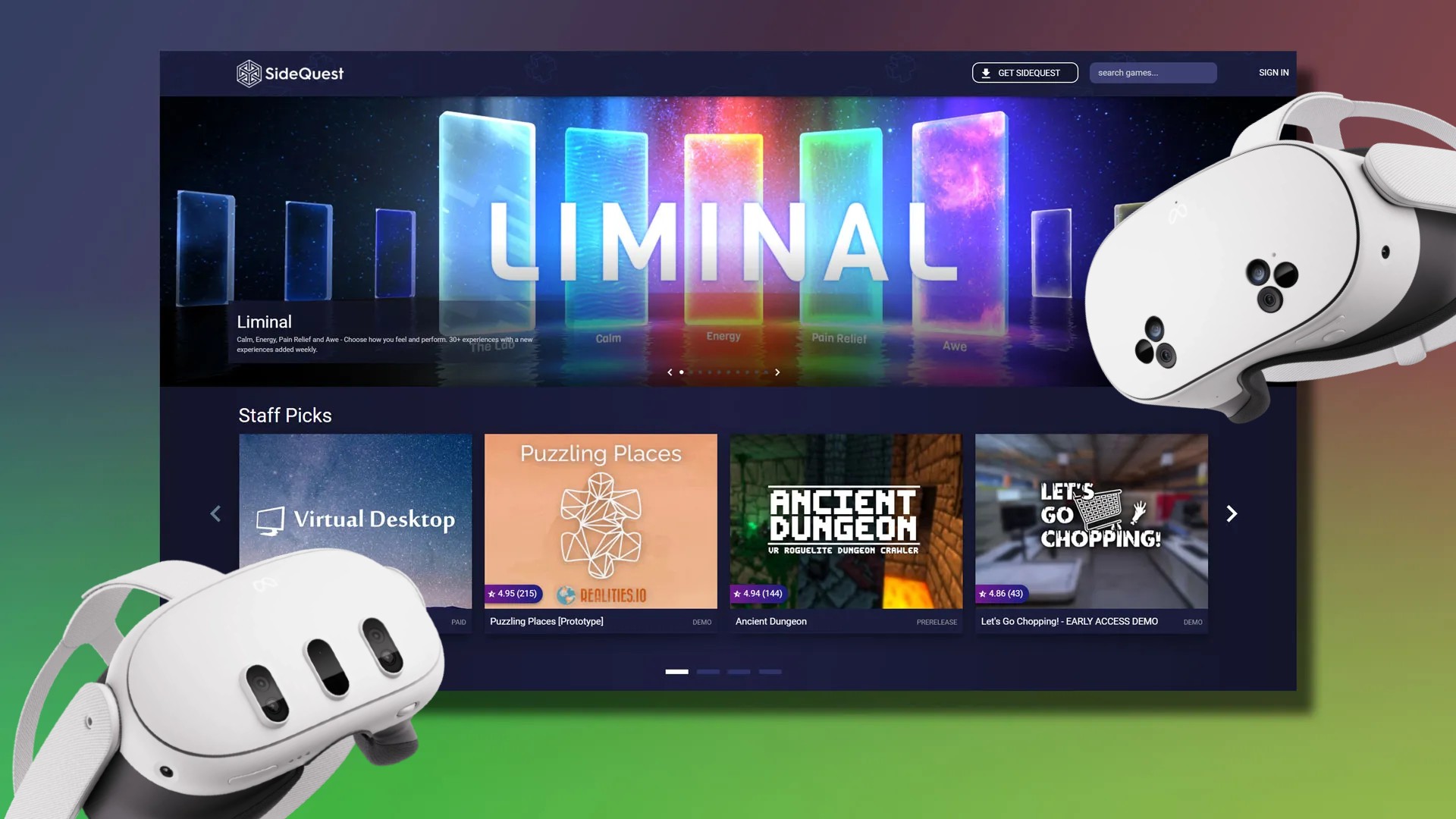
SideQuest has been the number one unofficial store for Quest games ever since its founding in 2019. Now, it just got a lot easier to download and get playing.
Downloading SideQuest used to mean going through a cumbersome setup process, although now SideQuest CEO and co-founder Shane Harris says in a Reddit post the team has effectively reduced the process down to just a few steps.
All new users have to do is sign into your Meta Account and allow SideQuest to connect over Bluetooth, enabling wireless ADB. Check out the full instructions on how to download and get started with SideQuest below.
Effectively, that means users will no longer need to all of the fiddly bits like before: sign up as a developer, create an organization, enable developer mode, connect a USB cable, and (possibly) fight to get the whole process to work.
Harris says that now, you “just connect and it installs SideQuest into your headset and that’s it,” further noting that users can do this both from Desktop or from your phone (link downloads apk file).
The update also includes the ability to install Steam game ports from inside your Quest, so no more dragging and dropping files from your PC to Quest. Simply sign into your Steam account from SideQuest in your headset and it will download the Steam games for you automatically. That process only includes existing game ports however, and not all Steam games.
Notably, the in-headset SideQuest experience has also changed, as it now automatically adds apps to your Quest library, which means you no longer need unknown sources toggles anymore either.
Source link