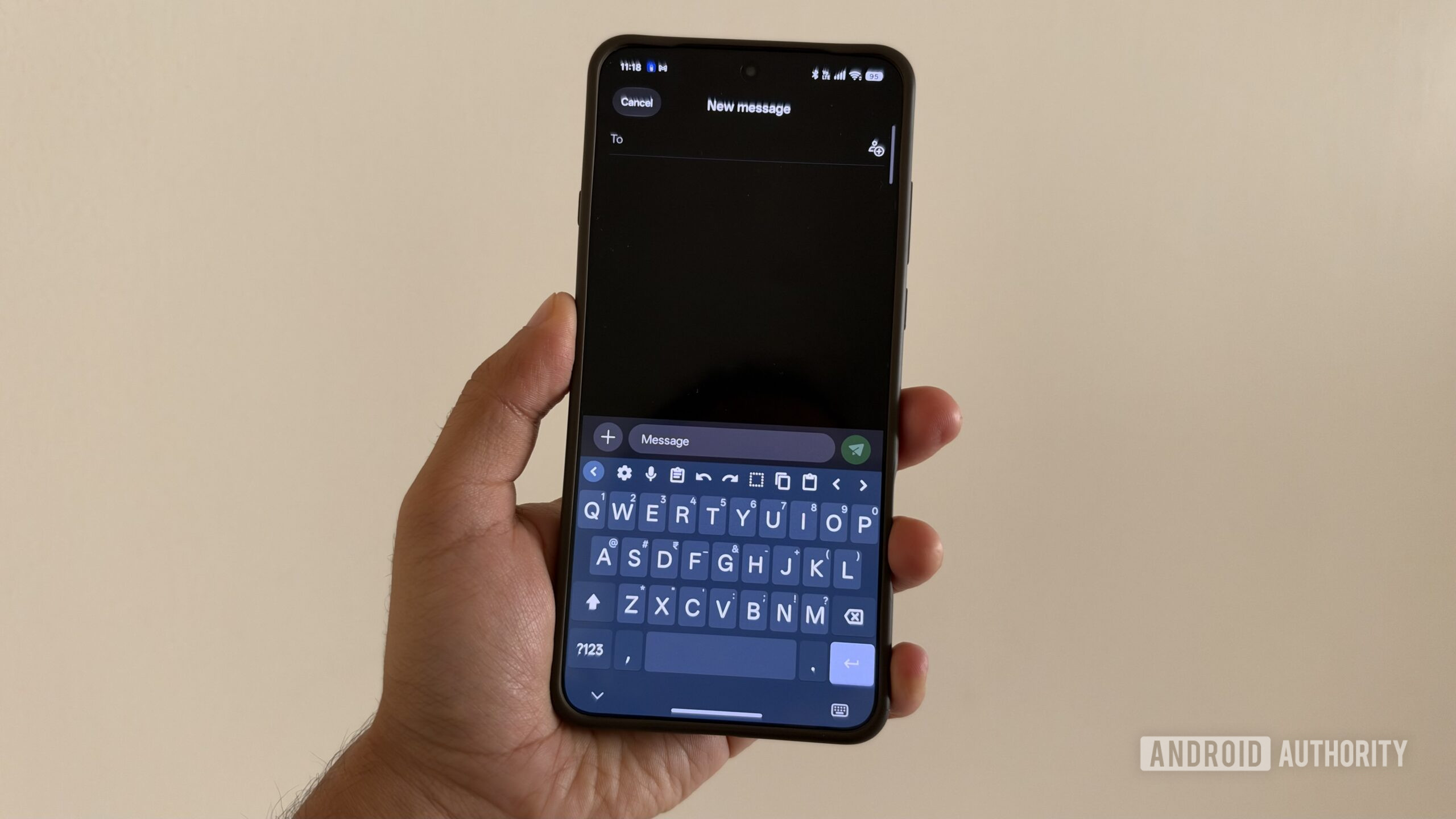
Android’s always been the go-to destination when it comes to customisation and dialing in the experience exactly as you want it, and that extends to switching out the keyboard for something a bit more bespoke. For the longest time, finding a good keyboard for Android usually meant choosing between Gboard and SwiftKey. Both are excellent at predicting what you’re going to type, correcting spelling mistakes and letting you swipe between letters. The catch is that both these keyboards are made by mega corps, Google and Microsoft, and data collection is part and parcel of the deal.
That’s why I’ve been looking at HeliBoard. It’s a free, open-source keyboard that offers many of the same features you’d expect from a modern Android keyboard without needing an internet connection, and, most importantly, no data collection. There are no advertisements, no cloud-based processing and plenty of customization options as is to be expected with open-source apps. There’s just one catch, you won’t find the app on the Google Play Store.
Source link