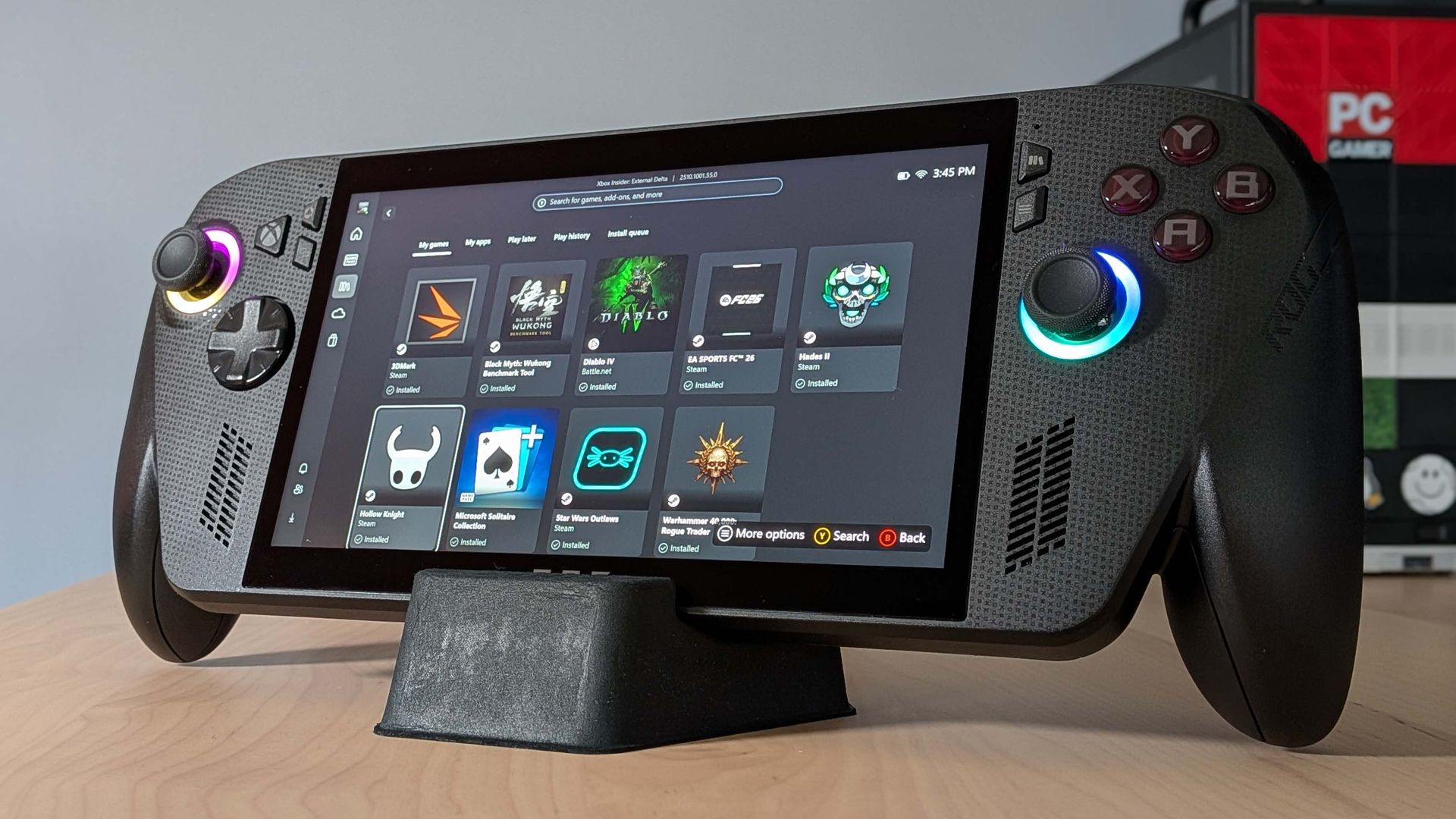
A few months ago, Microsoft opened up Auto SR support for the Asus ROG Xbox Ally X, allowing it to use the AI-aided upscaling tech to improve frame rates in games. But that was only for people using a Preview version of Windows, and you could only enable it when the handheld was in docked mode. Now, Auto SR has officially launched in the main Windows OS for the Xbox Ally X and X20; plus, you can now run it when undocked.
The first question you might have is, 'Why would I use Auto SR instead of FSR?' The answer is: 'You wouldn't.'
You'll primarily use Auto SR for games that don't have FSR baked in by the devs, or when the FSR implementation doesn't work well for some reason. It should, in theory, actually give you better performance than FSR, assuming you have an NPU on board (like the Xbox Ally X and X20 do). That's because it uses the NPU rather than the GPU for its upscaling shenanigans, which frees up the GPU for other work.
FSR, however, is still preferred when possible, as it will look closer to what the game should look like.
When Auto SR originally came to the Xbox Ally X earlier in the year, you could only enable it in docked mode, presumably in part because that allows for more power draw for the APU (including the NPU that does the upscaling work).
Source link