
Hard drive space is a premium commodity, and its value has never been more apparent than in the approximately two and a half days leading up to the launch of Grand Theft Auto VI. The game is a whopping 209 GB, but thankfully you can purchase the game and preload it now – which you should do because who knows if the servers are going to be able to handle the strain of what is officially the most pre-ordered game ever on both PlayStation and Xbox platforms.
The easy (and likely necessary) answer is to delete the big games you aren't currently playing off your hard drive, but there is a cache of arguably unnecessary data on PlayStation 5 that might get you there before you have to make hard decisions.
You may have turned it off (Settings > Capture and Broadcasts > Captures > Trophies under the Auto-captures section > Save Trophy Videos under the Video Clips section > Change to None), which if that is the case, then I'm sorry. I can't help you. But the default setting which maybe you've never touched, is saving a lot of unnecessary video.
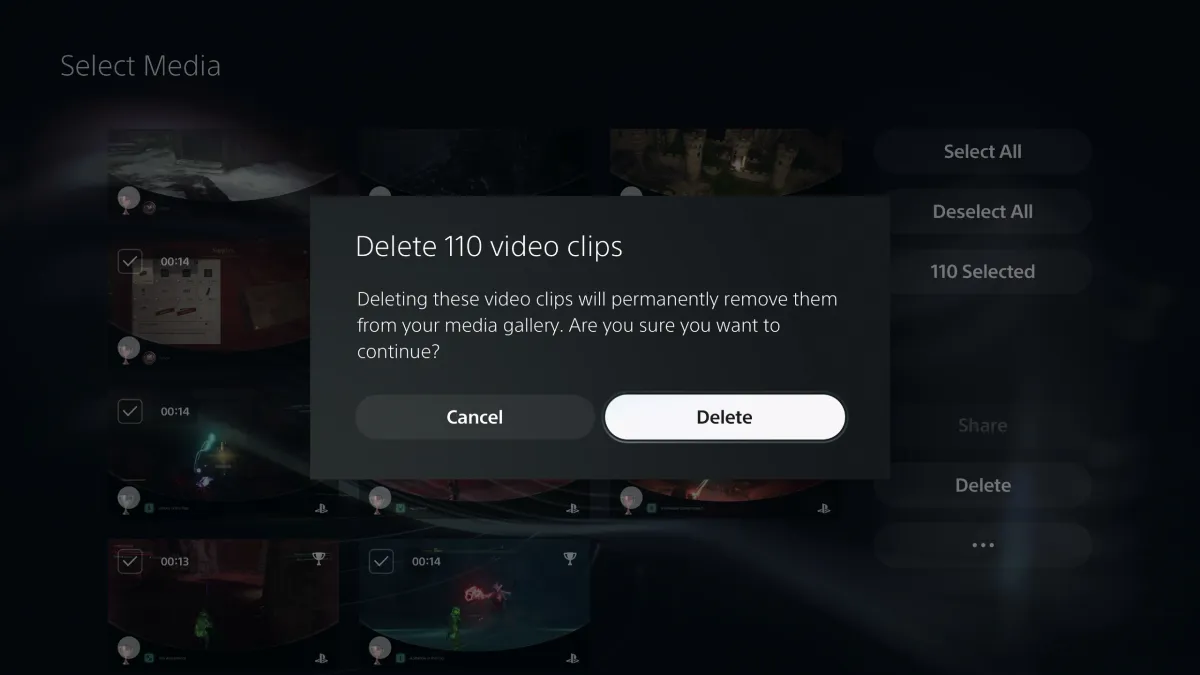
Every time you get a Trophy on PlayStation 5, it creates a short video clip that I bet you never have and never will watch. Here's how to delete all those videos fairly quickly to free up at least some space.
First up, go to the Media Gallery. The quickest way to do that is to press the screenshot button to the left of the touchpad, tap over to the most recent media capture on the left, press X, and then press the Go to Media Gallery button.
Source link





