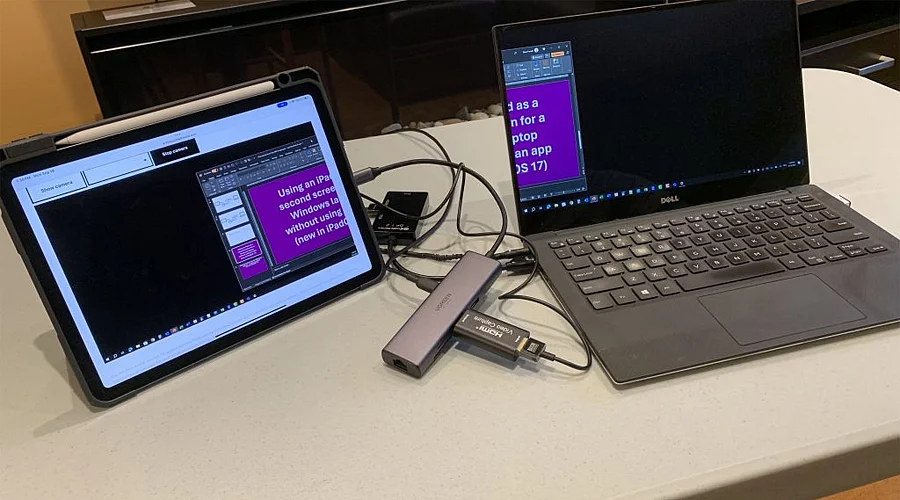
Your iPad can do more than just be a tablet when paired with a compatible Mac. Apple’s Sidecar feature lets you extend or mirror your Mac display on the iPad. It can instantly create extra workspace for documents, creative apps, research, and multitasking.
Before starting, make sure your Mac and iPad support Sidecar and are signed into the same Apple Account. Apple requires compatible operating systems and devices. Both devices also need two-factor authentication enabled for the same Apple Account.
Sidecar can work wirelessly, making setup surprisingly simple. Turn on Wi-Fi, Bluetooth, and Handoff, then keep the Mac and iPad nearby. Apple also supports a USB connection, which can be useful when you want to keep the iPad charged during longer sessions.
On your Mac, open Control Center and choose Screen Mirroring, then select your iPad. You can also open System Settings, select Displays and add the iPad from there. Once connected, the iPad can function as an extension of your Mac desktop.
Sidecar gives you two useful options: extend your Mac workspace or mirror the display. Extending lets you place different windows on each screen, while mirroring shows the same content. You can also arrange the displays so moving the cursor between them feels natural.
The iPad can become especially useful for creative work during a Sidecar session. Apple Pencil can be used to draw, edit photos, annotate documents, and interact with supported Mac applications. The iPad sidebar also provides quick access to common controls such as Command, Option, and Shift.
Source link