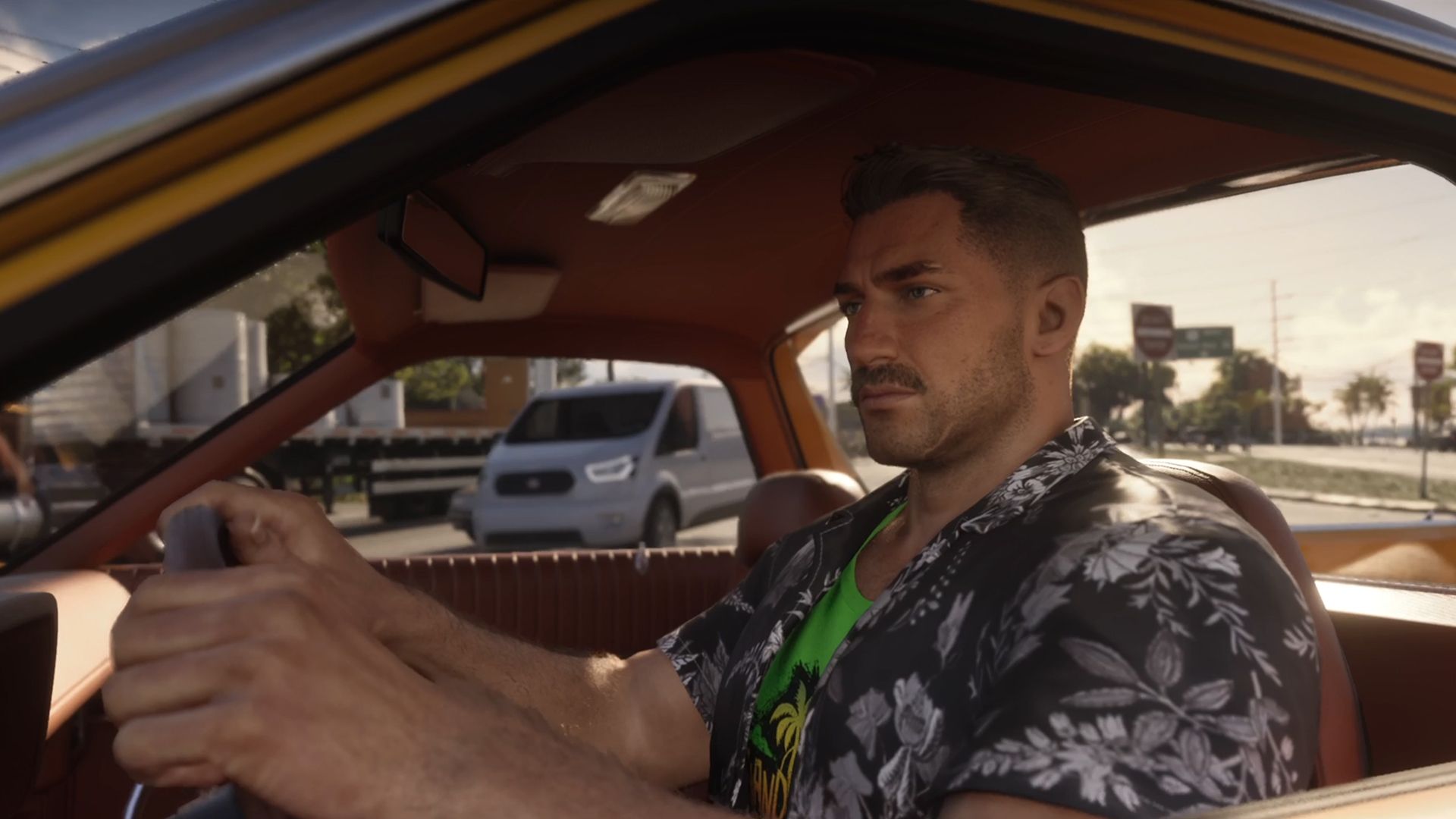
By using auto drive in GTA 6 you get the opportunity to appreciate the level of detail your vehicle has, and how beautiful the world is around you, without the risk of slamming straight into the back of the next car as soon as you hit traffic. When you're not dealing with the controls yourself it can be quite relaxing to cruise around GTA 6, soaking up the sights and generally admiring everything Rockstar has created. To find out how it all works, here's how to enable auto drive in GTA 6.
To use GTA 6 auto drive, you need to be in control of a vehicle and have a destination marker set on your map. From the vehicle, hold Down on the D-pad to access the camera options, then while still holding it press Options (PS5) or Menu (Xbox) to enter the CINEMATIC menu. You'll then see a prompt for ENABLE AUTO DRIVE in the bottom right corner, so hold the appropriate button to get it started.
Jason or Lucia will then begin driving on their own towards the destination, as the camera cycles through various cinematic views. You can use the right stick to move the camera around, and click R3/RS to switch to the next view. The triggers will also let you choose between three driving speeds, to determine how fast your driver will go, and you can change the destination marker on the map at any time to reroute.
We need to be clear that this is certainly not fast travel in GTA 6 , as Jason or Lucia will obey all road rules and spend a lot of time sat in traffic, so it is instead intended as a way to soak up the atmosphere and get some great video footage or screenshots of your journey.
Source link