
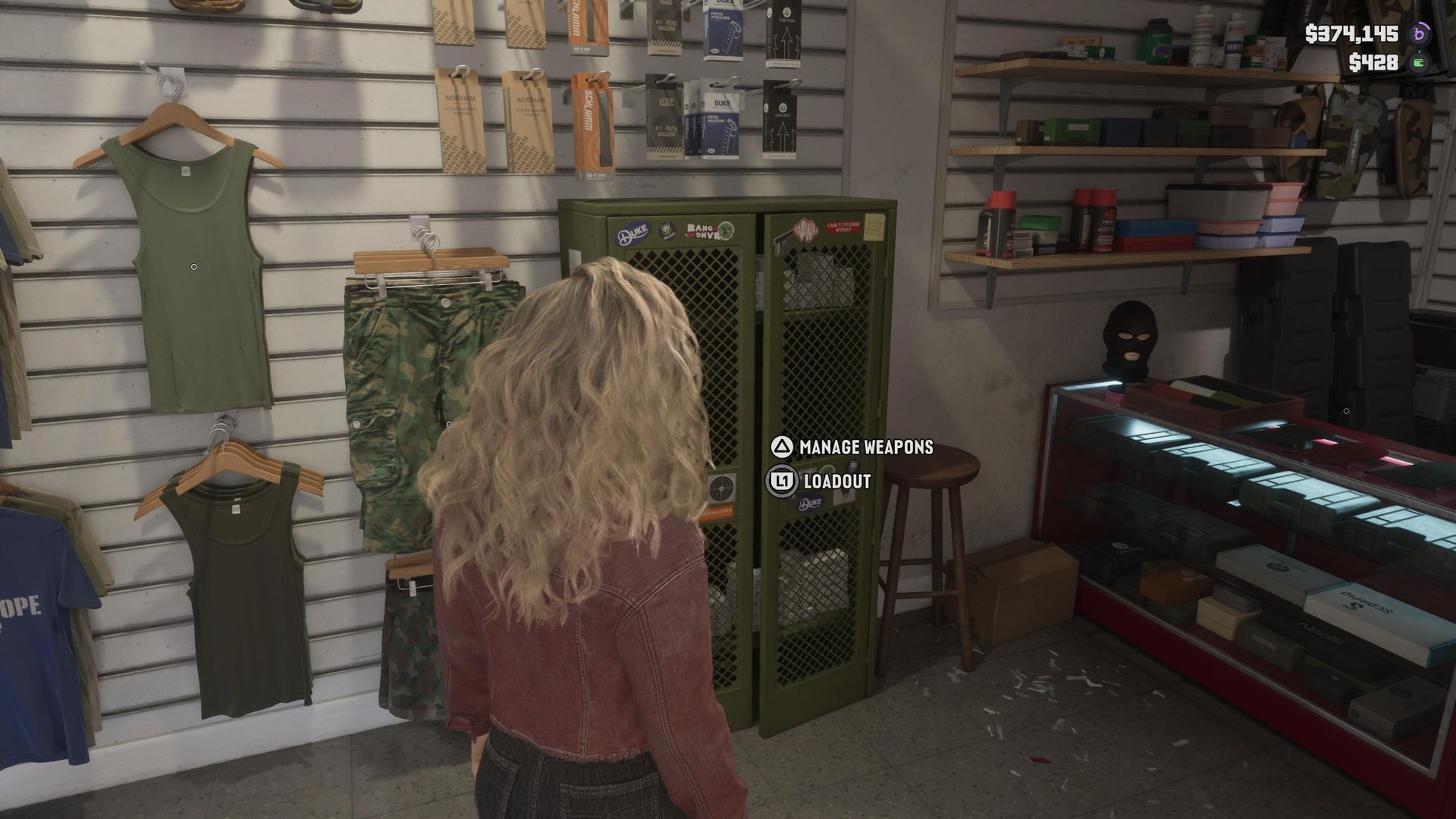
There will come a time during your adventures in GTA 6 that you own too many weapons. This sounds like a great problem to have, but the reality is that it can make quickly equipping your favorite longarms and sidearms from the trunk of your vehicle a bit of a nightmare – particularly if you have the cops or gangs chasing you down.
I've already walked you through the basics of how to manage your loadout in GTA 6, but here's a quick tip to help you get the most out of your best GTA 6 guns.
Most Ammu-Nation stores have a weapons locker – basically every location besides Pawn shop variants. Approach the green locker, and you'll either press L1/LB to manage your loadout or Triangle/Y to manage your weapons.
What you want to do here is click the 'Manage Weapons' option. This will let you see every weapon that you own, all of the Unique Weapon Variants that you have purchased/discovered, and plenty more besides – so long as it's a weapon that you own, this is where you can recover lost or destroyed guns.
The Ammu-Nation Weapons Locker is also where you can add guns to the trunk of your Personal Vehicle in GTA 6 – ensuring that you have fast and easy access to them while on the move. A good tip here is that you can press Square/X on every category of weapon to either add or remove it from your trunk. If there's a weapon you've unlocked but aren't otherwise interested in – remove it from your trunk in GTA 6 to ensure it isn't getting in the way of the weapons you do want access to.
Source link





