
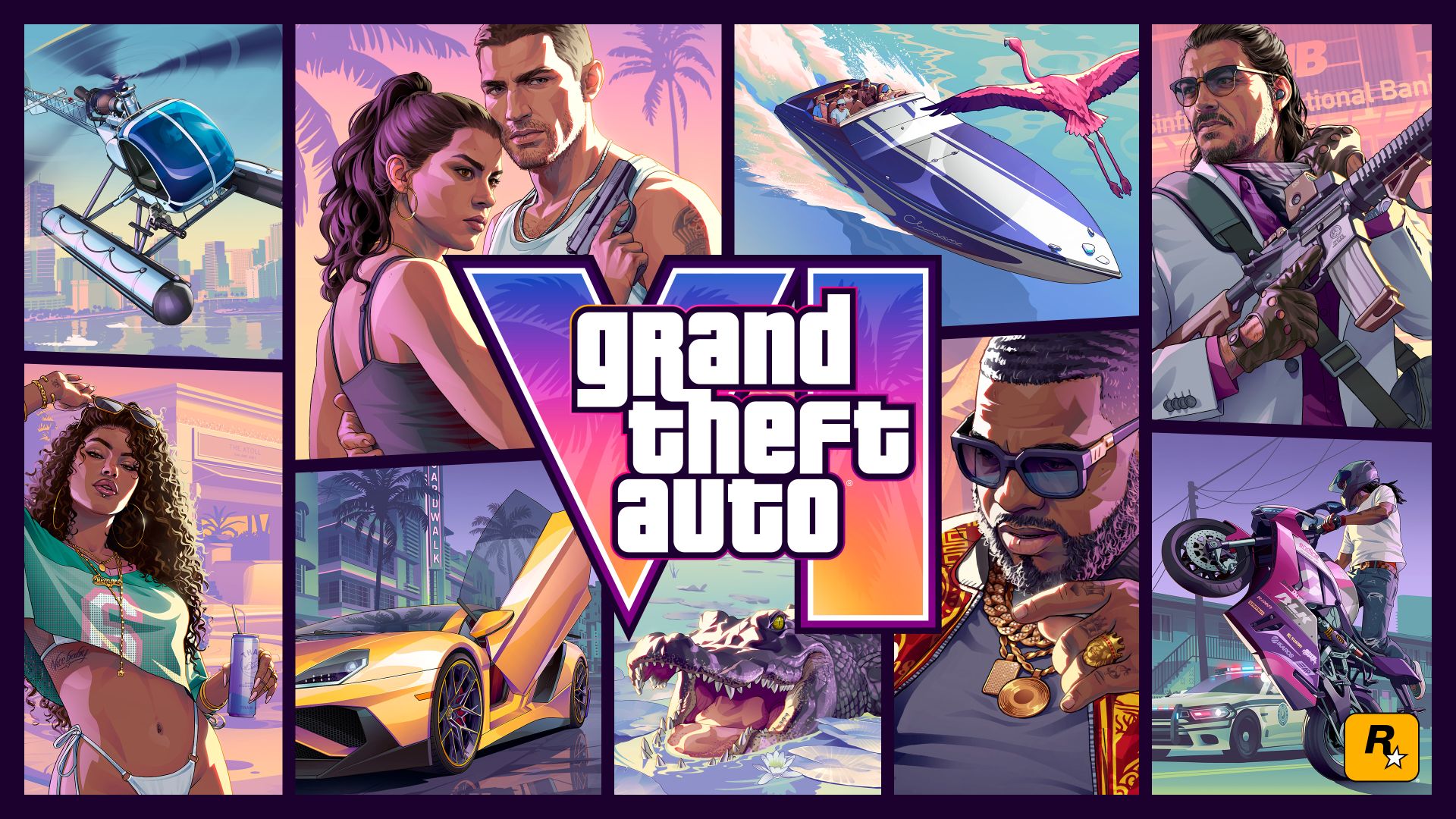
Grand Theft Auto VI supports XBOX Cloud Gaming, making it available to play even without a current-gen console. With XBOX Cloud Gaming, you can play by streaming it straight from the cloud to your XBOX One, or XBOX Series X|S if you’d like to save some hard drive space.
Select Game Pass plans include a monthly allotment of up to 15 play hours, and you can buy more cloud playtime if you need it, giving you the opportunity to experience one of the biggest games of the year on the consoles you already own. The game uses XBOX Series S graphics settings when cloud-streamed with XBOX Cloud Gaming.
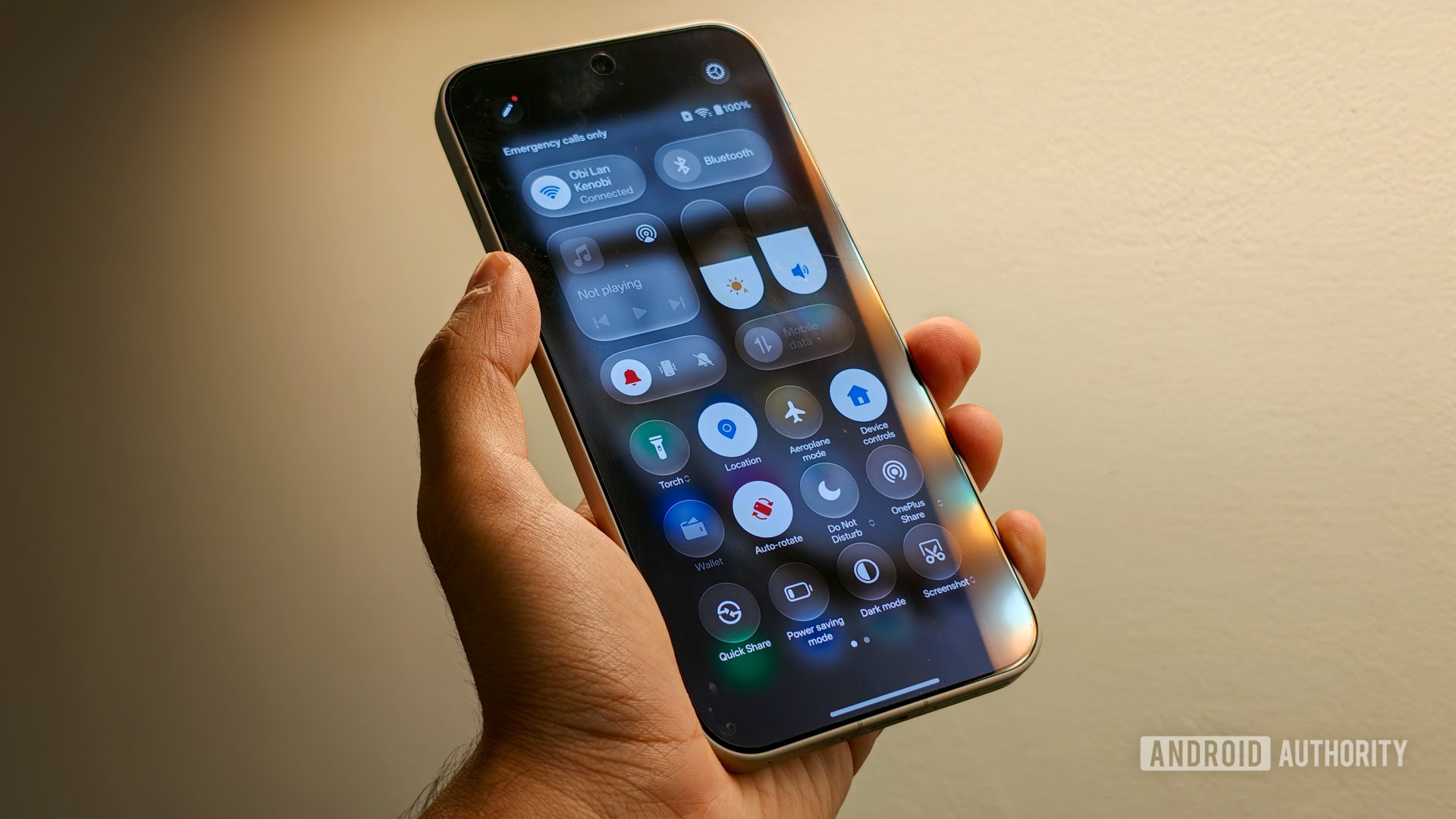
You can also access Remote Play to enjoy Grand Theft Auto VI wherever you want to play, allowing you to stream gameplay directly from your XBOX Series X|S console to devices you already own, like your mobile phone, laptops, PCs, or even a handheld gaming PC like the XBOX ROG Ally.
Here’s how to get these features up and running (a copy of Grand Theft Auto VI from the XBOX Store is required):
To start your Cloud gaming session in Grand Theft Auto VI, you can use the controllers that are connected to your console following these steps:
When possible, connecting a wired Ethernet cable is the best option for gaming quality. FYI, even wireless networks with high bandwidth can occasionally have a dip in audio and video quality.
Remote Play allows you to stream gameplay from your XBOX Series X|S to devices you already own, like mobile devices, PCs, and handheld gaming PCs.
Source link