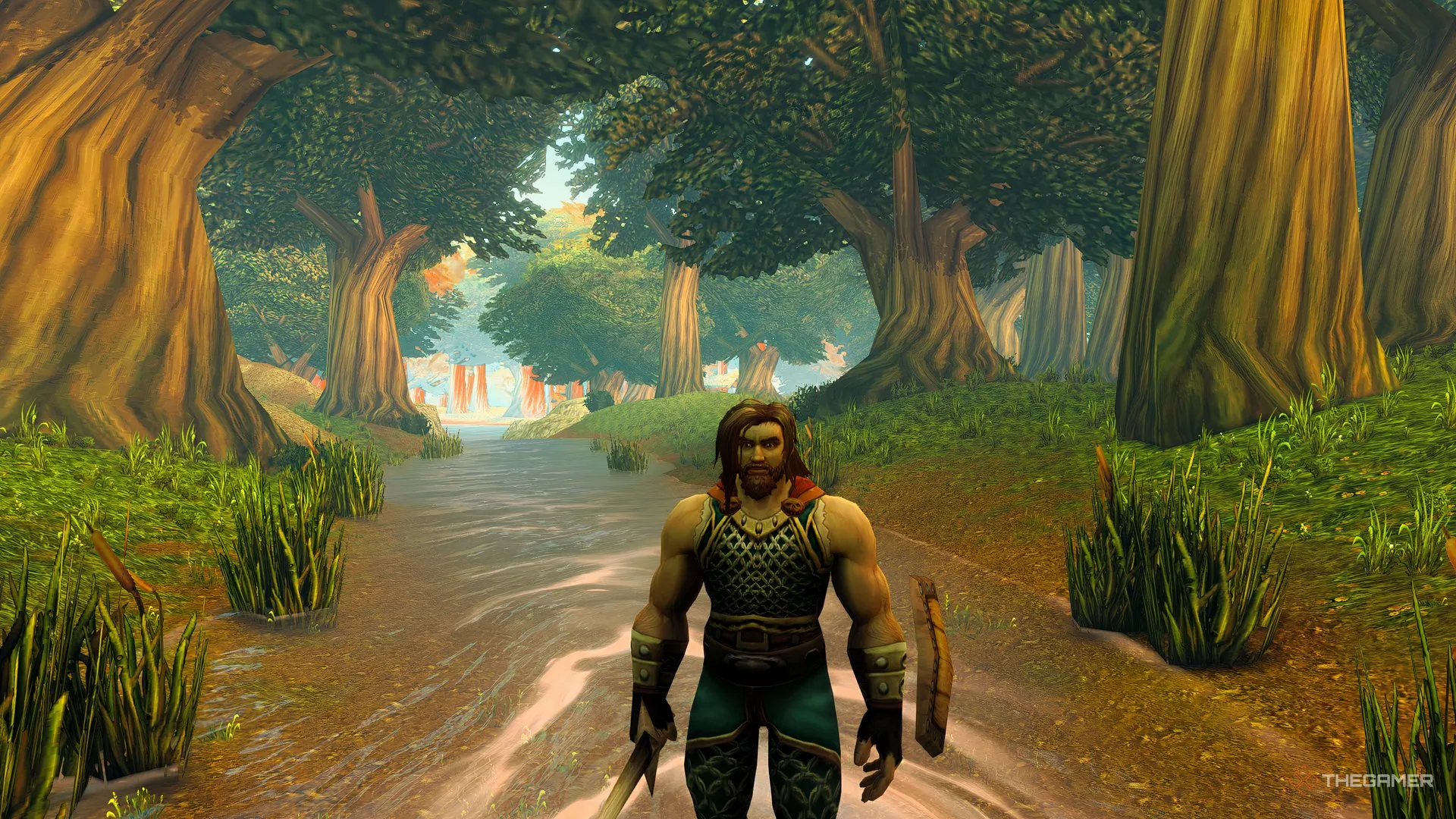
Stop losing friends to phasing in World of Warcraft: Forever — quick world refresh tips to get your party back in Azeroth.
Playing World of Warcraft: Forever with friends is a great way to tackle difficult quests and explore Azeroth. However, joining the same party doesn't always mean you can see each other.
The game uses multiple copies of outdoor zones, commonly called phases or layers, to manage its player population. Because of this, you might find yourself standing in the same location as a party member without being able to see or interact with them. Fortunately, you can move into the same phase without leaving your party.
When you join a party, look near your chat window for a blue notification stating that the world around you will refresh. This message may include a countdown, but you don't have to wait for the timer to expire.
If you previously dismissed the notification, look for a small arrow near your chat window to reopen it.
Unlike some earlier versions of World of Warcraft, joining a party doesn't automatically move you into the same phase as the rest of your party. The refresh system lets you choose when to make that transition.
It's best to refresh somewhere safe because enemies may appear in different locations after changing phases.
Hide your secondary name in World of Warcraft: Forever — quick nameplate steps to keep only your main name visible.
If you're still having trouble joining your friends, here are a few things that have helped me while playing with friends.
Source link