Car crashes in GTA 6 can be rough, destroying your engine and even landing your car upside down; here's how to flip it back over.
Driving is the most convenient way of getting around in GTA 6. While it may not be the fastest, players will almost always have access to a car, which can also be used to carry extra weapons and clothes for whatever job you're headed to.
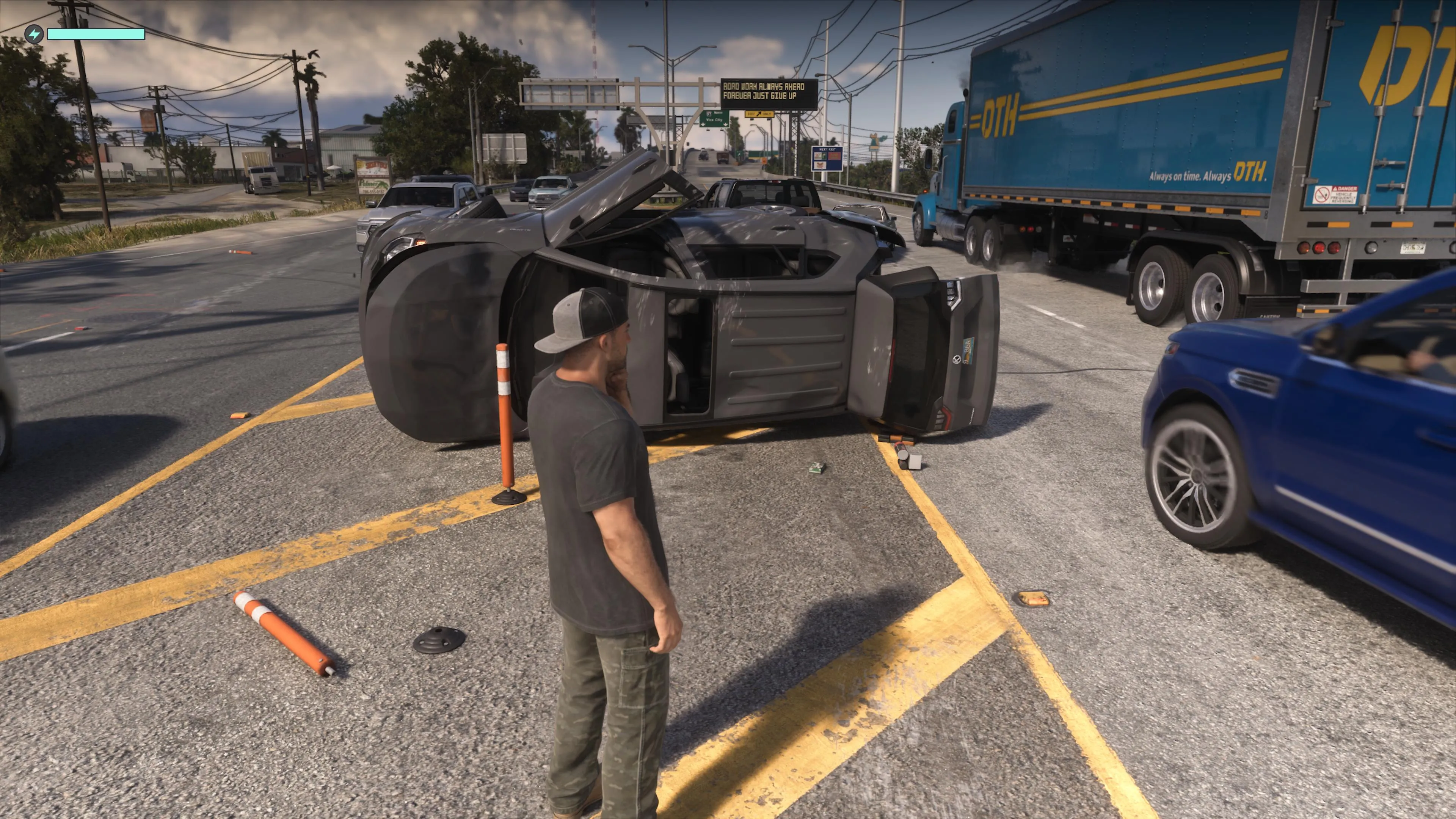
Driving fast may get you where you need to go quicker, but it will also easily lead to very bad wrecks that will damage your car or even lead to it being flipped over. If your car does flip, it's not the end of the world; here's how to flip it back over.
Many situations in GTA 6 will have you making a quick getaway; here's how to leave your car running to get away fast.
Should your car ever get flipped over, you can first exit it with the usual button; the character's method of exiting will be different depending on how your car landed. Once outside of the car, you'll want to walk up to the side of it and continue walking in the direction of the car. An animation will begin where your character begins to push on the car; that's when you know it's ready to flip.
Once the pushing starts, the button to flip the car will appear in the bottom right: X on Xbox and Square on PlayStation . Hold that button for a brief second, and your character will push the car and flip it back over.
Source link