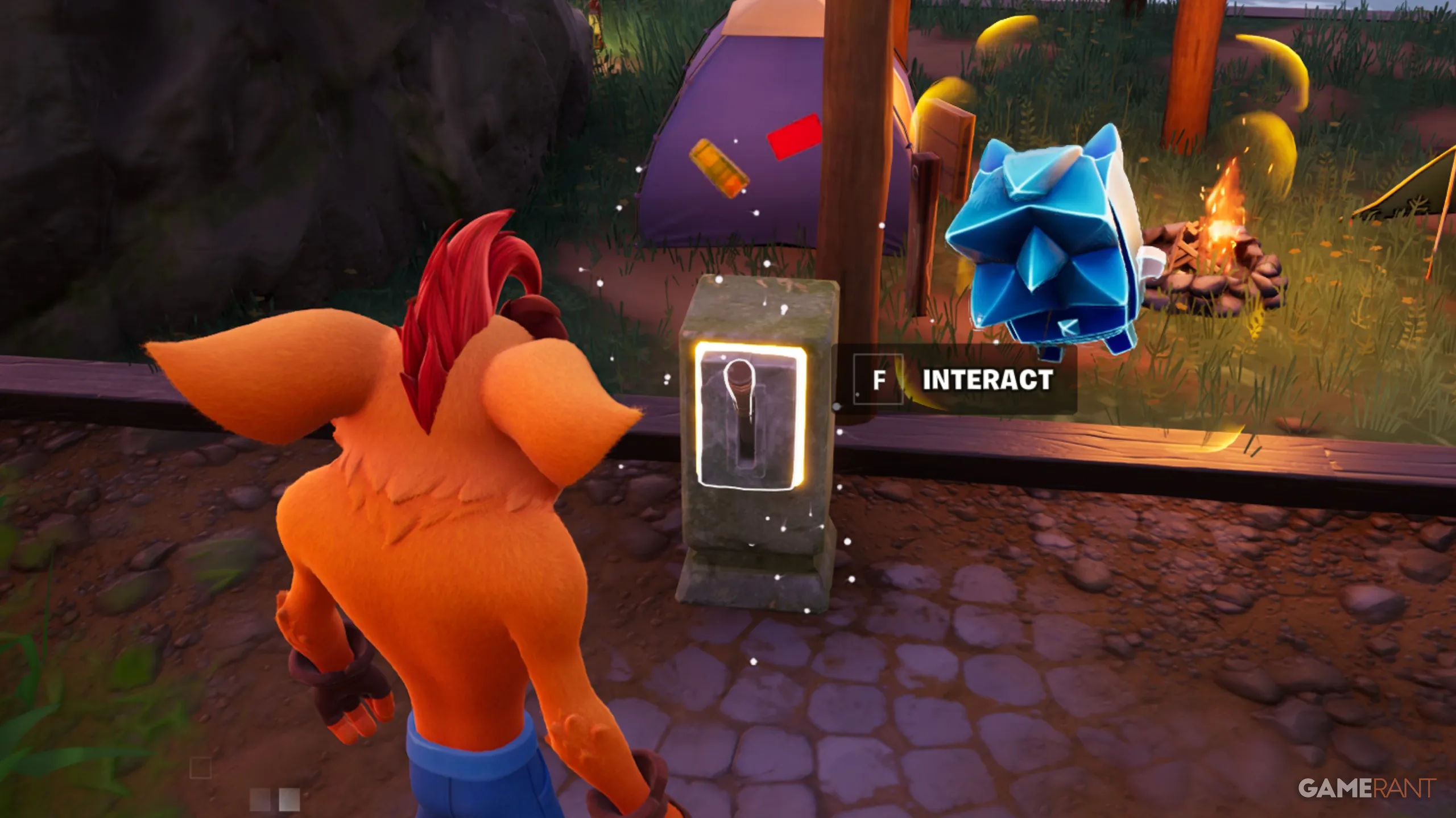
The Sprite Garden lets you place four buildings into your designated area, and of these four buildings, you used to not be able to reposition or delete them in favor of different builds. However, you can now do just that with the newly added lever! If you're not happy with the buildings in your Sprite Garden, or you want to re-adjust their positions to better show off your Sprites, then you can find out how to do so below.
The Earth Sprite on top of your Sprite Garden has been a mystery since it first appeared, but it now has a function. But is it useful?
Once you've built one of the four Sprite buildings in your Sprite Garden, you can find a lever at the front of the building. If you interact with this lever, you are given the option to Flip or Remove:
Buildings can only be flipped or removed, meaning you can't freely position them at specific angles; they can only face forward or backward.
At the moment, that's all you can do with the lever. There are future Sprite Garden updates coming, and we expect more buildings and more functions out of them. Perhaps one day there might even be a room dedicated to Sprite trading? Either way, we'll keep you posted with more information.
For now, just have fun customizing your Sprite Garden so that other players in public lobbies give your Garden a like! Experiment with different building designs and try to place your rarest Sprites from Chapter 7 Season 3 & 4 in full display so everyone knows how much of an avid collector you are.
Source link