Yes, you can disable advanced trackers in Grand Theft Auto 6. Randy may have told you that you can't, but he didn't know about the secret advanced tracker workaround. Mind you, deactivating trackers is a bit of a cheat, since there's no "official" way to do so, but when has that ever stopped anyone?
Here's how to stop advanced trackers from alerting the police in GTA 6 — no matter your speed!
After you've stolen a Zorusso for Randy at the start of Chapter 3, you'll unlock the key cloner, a device that allows you to steal keyless cars. Such cars are usually equipped with trackers. While the standard trackers only prevent you from modding an unowned car, the advanced trackers will alert the police to your location if you drive too slowly.
Initially, you can only steal and sell cars with advanced trackers if they're on Randy's car wish list. Once you've collected most of the cars on this list, you'll unlock the option to sell any car with an advanced tracker to either Randy or a Pay 'N' Spray shop. However, the advanced trackers won't be disabled until the vehicle is registered in your name, so you still need to drive fast enough to disrupt the signal.
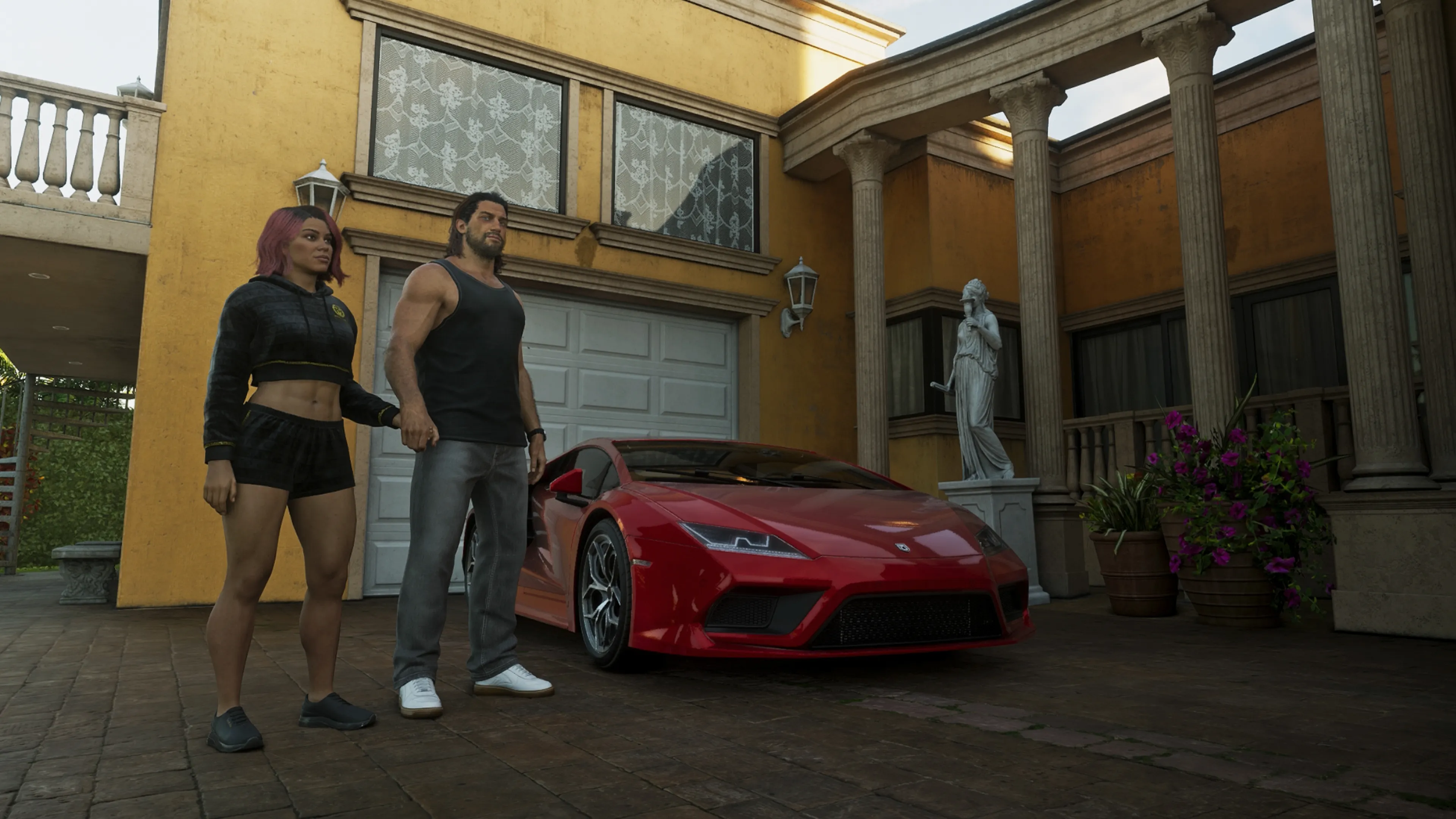
Luckily, you can disable advanced trackers in GTA 6 through teamwork; you must bring your partner and let them drive the stolen vehicle while you lead the way in another car. Here's how it works:
And that's it! You can drive anywhere you like while the stolen car with the advanced tracker follows you.
Source link