
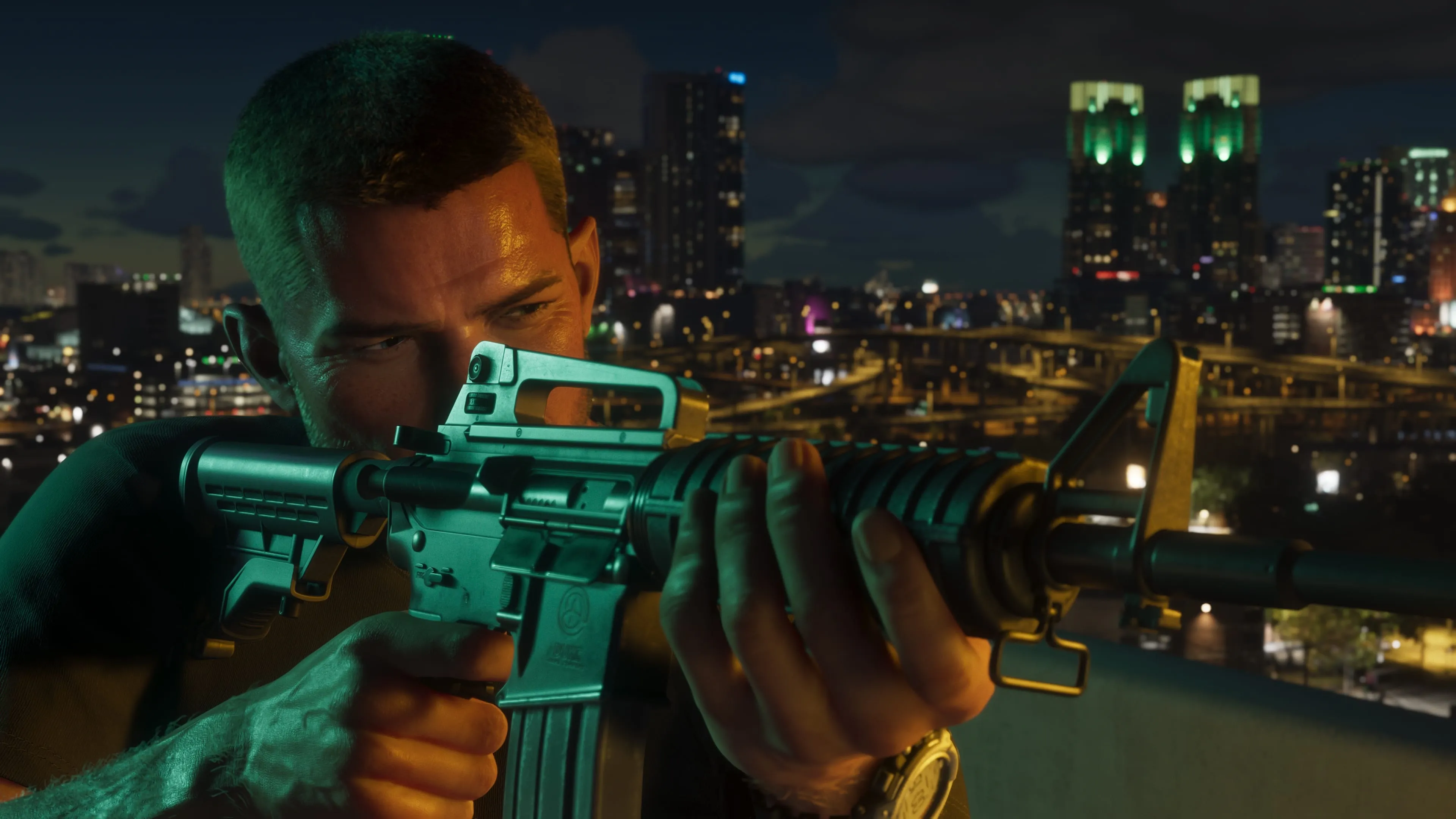
If you find it hard to aim with three dashes, you can change to the good old dot.
One of the first changes that you notice in GTA 6 as soon as the action unfolds is a change in the reticle's shape. In previous GTA games and even in Red Dead Redemption 2, players got accustomed to that small dot on the screen as the reticle, but now a new shape with three dashes has replaced it.
The good news is that you can change the shape through the settings, and the old single dot is still an option. Besides, you have a few other options, allowing you to further adjust the reticle and enjoy using your weapons.
You can use first-person cameras in GTA 6 for shooting. Here's how to enable it.
Pause the game and head to the Settings menu. Now, navigate to the UI tab and scroll all the way down until you find the Reticle section. Here, you have multiple options to customize the reticle, but the one you are looking for is the Reticle Shape, and it comes with four options:
Aside from the shape, you also get to customize the size of the reticle with two different options.
Moreover, you can enable or disable Hit Markers. This represents the four X-like dashes when your bullet hits the target. For a hardcore play style, you can turn this off.
A Persistent Center Dot is also available as an option. With this one enabled, you will always have a center dot on the screen, whether you have a weapon equipped or not.
Source link





