
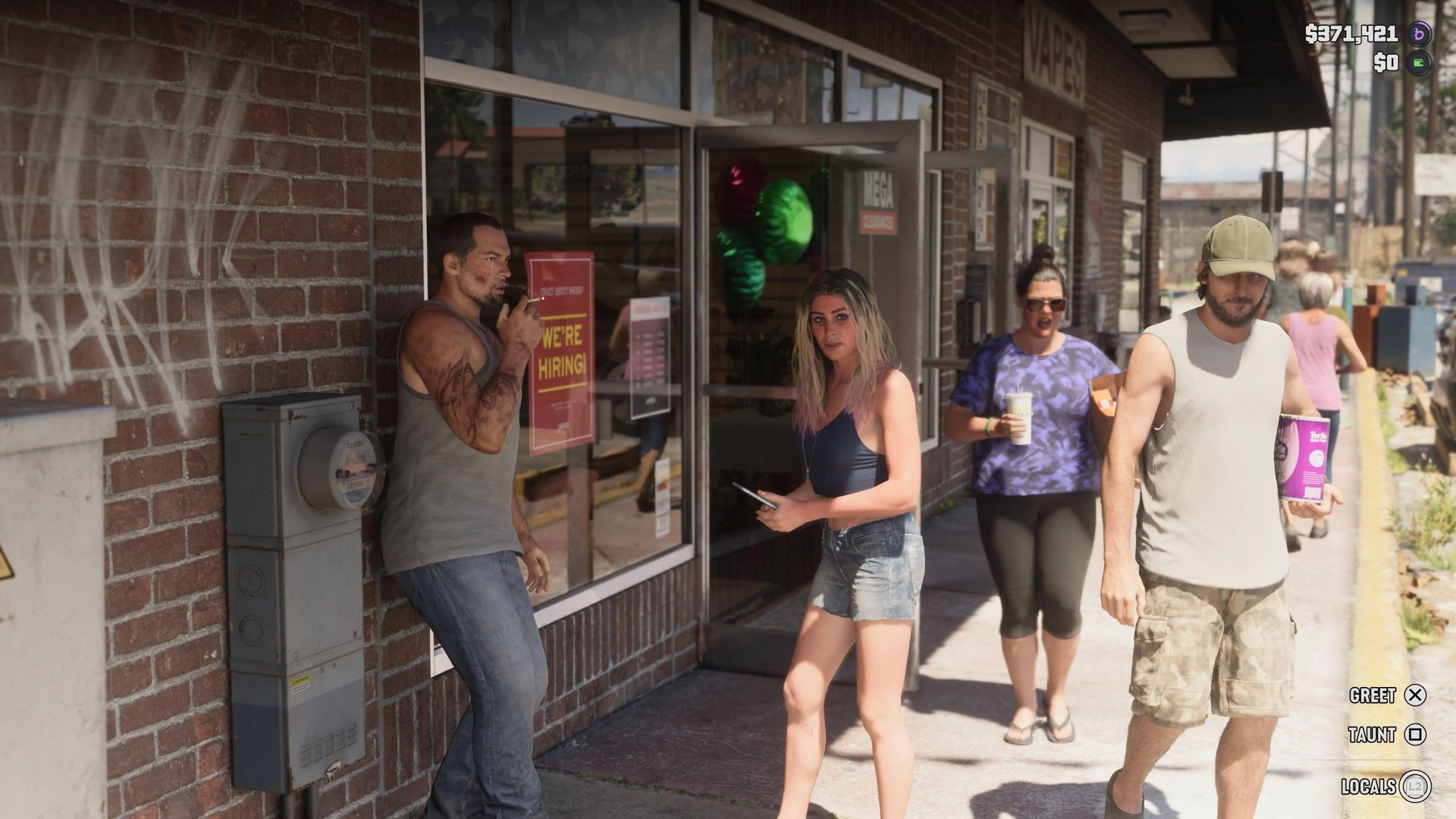
First-person mode for GTA 6 featured in one of the various pre-release leaks, so naturally a lot of you are wondering how to activate it now that you're taking your first steps into Leonida. It's a gorgeous world that's packed with detail, and I'm with you in wanting to get a closer look at some of the gorgeous environments.
I'm sorry to be the bearer of bad news, but there is no first-person mode in GTA 6. It's a little disappointing, given that GTA 5 received the functionality as part of the PS4/Xbox One release in 2014. Sadly, Rockstar has opted out of giving you the option to switch between first-person and third-person in GTA 6, and it's unlikely that it will come in the future.
That all being said, there are certain instances where you can look through the eyes of Jason and Lucia. If you press L2/LT to focus on a character and then click L3 and R3 you can enter first-person in GTA 6 to get a better look at specific items. You can also enter first-person mode when you pull out your phone and when you're in certain vehicles, but that's about it.
If you have modified a weapon in GTA 6 with a scope, you're also able to click R3 whilst you are aiming down sights to enter first-person mode for precision aiming. That's pretty great, all things considered, but if you were hoping to run through the GTA 6 missions in first-person, that's not going to happen.
Source link





