

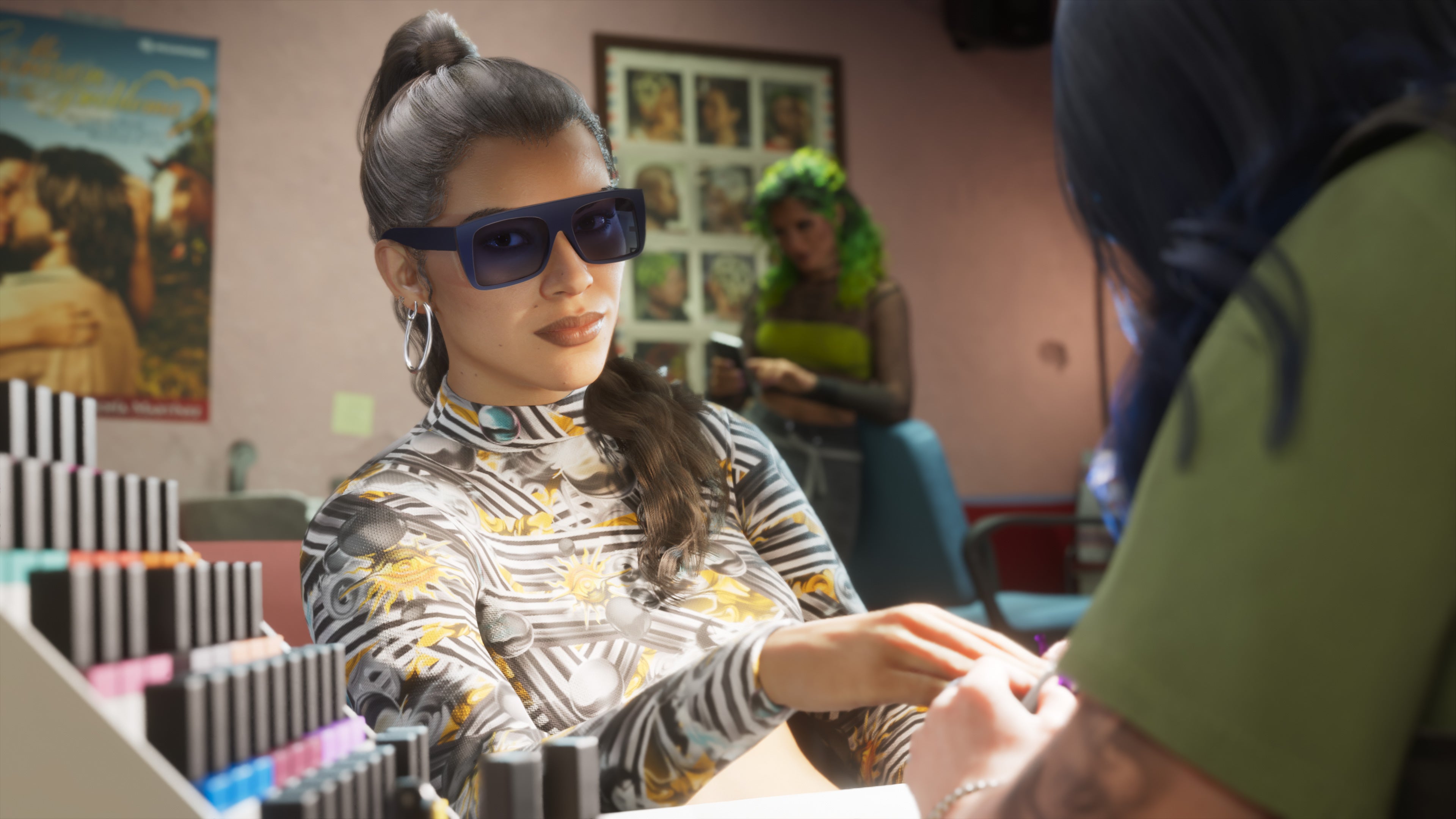
While we'll have to wait a little while longer for a PC version of GTA 6 that you can tweak to your heart's content, there are still some visual dials you can tune to get Vice City looking just a little bit better.
There is a display page in the GTA 6 settings menu that you can get to by pausing the game and going to 'Settings.' Then, hit R1 (PS5) or RB (Xbox) until you get to the 'Display' tab. There are several options available, which are mostly aesthetic, but there are some things you can adjust, like Motion Blur, that can change the way the game feels.
The first couple options are Brightness Calibration and Safe Zone. For the former, adjust the brightness bar until the Rockstar logo is barely visible. I know it's tempting to crank the brightness to make it easier to see things in the environment, but with how much emphasis GTA 6 puts on immersion, it's really just best to follow the instructions here. Plus, I haven't really had any situations where the environment was too dark to see what I'm doing — not yet, at least.
The Safe Zone setting just adjusts the borders of the screen. I'd leave this at its default setting unless there are parts of the game that are getting cropped out of the picture. Then, adjust using the D-pad untill all the white border icons are just visible on the corners of your display.
The next three settings — Player Status Effects Intensity, Hit Effects Intensity, and Awareness Effects Intensity — adjust the way that the screen effect alert you to what's going on with your character.
Source link





