

Android XR now supports the recently standardized OpenXR Spatial Container extensions on devices with Spatial API Level 4 or higher, though notably limited to apps running in Full Space mode.
The recently released OpenXR Spatial Container extensions standardize system-managed spaces in which applications can display volumetric 3D content, similar to how traditional systems place 2D content within windows on a desktop.
Previously, an OpenXR session on Android XR took exclusive control of the device's display. Now, Spatial Containers on Android XR let apps render 3D content inside a bounded 3D volume or transition into an unbounded, immersive mode similar to a conventional OpenXR app.
Android XR handles each Spatial Container's window controls and placement. When a container is focused and interactive, you can interact directly with the 3D content inside the volume using hand tracking, eye gaze, or 6DoF controllers.
This new integration makes it possible to combine Jetpack Compose UI, standard 2D Android activities, and OpenXR-based 3D content in a single app. The 3D content can be rendered using game engines such as Unity or Godot, or implemented directly with native OpenXR.
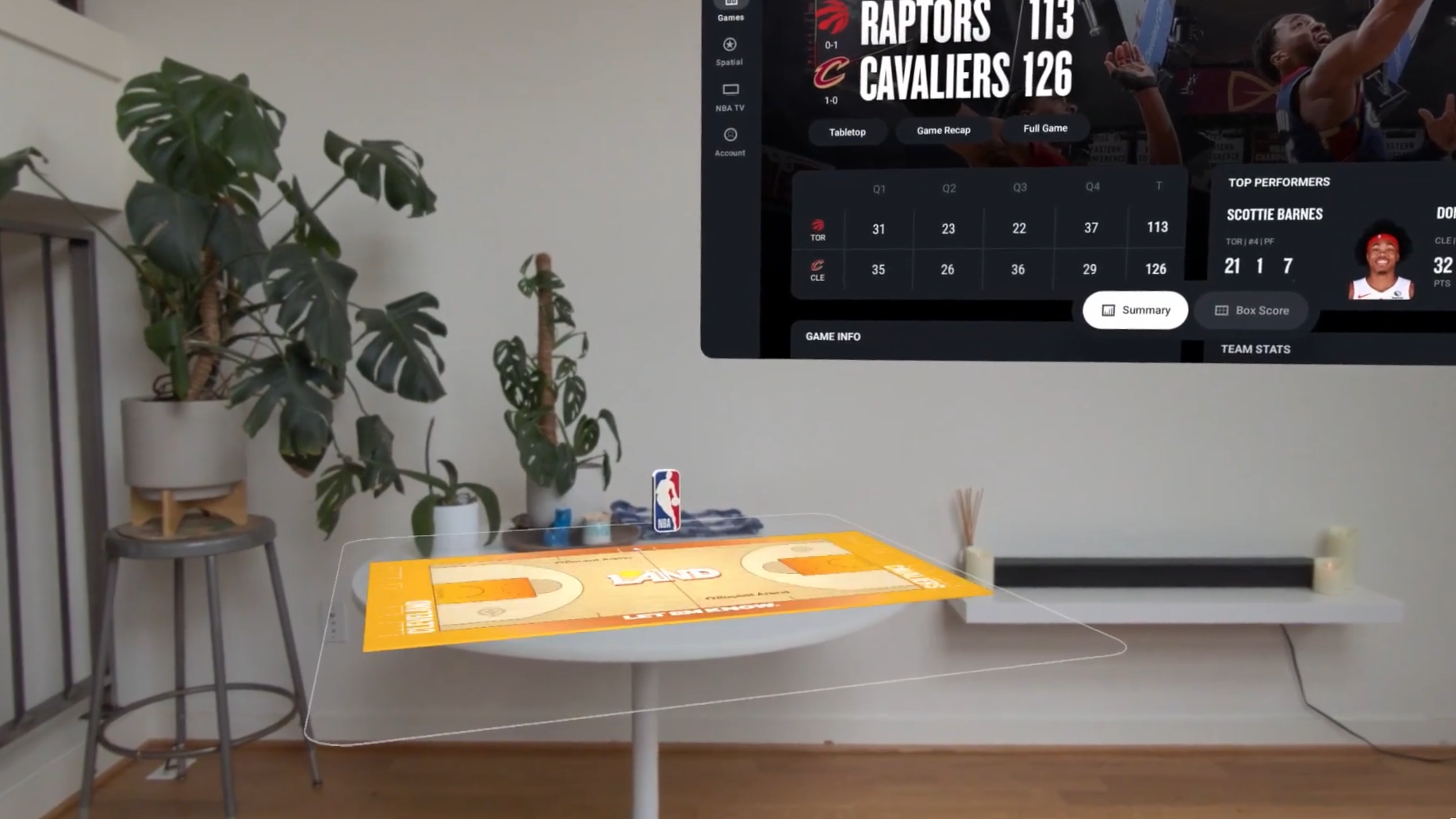
The NBA app is among the first to demonstrate this new functionality, leveraging it to provide a feature called Court View.
The app's main interface is built with Jetpack Compose, while select games now feature volumetric 3D court scenes rendered using Unity. This is similar to the feature introduced as Tabletop in the NBA app for Apple Vision Pro, which is now also called Court View.
The NBA app's Court View feature as shown at Google I/O 2026 .
Source link





